




01. Edit your form online
Type text, add images, blackout confidential details, add comments, highlights and more.

Type text, add images, blackout confidential details, add comments, highlights and more.

Draw your signature, type it, upload its image, or use your mobile device as a signature pad.

Send it via email, link, or fax. You can also download it, export it or print it out.
Online forms are digital versions of traditional paper forms used for collecting information, processing requests, or facilitating transactions over the internet. They serve various purposes such as registrations, surveys, applications, feedback collection, and more. Forms online can vary greatly in complexity, from simple contact forms to multi-page forms for legal or governmental processes. They streamline data collection by allowing users to enter information directly into a digital interface, which can then be processed electronically without the need for physical paperwork.
Using an online form typically involves several straightforward steps that are designed to be user-friendly and efficient. Below is a general guide to navigating the process:
Locate the Required Form: Identify the correct online form you need by visiting the website or portal that hosts the form. Look for sections like "Forms," "Applications," or similar tabs.
Read Instructions Carefully: Before filling out the form, carefully read any instructions or guidance provided to ensure you understand what is required.
Enter Information: Input your data into the fields provided. This could include typing information, selecting from dropdown menus, or ticking checkboxes.
Review Your Entries: Check all inputs for accuracy. Ensure all mandatory fields are completed to avoid submission errors.
Submit the Form: Click the submit button to send your information to the relevant party. A confirmation may be provided upon successful submission.
Follow Up If Necessary: Sometimes, further action or additional information may be required. Keep an eye on any follow-up communications via email or online portals.
Finding and accessing the appropriate online form is a crucial step in the process:
The process of filling out online forms involves systematic stages:
Adopting online forms over traditional paper methods offers numerous advantages:
When working with online forms, several critical terms and concepts are important to understand:
Legal considerations are crucial when dealing with forms online, particularly for official or governmental documents:
Online forms typically include several core components essential for functionality:
Each of these elements plays a vital role in the ease of use and effectiveness of an online form, ensuring that users can complete their tasks efficiently and without unnecessary complications.
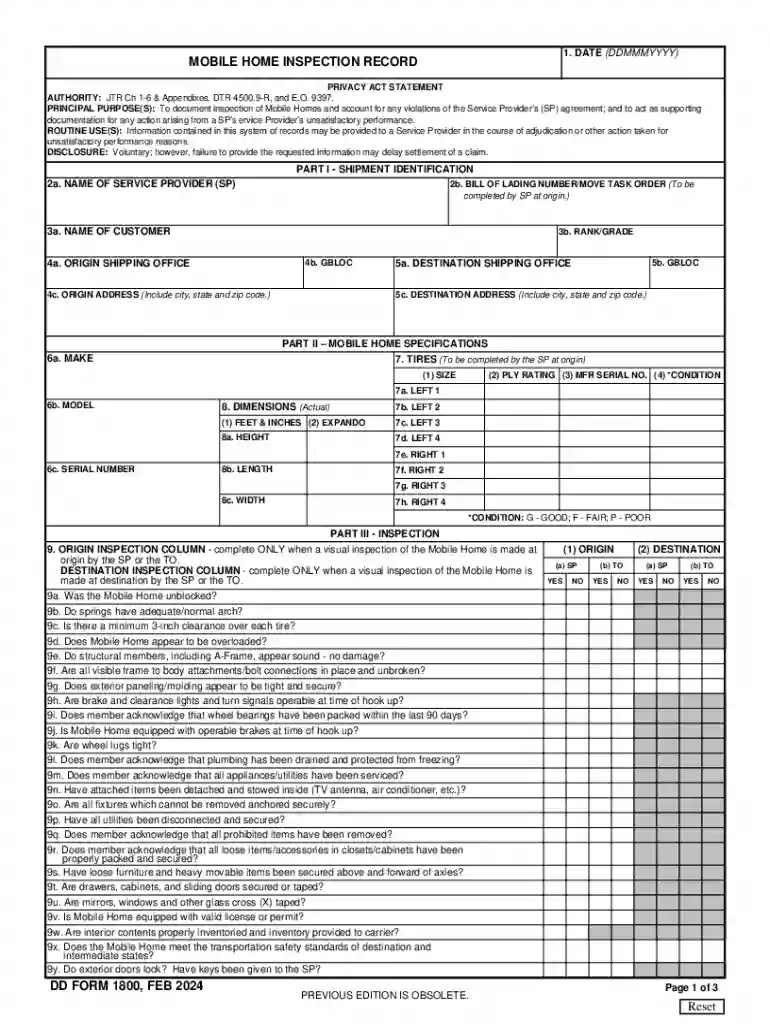
We've got more versions of the DD Form 1800 Mobile Home Inspection Record form. Select the right DD Form 1800 Mobile Home Inspection Record version from the list and start editing it straight away!
At DocHub, your data security is our priority. We follow HIPAA, SOC2, GDPR, and other standards, so you can work on your documents with confidence.

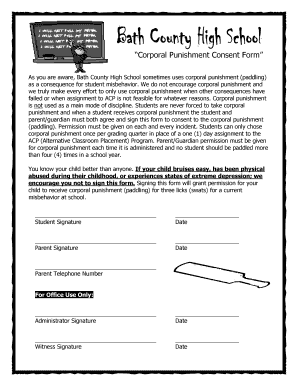
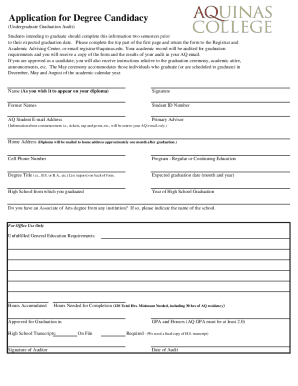
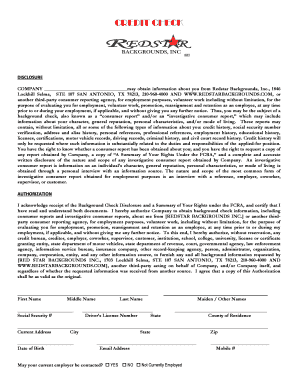



Forms Management Enterprise activated Commercial Mobile Devices CMDs in the Air Force are government-issued smart phones and tablets IAW DoD Commercial MobileRead more
Mar 18, 2026 DD Form 1800Mobile Home Inspection Record Annual Burden Hours: 25,267.7. Number of Respondents: 833. Responses per Respondent: 364. Annual


