




01. Edit your greater boston real estate board online
Type text, add images, blackout confidential details, add comments, highlights and more.

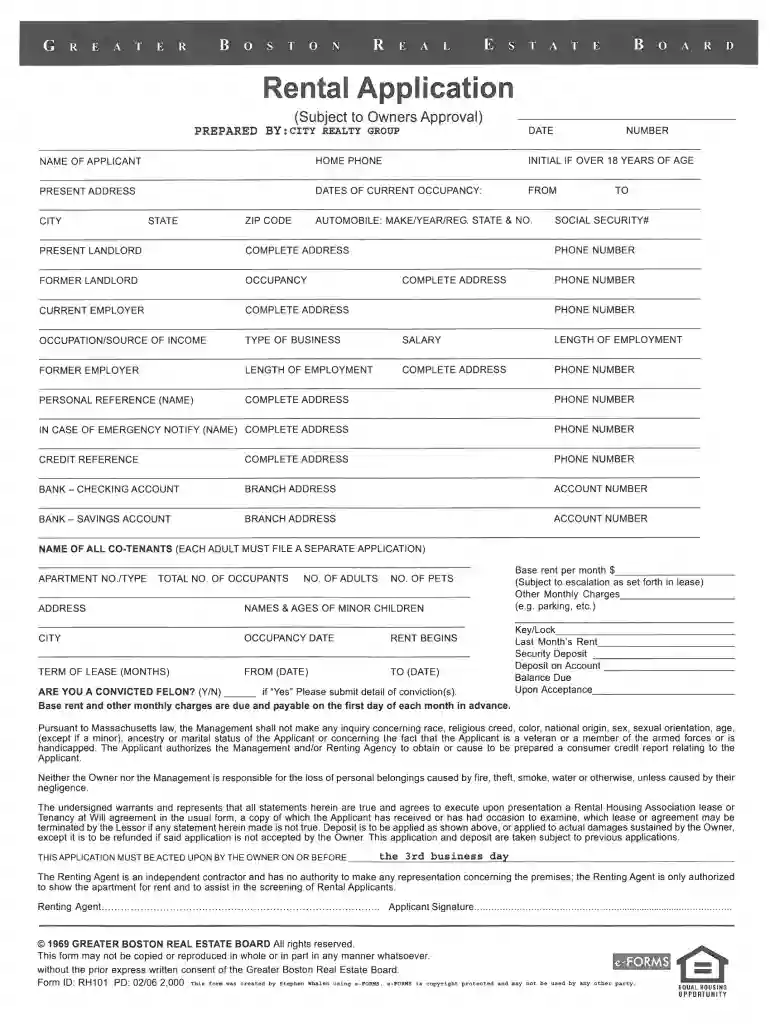
Type text, add images, blackout confidential details, add comments, highlights and more.

Draw your signature, type it, upload its image, or use your mobile device as a signature pad.

Send boston real estate board via email, link, or fax. You can also download it, export it or print it out.

Start using our platform today to streamline your Greater Boston Real Estate Board form completion!
At DocHub, your data security is our priority. We follow HIPAA, SOC2, GDPR, and other standards, so you can work on your documents with confidence.




The Board of Registration of Real Estate Brokers and Salespersons licenses qualified individuals, businesses, and schools who meet the requirements.Read more
KGI is a real estate development company operating throughout New England; the company primarily builds and manages shopping centers. Despite organizedRead more
The Real Estate Finance Association (REFA), a division of the Greater Boston Real Estate Board (GBREB), is a commercial real estate business associationRead more


