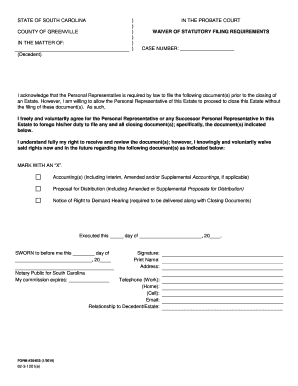
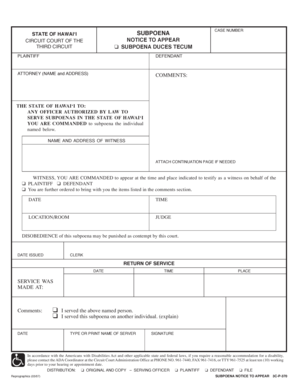
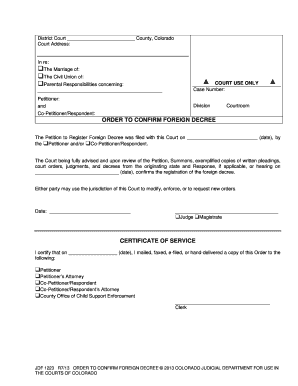
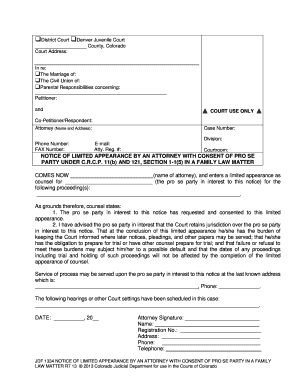
01. Edit your form online
Type text, add images, blackout confidential details, add comments, highlights and more.

Type text, add images, blackout confidential details, add comments, highlights and more.

Draw your signature, type it, upload its image, or use your mobile device as a signature pad.

Send it via email, link, or fax. You can also download it, export it or print it out.
The term "form online" generally refers to digital documents that users can access, complete, and submit via the internet. These forms are designed to facilitate various applications, requests, or informational submissions across different sectors, including government, healthcare, education, and business. Digitalization eliminates the logistical challenges associated with paper-based forms, providing a streamlined workflow for users who need to fill out or distribute documents remotely. Online forms can range from simple contact information submissions to complex legal or tax documents that require specific data inputs and adherence to precise guidelines.
To effectively utilize online forms, begin by locating the correct form required for your needs, which might be hosted on a website, platform, or app designed for document management, like DocHub. Read any included instructions to understand what information is needed. Enter your data into each field carefully, ensuring accuracy and completeness. Many online forms offer features such as auto-fill capabilities, dropdown menus, and checkboxes to streamline the process. Once completed, you will likely have options to save, review, or submit the form online. Review entries for errors or omissions before finalizing submission to avoid potential processing delays.
Using forms online offers numerous advantages including convenience, efficiency, and security. It removes the need to travel to physical locations to obtain or submit documents. Online forms can be filled out and submitted at any time, providing flexibility for users to work within their schedules. Additionally, digital forms often include built-in validations to minimize errors, ensuring higher accuracy in data entry. They also reduce physical paperwork, minimizing both environmental impact and the space required for storage. Security features, such as encryption and password protection, safeguard sensitive information, making online forms a reliable choice for personal and professional use.
Online forms cater to a diverse audience, including individuals, businesses, and organizations. Individuals often use these forms for personal purposes such as applying for loans, jobs, or educational programs. Businesses employ online forms for client onboarding, employee information collection, and financial transactions. Governmental and non-profit organizations utilize these forms to gather data from constituents and beneficiaries. Due to the global shift towards digital operations, most sectors have adopted online forms for various tasks, appealing to anyone valuing efficiency, accuracy, and secure data handling in their professional or personal dealings.


Successful online forms include several critical components that facilitate user interaction and data entry:
Online forms often serve a pivotal role in legal processes, replacing traditional paperwork with digital equivalents. When correctly formatted and executed, these forms hold the same legal weight as signed paper documents. It is crucial to ensure compliance with relevant legal frameworks, such as the Electronic Signatures in Global and National Commerce (ESIGN) Act in the U.S., which provides standards for electronic records and signatures to be legally recognized. Legal entities, as well as businesses dealing with contracts or agreements, can utilize online forms to achieve efficiency while maintaining adherence to legal requirements.
In the United States, certain online forms must comply with specific state regulations, depending on the form's nature and purpose. For example, state tax forms or health care documents might have unique requirements or guidelines that vary by jurisdiction. It's essential to verify any state-specific mandates that apply to your form to ensure compliance. Most official websites or document management platforms like DocHub provide access to state-specific guidelines or direct links to state government resources, facilitating adherence to local laws and avoiding possible penalties or processing delays.
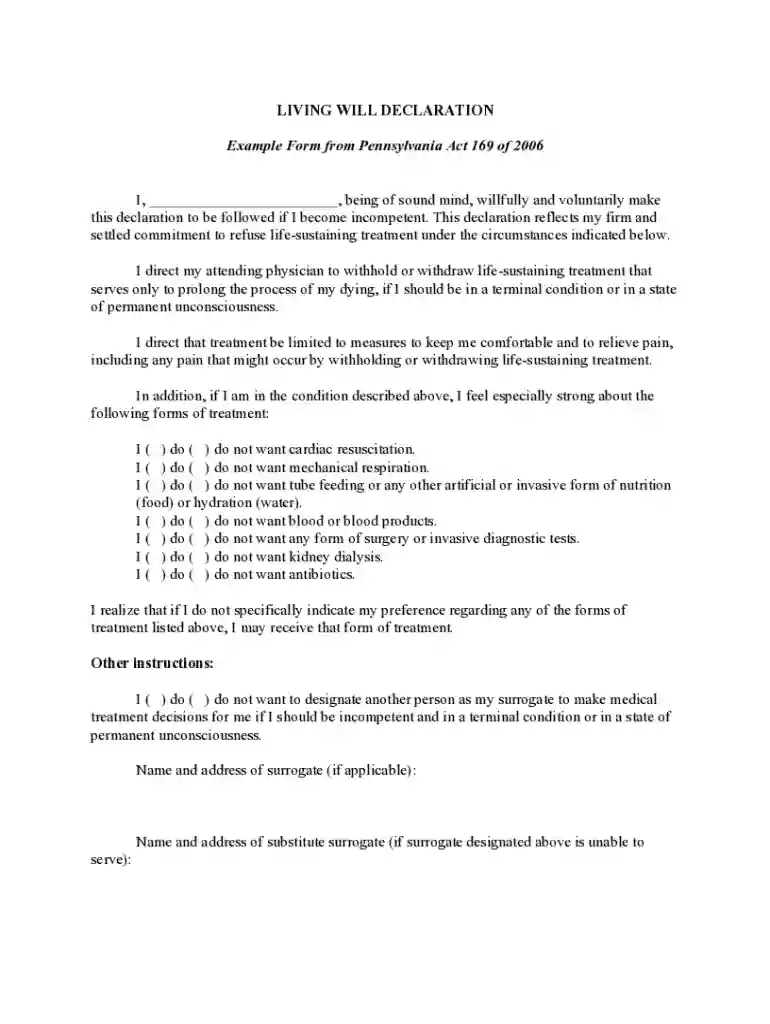
We've got more versions of the Pennsylvania Living Will Declaration form. Select the right Pennsylvania Living Will Declaration version from the list and start editing it straight away!
At DocHub, your data security is our priority. We follow HIPAA, SOC2, GDPR, and other standards, so you can work on your documents with confidence.