01. Edit your form online
Type text, add images, blackout confidential details, add comments, highlights and more.

Type text, add images, blackout confidential details, add comments, highlights and more.

Draw your signature, type it, upload its image, or use your mobile device as a signature pad.

Send it via email, link, or fax. You can also download it, export it or print it out.
The term "form online" refers to any document or template that can be filled out, submitted, or managed through a digital platform. Online forms are prevalent in applications ranging from tax submissions to business applications. They provide a more convenient and efficient way to handle paperwork compared to traditional paper forms. By being available online, these forms ensure accessibility and streamline processes across various sectors.
Forms can typically be accessed through official websites of the issuing entity. For instance, governmental forms are found on respective government portals, while business and application forms can be accessed through corporate websites. Platforms like DocHub allow you to import forms directly, providing easy access and manipulation from devices without needing additional software.
Online forms must comply with legal standards to be considered valid. The ESIGN Act, for instance, governs electronic signatures' legality within the United States, ensuring that online submissions are binding. When completing forms for official purposes, such as taxes or contracts, ensure that all sections are filled accurately and completely to avoid any legal issues.
Online forms are often compatible with software like TurboTax and QuickBooks, enhancing their utility for financial applications. Integration with platforms like Google Workspace allows seamless interaction with existing workflow systems, enabling users to manage forms directly from tools they already use.
Forms can vary significantly based on their purpose. Tax forms, application forms, and contractual documents all serve different functions but share the same digital adaptability. Alternatives to traditional online forms include interactive PDFs and digital applications that provide a more customized user experience.
Each of these scenarios highlights the flexibility and broad applicability of online forms, making them an essential tool in today's digital landscape.
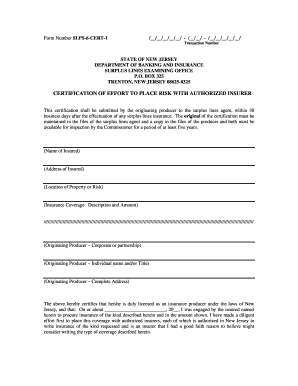
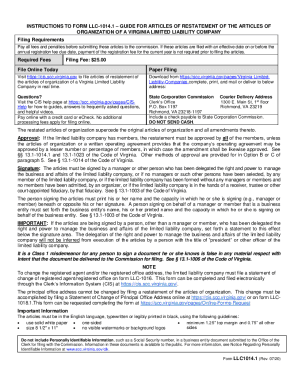
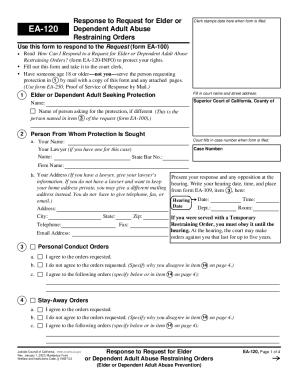
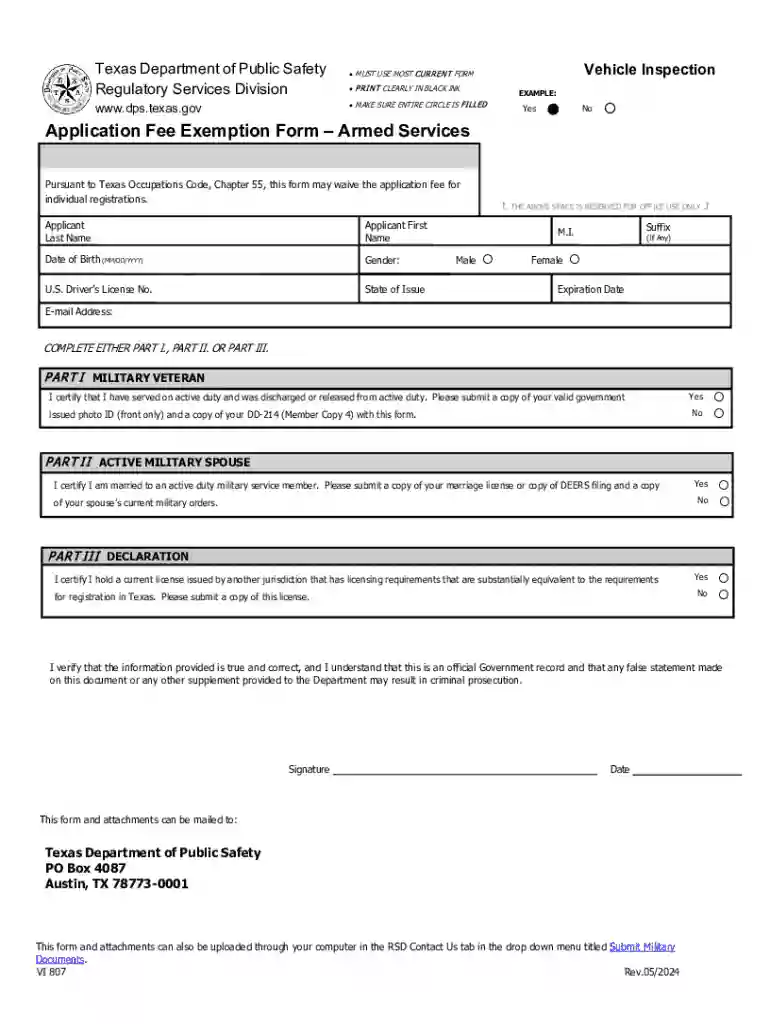
We've got more versions of the Texas Application Fee Exemption Form form. Select the right Texas Application Fee Exemption Form version from the list and start editing it straight away!
At DocHub, your data security is our priority. We follow HIPAA, SOC2, GDPR, and other standards, so you can work on your documents with confidence.