Submittal template - Fill Out and Sign Printable PDF 2026

Get Form
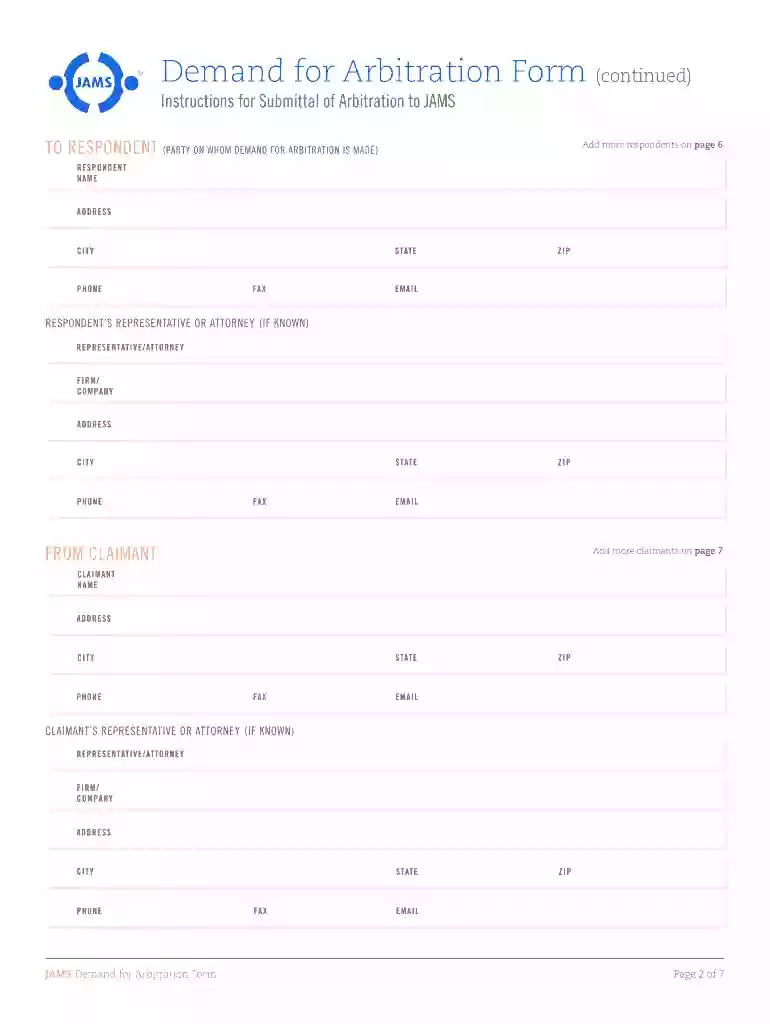
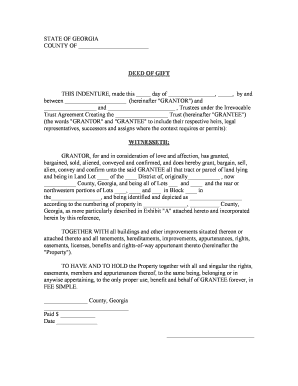
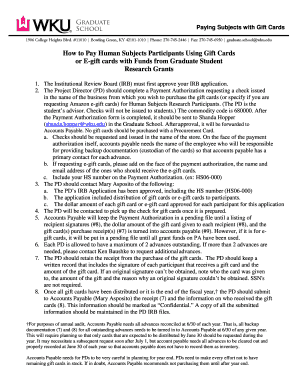
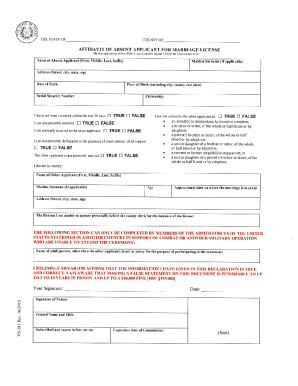
Submittal template - Fill Out and Sign Printable PDF Preview on Page 1

Here's how it works

01. Edit your form online
Type text, add images, blackout confidential details, add comments, highlights and more.

02. Sign it in a few clicks
Draw your signature, type it, upload its image, or use your mobile device as a signature pad.

03. Share your form with others
Send it via email, link, or fax. You can also download it, export it or print it out.

Definition and Purpose of the Submittal Template

The "Submittal template - Fill Out and Sign Printable PDF" serves as a standardized document framework that facilitates the submission of essential information to various parties for approval, review, or compliance purposes. Submittal templates are predominantly used in industries like construction, architecture, and engineering to ensure that documents such as specifications, drawings, or project reports are consistently formatted and contain all necessary data for evaluation and record-keeping.

Key functions of submittal templates include:

  • Providing a uniform format for presenting data across different projects.
  • Including fields and sections for detailed information such as project title, document number, date, and contact details.
  • Streamlining the submission and review workflow, fostering better organization and efficiency in document management.

How to Obtain the Submittal Template

The Submittal template can be acquired through several platforms, including specialized document management software and online PDF services like DocHub. To obtain the template:

  1. Access the website or platform that provides the template (e.g., DocHub).
  2. Navigate to the appropriate section or use the search function to find the Submittal template.
  3. Download the template directly to your computer or import it into an online editor for immediate use.

These steps ensure users can swiftly and effortlessly gain access to the template, enhancing productivity by reducing the time spent searching for the necessary forms.

Steps to Complete the Submittal Template

Successfully completing a Submittal template involves several crucial steps to ensure all required information is presented accurately:

  1. Download and Open the Template:

    • Import the template into PDF editing software like DocHub to enable easy access to advanced editing features.
  2. Fill Out Essential Details:

    • Enter project-specific information, including the project title, ID, date, and contact information.
  3. Include Supporting Documents:

    • Attach relevant documents such as drawings, specifications, or reports that need to be evaluated alongside the submittal.
  4. Review and Edit:

    • Double-check all entered data for accuracy and completeness. Edit any incorrect or missing information before finalizing.
  5. Sign and Submit:

    • Use electronic signature tools in DocHub to legally sign the document, ensuring compliance with industry standards.
    • Submit the document to the relevant parties through email or the designated document management system.

Importance of Using the Submittal Template

Using a Submittal template ensures consistent documentation practices within a project, offering several advantages:

  • Standardization: Maintains a consistent presentation of data across projects, ensuring easy interpretation and review.
  • Time Efficiency: Reduces time spent formatting documents manually, as the template includes all necessary sections and fields.
  • Error Reduction: Minimizes the chances of omitting critical information through a guided structure that highlights all required data points.

Who Typically Uses the Submittal Template

The primary users of Submittal templates include professionals in sectors such as construction, architecture, and engineering who require:

  • Project managers coordinating the exchange of designs and specifications between teams.
  • Contractors submitting their plans and products for approval by architects or project owners.
  • Engineers documenting compliance with regulatory requirements through detailed submittals.

These users rely on the structured format of Submittal templates to facilitate clear and effective communication of project details.


decoration image ratings of Dochub

Legal Use of the Submittal Template

Submittal templates must conform to applicable legal standards to be used correctly in professional settings. This includes:

  • Compliance with industry regulations and standards governing documentation practices.
  • Usage of electronic signatures that adhere to the ESIGN Act for legal bindingness and authenticity.
  • Ensuring accurate representation of project details to prevent possible legal disputes or project delays.

Key Elements of the Submittal Template

The Submittal template consists of several fundamental components that are crucial for its effectiveness:

  • Header Information: Includes the title, project number, and date to identify the document quickly.
  • Contact Details: Lists the company, submitter, and recipient information for communication clarity.
  • Content Sections: Provides fields for project descriptions, specifications, and any notes or comments.
  • Attachments: Space for indicating included documents like drawings or plans that support the submittal's content.

These elements collectively ensure the comprehensiveness and utility of the Submittal template in formal documentation processes.

State-Specific Rules for Submittal Templates

While Submittal templates are widely used across various jurisdictions, state-specific rules may affect their usage and content:

  • Certain states may have unique regulations that necessitate additional information or modifications in the template.
  • Compliance with state-specific construction or project management standards might require adaptation in document language or new sections.

It's essential for users to verify and customize the template to address any regional requirements, ensuring full compliance and functionality within their specific context.

be ready to get more

Complete this form in 5 minutes or less

Get form

Security and compliance

At DocHub, your data security is our priority. We follow HIPAA, SOC2, GDPR, and other standards, so you can work on your documents with confidence.
Learn more
ccpa2
pci-dss
gdpr-compliance
hipaa
soc-compliance