






Definition and Meaning
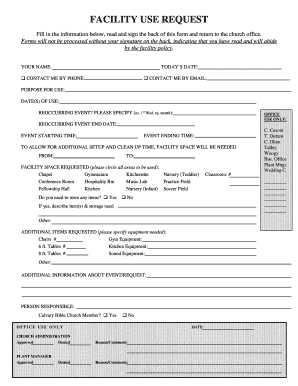
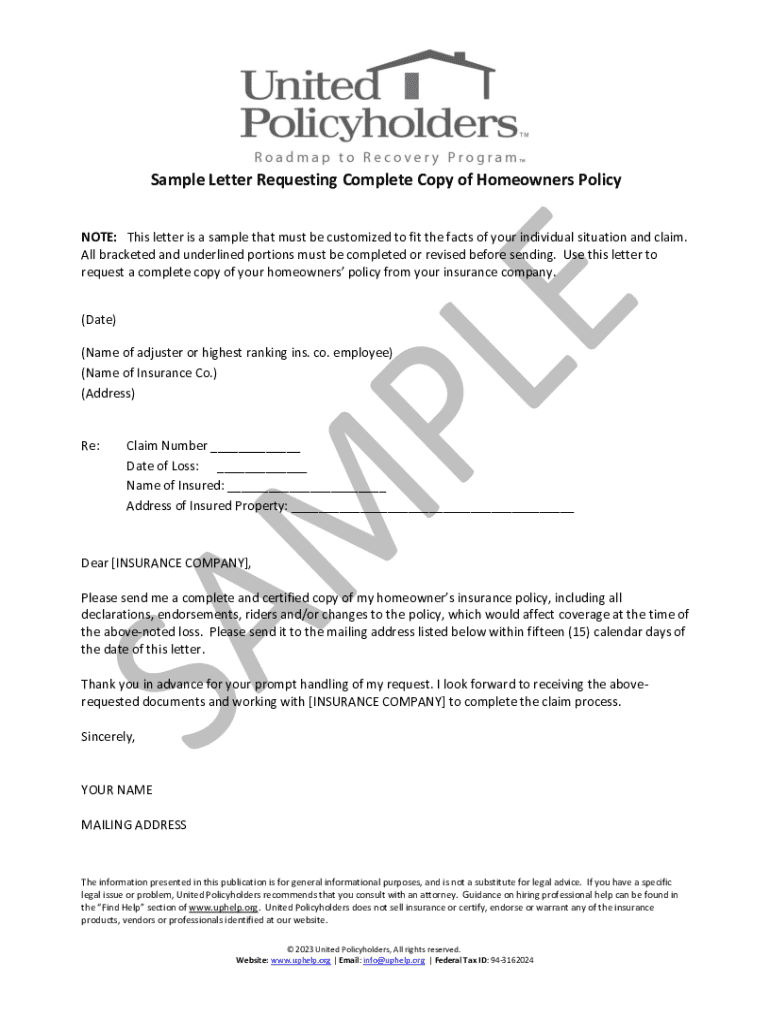
"Form online" refers to digital versions of forms that can be completed and submitted via the internet. These forms are designed to replace traditional paper forms, providing a more efficient and accessible way for individuals and businesses to interact with various processes and systems, such as legal, financial, or personal documentation, in a digital format. Online forms typically allow for easy data collection, streamlined processing, and immediate submission, eliminating the need for physical handling and postal services.
Examples of Common Online Forms
- Government Forms: Federal tax forms (e.g., IRS Form 1040) that taxpayers can fill out and submit online.
- Application Forms: College applications, job applications, and loan applications are frequently managed online.
- Surveys and Feedback Forms: Businesses and researchers often use online forms to collect customer feedback and survey responses efficiently.
- Registration Forms: Event registrations, such as for conferences or webinars, are commonly facilitated through online forms to manage participant data.
How to Use the Form Online
Using an online form is generally straightforward due to user-friendly interfaces that guide users through the necessary fields and sections.
- Accessing the Form: Navigate to the website offering the form, often through a direct link or by searching for the form type in a search engine.
- Filling Out the Form: Input the required information in the designated fields, which may consist of text boxes, checkboxes, or dropdown menus.
- Reviewing the Form: Ensure all information is accurate, checking for any mandatory fields that need completion.
- Submitting the Form: Once completed, submit the form by clicking the submit button, which usually sends the information to the intended recipient.
- Confirmation: After submission, a confirmation page or email typically verifies successful form receipt.
Steps to Complete the Form Online
Completing an online form involves several steps designed to facilitate ease of use and ensure data accuracy.
- Log In or Register: Depending on the form, users may need to create an account or log in to access the form.
- Gather Necessary Information: Before starting, collect any required documents or information, such as identification numbers or addresses.
- Complete Identifying Information: Start by filling out basic personal or organizational details like names and contact information.
- Provide Detailed Responses: Supply additional requested information pertinent to the form’s purpose, ensuring each section is addressed.
- Upload Documents: If applicable, upload any relevant documents directly from your device.
- Review for Accuracy: Double-check all entries to minimize errors and ensure compliance with form requirements.
- Submit the Form: Finalize the process by submitting the form, often accompanied by the option to print or save a copy for your records.
Why Should You Use Forms Online
Online forms offer a range of benefits over traditional paper forms, making them an appealing choice for both personal and business use.
- Convenience: Forms are accessible from any location with internet access, allowing for completion and submission at any time.
- Efficiency: Faster processing and automated data collection reduce time spent on manual handling and data entry.
- Cost-Effectiveness: Eliminating the need for printing and postage can significantly reduce costs associated with paper forms.
- Environmental Impact: Reducing paper usage contributes to lower environmental impact and promotes sustainability.
- Security: Secure platforms protect data during submission and storage, minimizing risks of data breaches or loss.
Who Typically Uses the Form Online
A wide range of individuals and organizations benefit from online forms, employing them for various purposes.
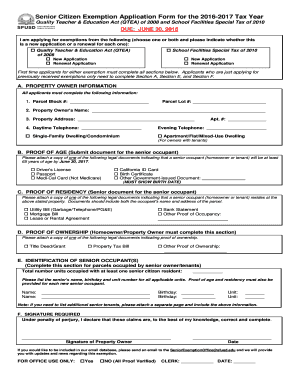
- Government Agencies: Use online forms for tax filings, license applications, and other regulatory requirements.
- Businesses: Utilize forms for customer feedback, employee applications, and order processing.
- Educational Institutions: Implement forms for student applications, enrolment, and event registrations.
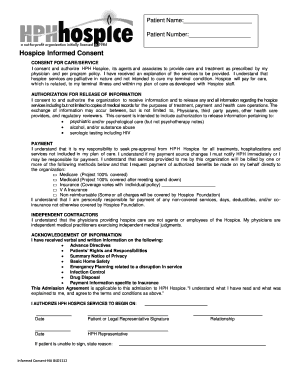
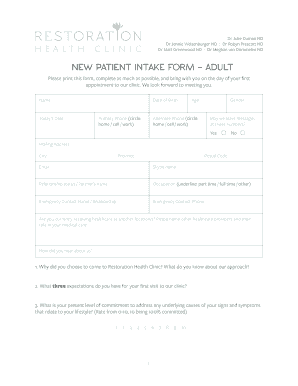
- Healthcare Providers: Use online forms for patient registrations and medical history updates.
- Nonprofit Organizations: Rely on forms for volunteer registrations and donor contributions.


Key Elements of the Form Online
To function effectively, online forms include key elements tailored to ease of use and data accuracy.
- Form Fields: Input areas for users to provide information, including text fields, radio buttons, and dropdown menus.
- Instructions: Guidelines provided within the form to help users understand what information is needed and how to fill it out correctly.
- Navigation Tools: Features such as progress bars or section tabs to help users move through multi-part forms.
- Error Checking: Real-time validation that alerts users to incomplete or incorrectly filled sections.
- Confirmation Message: An automated confirmation indicating successful form submission and receipt.
Software Compatibility
Online forms are often designed to be compatible with popular software and systems, ensuring broad accessibility and integration.
- Web Browsers: Most forms are optimized to work with modern browsers such as Chrome, Firefox, and Safari.
- Mobile and Desktop Devices: Forms are typically responsive, adapting to different screen sizes for mobile compatibility.
- Integration with Other Software: Some forms can be integrated with applications like TurboTax or QuickBooks for seamless data importation and management.
Examples of Using the Form Online
Real-world examples highlight the versatility and application of online forms in different domains.
- Business Operations: Companies use employee onboarding forms to collect new hire information efficiently before their start date.
- Event Management: Organizers use online registration forms for managing attendee lists and gathering RSVPs for conferences and workshops.
- Legal Processes: Individuals submit online forms for legal processes such as personal injury claims or small claims court filings.
- Healthcare Coordination: Appointment scheduling forms allow patients to book visits with healthcare providers without requiring phone calls.