Definition and Meaning of Online Forms
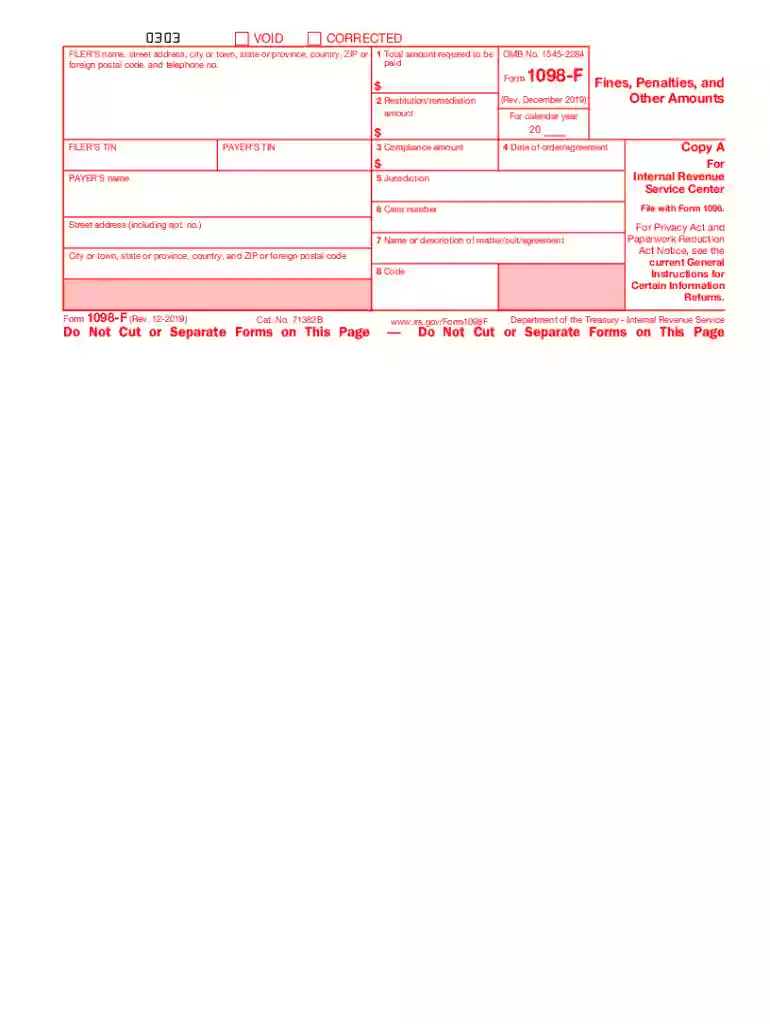
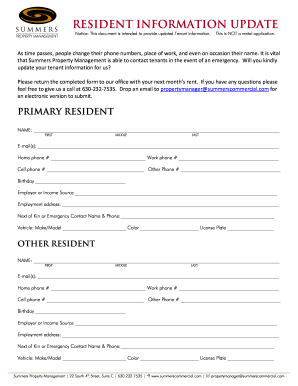
Online forms are digital versions of documents designed to collect and process information through an internet-connected device. These forms serve various purposes, such as applications, registrations, surveys, and data collection for organizations or government bodies. Utilizing online forms helps streamline operations by reducing the need for physical paperwork and provides an efficient way to gather and store information.
Types of Online Forms
- Application Forms: Used for job applications, school admissions, and grant proposals.
- Registration Forms: Commonly used for event sign-ups, courses, and memberships.
- Survey Forms: Used to collect feedback, opinions, and research data.
- Order Forms: Employed by e-commerce sites to process purchases and track inventory.
How to Use the Form Online
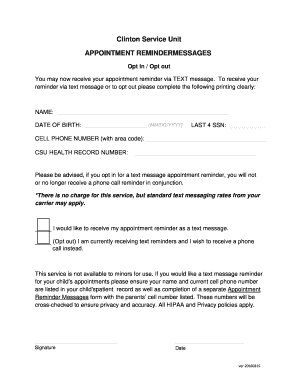
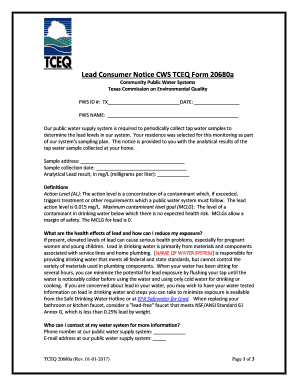
Using an online form is straightforward and generally involves accessing the form through a web browser and filling out the necessary fields. Users provide specific information as required by the form, such as personal details, selections from dropdown menus, or attaching necessary documents.
Steps for Effective Form Completion
- Access the Form: Visit the website hosting the form.
- Understand Instructions: Carefully read any provided guidelines.
- Fill in Details: Enter the required information accurately in each field.
- Review and Submit: Check for completeness and submit the form.
Common Features
- Validation: Ensures the entered data meets specified criteria.
- Required Fields: Mandatory fields that must be completed before submission.
- Save and Continue: Allows users to save progress and return later.
How to Obtain the Form Online
Most online forms can be accessed directly via websites, often from a section dedicated to applications or resources. Many organizations provide direct links to their forms within emails or via secure portals that require login credentials.
Access Methods
- Direct Download: Available directly on a website or through an email link.
- Secured Portals: Access restricted to users with credentials for sensitive forms.
Example Scenarios
- A university provides course registration forms through its student portal.
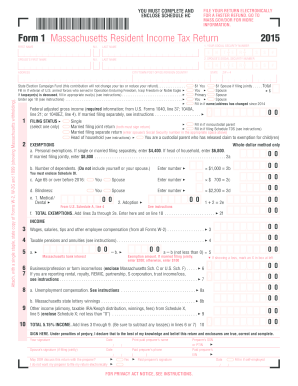
- A government agency offers tax filing forms via their official website during tax season.
Steps to Complete the Form Online
Completing an online form involves several steps to ensure accuracy and validity. Each form is unique, but the general process remains similar across platforms.
- Locate Required Documents: Gather any necessary documents or information.
- Double-check Entries: Verify that all information entered is correct.
- Use Appropriate Formats: Ensure date, currency, and other entries are correctly formatted.
- Attach Additional Files: If required, attach supplementary documents or evidence.
- Agree to Terms: Acknowledge and accept any terms and conditions.
Tips for Successful Submission
- Save a copy of your completed form for personal records.
- Confirm receipt of the form if possible, ensuring it was successfully submitted.
Why Should You Use Forms Online
Using forms online offers significant advantages over traditional paper-based forms, providing convenience, efficiency, and cost-effectiveness.
Benefits
- Time Efficiency: Expedite processes without mailing delays.
- Accessibility: Access from any location with an internet connection.
- Data Management: Automated data collection allows for easier sorting and analysis.
Real-World Impact
- Businesses can process orders faster.
- Educational institutions streamline admissions with online applications.
- Government agencies reduce processing times for licenses and permits.
Who Typically Uses Online Forms
A diverse range of individuals and entities utilize online forms, from everyday users submitting applications to businesses collecting customer feedback.
Organizational Examples
- Nonprofits using online donation forms to streamline fundraising.
- Corporations gathering employee information through digital onboarding forms.
Important Terms Related to Online Forms
Understanding key terms related to online forms enhances comprehension and facilitates efficient use. Familiarity with these terms improves communication and navigation within form-related contexts.
Key Terms
- Captcha: Security measure to differentiate between human users and bots.
- Dropdown Menu: A list of options users can select from.
- Submission Confirmation: Notification that confirms a form has been successfully submitted.
Legal Use of Forms Online
Legal considerations when using online forms include data privacy, security compliance, and obtaining consent when collecting personal information.
Legal Compliance
- Data Protection Laws: Adhering to regulations like GDPR or CCPA ensures user data is protected.
- Electronic Signatures: Legally binding signatures can be captured through online forms if compliant with relevant acts such as ESIGN.
- Consent Management: Clearly obtaining user consent before data collection is critical.
Potential Legal Risks
- Misuse of collected data can lead to legal issues.
- Non-compliance with data protection laws may result in penalties or fines.