
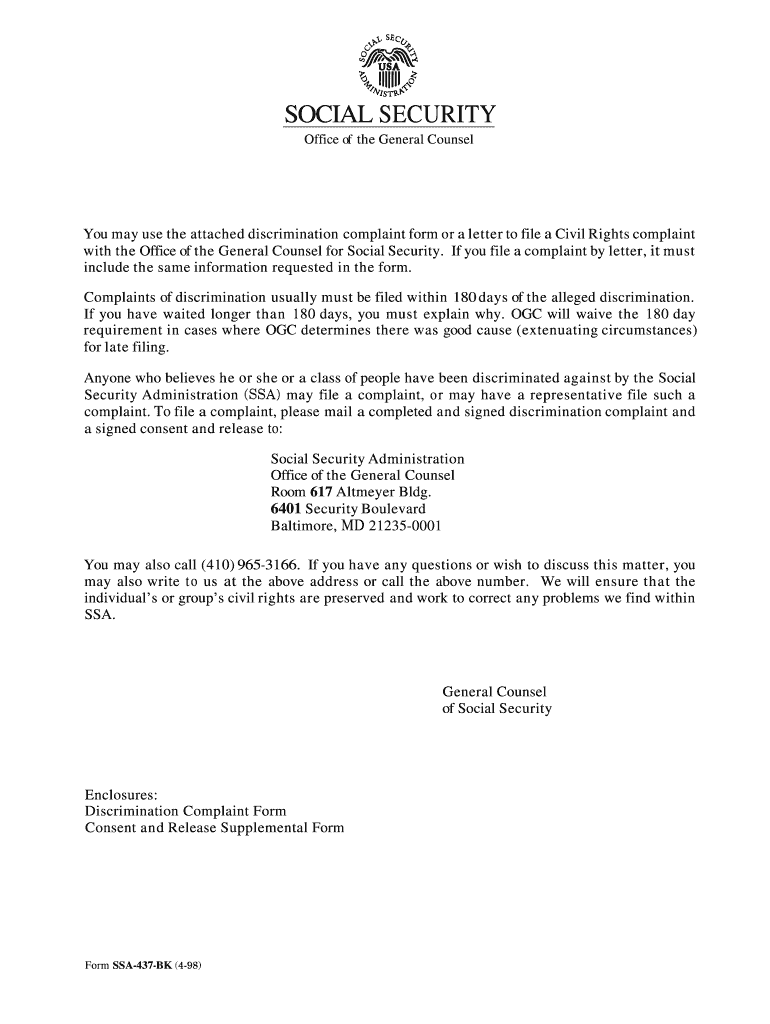




Here's how it works



How to use or fill out SSA 437 BK with our platform

- Click ‘Get Form’ to open the SSA 437 BK in the editor.
- Begin by filling in your personal information in the 'Person Allegedly Discriminated Against' section. Include your name, Social Security Number, and address.
- In section 1.a, check all applicable boxes that describe the basis for discrimination, such as disability, age, race, etc. In section 1.b, specify details related to each checked reason.
- Clearly describe the incident of discrimination in section 2. Provide a detailed account of what occurred and how you were treated differently compared to others.
- If applicable, explain any retaliation experienced in section 3 and provide dates of the alleged discrimination in sections 4.a and 4.b.
- Complete sections regarding prior complaints and witnesses. Ensure all necessary fields are filled out accurately before proceeding.
- Finally, sign and date the form at the bottom to validate your complaint before submitting it through our platform.
Start using our platform today to easily fill out your SSA 437 BK form for free!
It's free
See more ssa 437 bk versions
Got questions?
Can I sign my ssa 437 bk on a mobile?
Yes, you’ll find numerous applications for this on the web. Nevertheless, if you need to eSign your ssa 437 bk without installing additional software, DocHub is the optimum choice you can make. This powerful editor works on mobile devices just like on desktops. Open our editor in your preferred internet browser, register or log in to your account, and start managing your paperwork.
Can I edit form 437 on my phone?
As a comprehensive document editing service, DocHub is accessible on mobile phones. Open DocHub in your choice of mobile browser and employ our intelligent mobile-friendly toolset to fill out your form 437.
What is the SSA 3288 form used for?
How can I communicate with Social Security?
What is a SSA 8510 form?
Security and compliance
At DocHub, your data security is our priority. We follow HIPAA, SOC2, GDPR, and other standards, so you can work on your documents with confidence.
Learn more


