




Here's how it works

01. Edit your 2020 construction scope work online
Type text, add images, blackout confidential details, add comments, highlights and more.

02. Sign it in a few clicks
Draw your signature, type it, upload its image, or use your mobile device as a signature pad.

03. Share your form with others
Send it via email, link, or fax. You can also download it, export it or print it out.
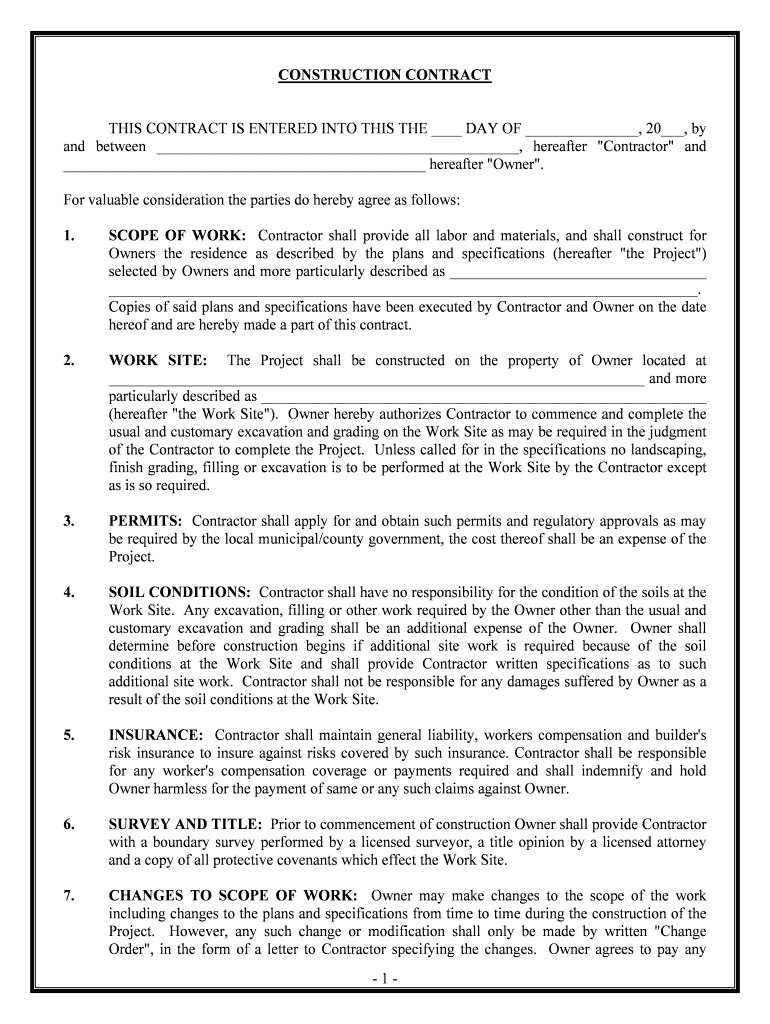
How to use or fill out construction contracts with our platform

- Click ‘Get Form’ to open the construction contract in the editor.
- Begin by filling in the date at the top of the contract, followed by the names of both the Contractor and Owner. This establishes who is entering into the agreement.
- In the 'SCOPE OF WORK' section, clearly describe the project as per your plans and specifications. Ensure that all details are accurate to avoid misunderstandings later.
- Specify the 'WORK SITE' address where construction will take place. This is crucial for legal clarity and permits.
- Under 'PERMITS', note that it is the Contractor's responsibility to obtain necessary permits, which should be factored into project costs.
- Fill in any additional information regarding 'SOIL CONDITIONS' if applicable, ensuring you understand potential extra costs related to soil work.
- Complete sections on 'INSURANCE', 'SURVEY AND TITLE', and 'CHANGES TO SCOPE OF WORK' with relevant details about coverage and modifications during construction.
- Finally, specify payment terms under 'CONTRACTORS FEE', detailing whether it’s a cost-plus or fixed fee arrangement, and include any late payment penalties.
Start using our platform today to streamline your construction contract process for free!
Fill out construction contracts online
It's free
It's free
See more construction contracts versions
We've got more versions of the construction contracts form. Select the right construction contracts version from the list and start editing it straight away!
Security and compliance
At DocHub, your data security is our priority. We follow HIPAA, SOC2, GDPR, and other standards, so you can work on your documents with confidence.
Learn more


