




01. Edit your 99 cent store online catalog online
Type text, add images, blackout confidential details, add comments, highlights and more.

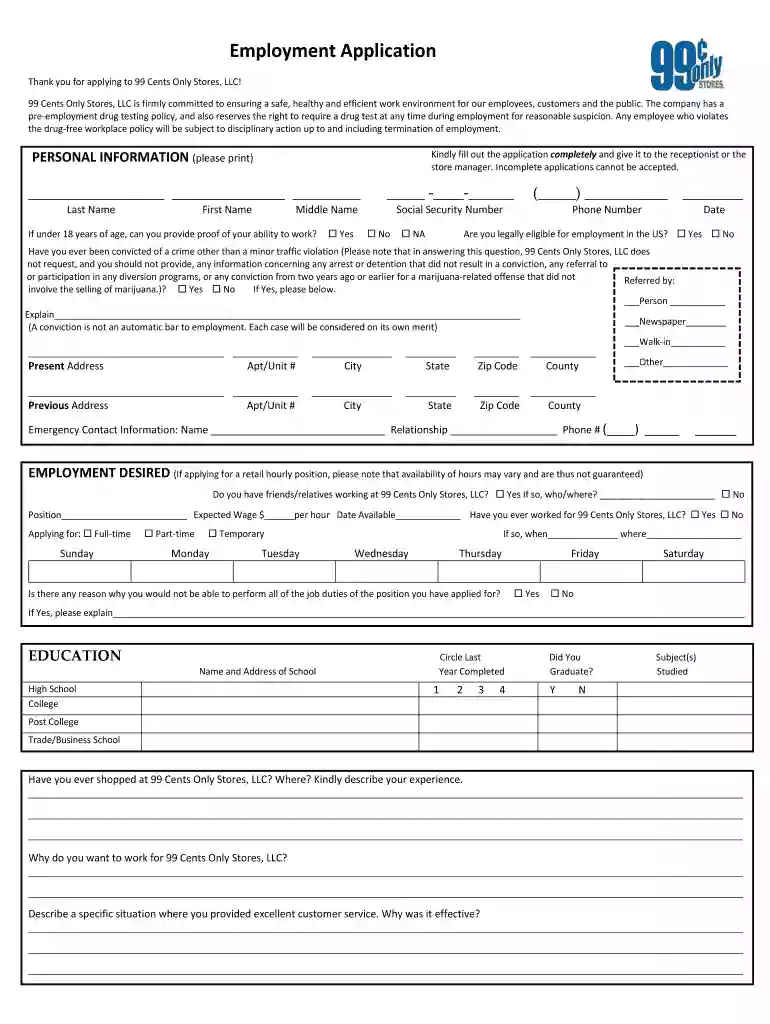
Type text, add images, blackout confidential details, add comments, highlights and more.

Draw your signature, type it, upload its image, or use your mobile device as a signature pad.

Send 99 cent store aplicaciones via email, link, or fax. You can also download it, export it or print it out.

Start using our platform today to easily fill out your application for free!
We've got more versions of the 99 cent store online catalog form. Select the right 99 cent store online catalog version from the list and start editing it straight away!
| Versions | Form popularity | Fillable & printable |
|---|---|---|
| 2003 | 4.8 Satisfied (73 Votes) |
Electronic document approval demands a software solution that works in compliance with data security and eSignature laws. DocHub is an excellent tool for that, as it fulfills all the above mentioned requirements. Whatever method you like to sign your 99 cent store application in DocHub, your electronic signature will be legally binding and court-admissible.
When you edit your 99 application form with DocHub, you merely need a stable web connection and virtually any web browser installed on your device. No need to set up any third-party applications or study guides. Just open a tab with DocHub, drag and drop your file, and modify it on the spot.
At DocHub, your data security is our priority. We follow HIPAA, SOC2, GDPR, and other standards, so you can work on your documents with confidence.

the Retailer Operations Divisions decision to deny the application of 99 Cents Plus Store (99. Cents Plus Store or Appellant) to participate as an authorized
Content Manager OnDemand then stores the application group tables in the table space file systems that you defined. Container. A container is a physicalRead more
UWLA is Proud to Partner with 99 Cents Only Stores. Logo. West Los Angeles Apply Today. Programs. School of Business School of Law. Links. AccreditationRead more


