




01. Edit your gun permit online
Type text, add images, blackout confidential details, add comments, highlights and more.

Type text, add images, blackout confidential details, add comments, highlights and more.

Draw your signature, type it, upload its image, or use your mobile device as a signature pad.

Send it via email, link, or fax. You can also download it, export it or print it out.

Start using our platform today to fill out your spring garden gun license form easily and efficiently!
We've got more versions of the gun permit form. Select the right gun permit version from the list and start editing it straight away!
You need to use only reliable software solutions with strong security compliance to approve your paperwork electronically. DocHub is just the type of editor you need! It stores data on Amazon Web Servers and complies with all necessary security requirements and eSignature regulations, so it’s a trusted way to electronically sign your spring garden gun license form or other documents using this tool.
When you choose analog ways of completing your spring garden gun license form, you can easily download your file for printing. Search DocHub’s Forms & Templates catalog to locate the exact document template you need and open it for editing or download it on your device in the format of your liking. It is possible to complete your form electronically and place your handwritten signature on it right after printing or eSign your document with DocHub.
At DocHub, your data security is our priority. We follow HIPAA, SOC2, GDPR, and other standards, so you can work on your documents with confidence.
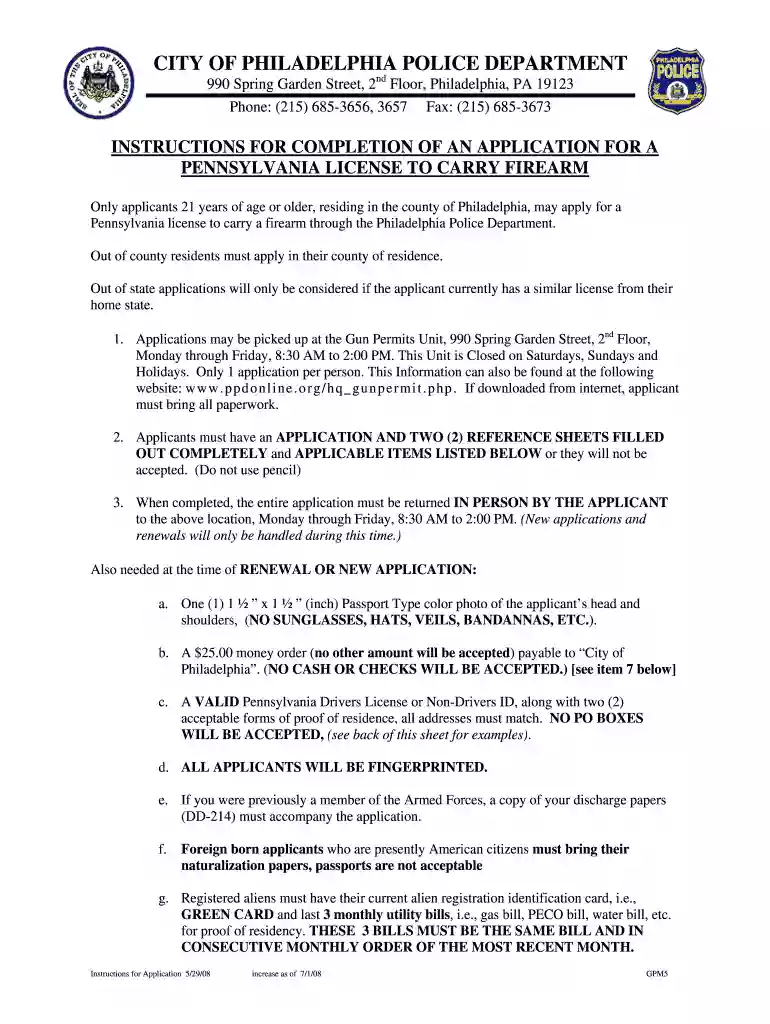
Applications may be picked up at the Gun PermitsUnit,990 Spring Garden Street, 2nd Floor, Monday application for a Pennsylvania license to carry a firearm.Read more
Moisture enhancement can be accomplished by using traveling gun or similar irrigation systems that can be removed to allow easy application of lifts. Hand-moved.Read more


