




Here's how it works

01. Edit your docuhub tribunal online
Type text, add images, blackout confidential details, add comments, highlights and more.

02. Sign it in a few clicks
Draw your signature, type it, upload its image, or use your mobile device as a signature pad.

03. Share your form with others
Send it via email, link, or fax. You can also download it, export it or print it out.
How to use or fill out form online with our platform

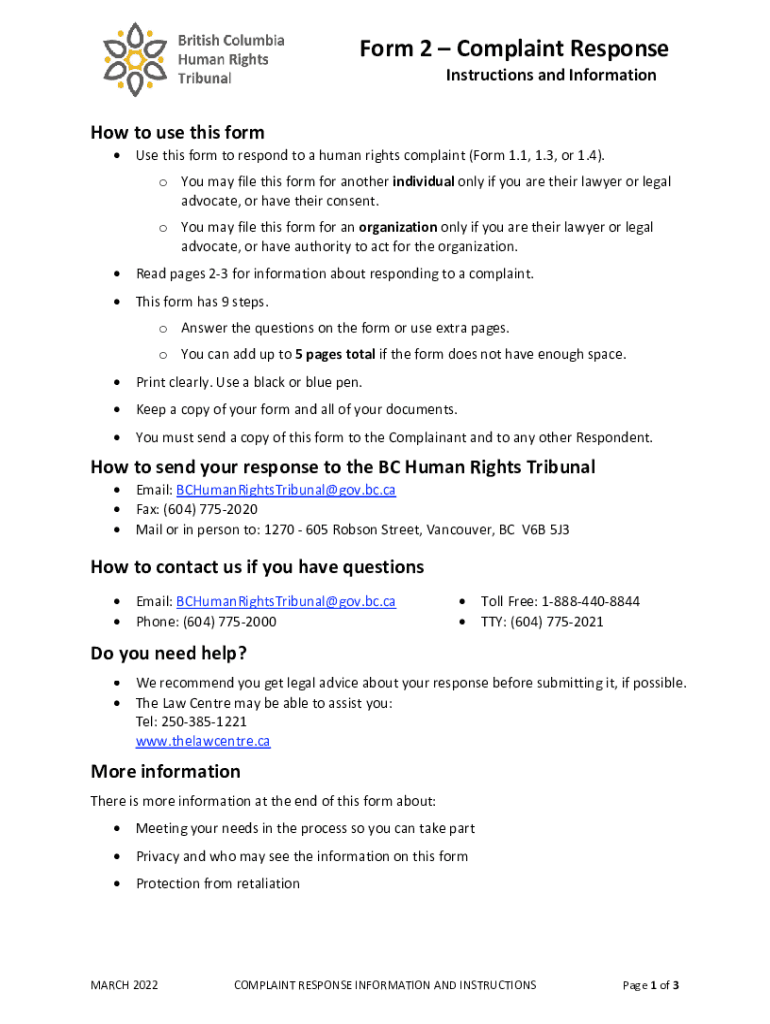
- Click ‘Get Form’ to open the Complaint Response form in the editor.
- Begin by filling out the Party Information section. Provide the Complainant's name and Tribunal Case Number accurately.
- In Step 2, respond to the alleged facts. Clearly state which facts you agree with and provide your version of events for those you disagree with.
- If applicable, move to Step 3 to explain why the complaint does not contravene the Human Rights Code. Justify your stance based on the information provided.
- Proceed to Step 4 if you have a justification or other defenses. Detail your reasoning and any relevant rules or practices that apply.
- Complete Steps 5 through 9 as necessary, ensuring all information is accurate and complete before submitting your response.
Start using our platform today for free to streamline your document editing and form completion!
Fill out BC Human Rights Complaint Response Form online
It's free
It's free
See more BC Human Rights Complaint Response Form versions
We've got more versions of the BC Human Rights Complaint Response Form form. Select the right BC Human Rights Complaint Response Form version from the list and start editing it straight away!
Got questions?
We have answers to the most popular questions from our customers. If you can't find an answer to your question, please contact us.
Contact us
How to make a form fillable online?
To convert a PDF to fillable online, upload your document to docHub. docHub online editor instantly converts any PDF document to a fillable format online. You can fill your PDF with our various tools and features. To fill the form with text, choose the Text button and start typing.
How to create an online request form?
How to Create a Request Form Define Your Use Case and Requirements. Start Building Your Form. Add and Customize Form Fields. Personalize the Form Design. Set Up Notifications and Approvals. Publish and Share Your Form. Test and Manage Submissions.
What is the online form?
An online form is an electronic application in which data is entered by the person filling it out for recording and further processing via predefined data fields. Such electronic forms can be found, for example, on websites or as attachments in e-mails.
Where can I fill out forms online for free?
Use docHub eSignature to fill out a PDF form and sign it Sign up for a free docHub account to fill and sign PDFs. Some PDF forms are fillable and some arent.
Security and compliance
At DocHub, your data security is our priority. We follow HIPAA, SOC2, GDPR, and other standards, so you can work on your documents with confidence.
Learn more


