




Here's how it works

01. Edit your health care provider certification online
Type text, add images, blackout confidential details, add comments, highlights and more.

02. Sign it in a few clicks
Draw your signature, type it, upload its image, or use your mobile device as a signature pad.

03. Share your form with others
Send mts health care provider certification via email, link, or fax. You can also download it, export it or print it out.
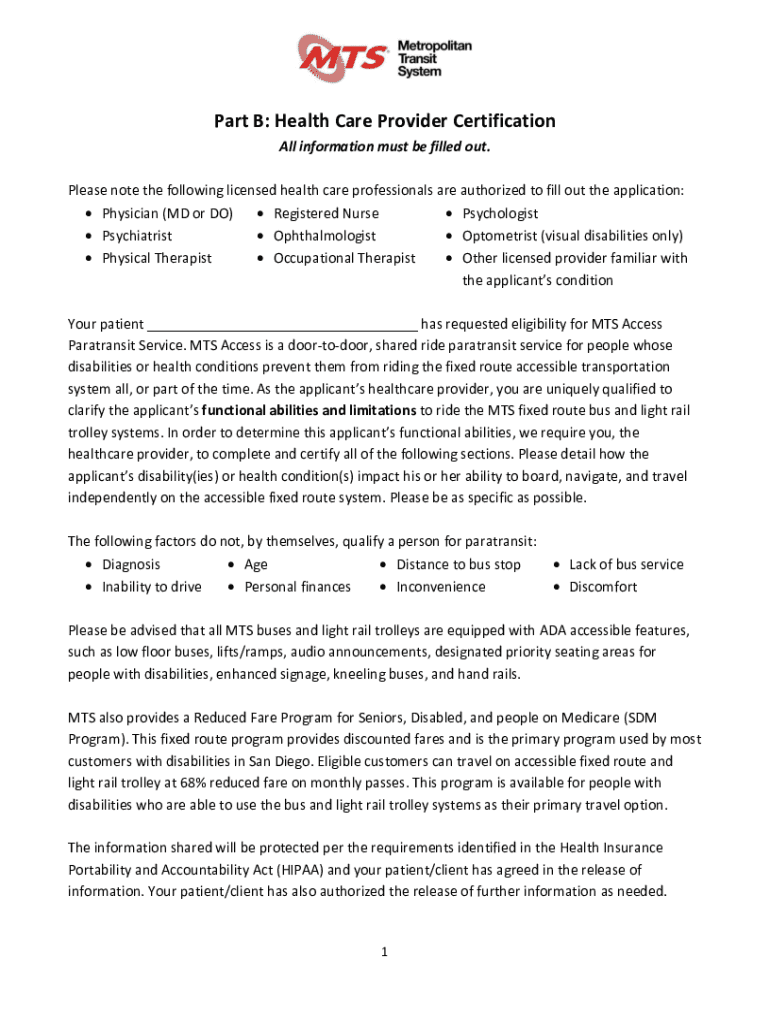
How to use or fill out Physician Assistant (PA)- Healthcare Practitioner Licensing with our platform

- Click ‘Get Form’ to open it in the editor.
- Begin by filling out the Health Care Provider section. Enter your name, institution, license number, specialization, and contact details accurately.
- Provide a written diagnosis along with the relevant ICD-9CM and/or DSM codes in the designated field.
- Indicate how long you have been treating the patient and when you last saw them. This information is crucial for assessing their current condition.
- Specify the expected duration of the disability by selecting either 'Short Term' or 'Long Term' based on your assessment.
- Answer whether the applicant’s disabilities prevent them from using accessible transit independently. If yes, provide detailed explanations in the following fields.
- Complete questions regarding mobility aids required by the applicant and any medications that may affect their ability to travel.
- Finally, ensure all sections are filled out completely before signing and dating the certification at the end of the form.
Start using our platform today to streamline your document editing and form completion process for free!
Fill out Physician Assistant (PA)- Healthcare Practitioner Licensing online
It's free
It's free
See more Physician Assistant (PA)- Healthcare Practitioner Licensing versions
We've got more versions of the Physician Assistant (PA)- Healthcare Practitioner Licensing form. Select the right Physician Assistant (PA)- Healthcare Practitioner Licensing version from the list and start editing it straight away!
Security and compliance
At DocHub, your data security is our priority. We follow HIPAA, SOC2, GDPR, and other standards, so you can work on your documents with confidence.
Learn more


