




Here's how it works

01. Edit your apply for social security card online free online
Type text, add images, blackout confidential details, add comments, highlights and more.

02. Sign it in a few clicks
Draw your signature, type it, upload its image, or use your mobile device as a signature pad.

03. Share your form with others
Send social security card online via email, link, or fax. You can also download it, export it or print it out.
How to use or fill out ss5 form with our platform

- Click ‘Get Form’ to open the SS-5 application in the editor.
- Begin by entering your full name as it should appear on the Social Security card in the designated fields. Ensure accuracy to avoid processing delays.
- Provide your date of birth in MM/DD/YYYY format. This is crucial for verifying your identity.
- Indicate your citizenship status by selecting the appropriate checkbox. If you are a legal alien, ensure you have the necessary documentation ready.
- Fill in your mailing address where you wish to receive your card. Double-check for any typos to ensure proper delivery.
- If applicable, provide information about your parents, including their names and Social Security numbers, as required.
- Review all entered information for accuracy before signing the application at the bottom of the form.
- Once completed, save your document and submit it according to the instructions provided on our platform.
Start filling out your SS-5 form today using our editor for free!
Fill out ss5 form online
It's free
It's free
See more ss5 form versions
We've got more versions of the ss5 form form. Select the right ss5 form version from the list and start editing it straight away!
Security and compliance
At DocHub, your data security is our priority. We follow HIPAA, SOC2, GDPR, and other standards, so you can work on your documents with confidence.
Learn more


Related forms
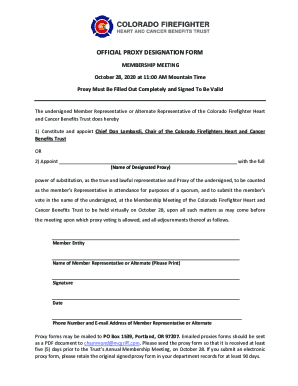
How do I request a meeting? - IBEX Show
The document is a notice for the Annual Membership Meeting of the Colorado Firefighter Heart and Cancer Benefits Trust, ...
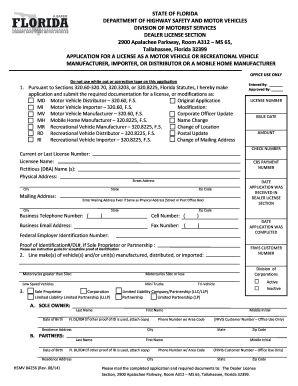
Hsmv 84256
The document is an application form from the Florida Department of Highway Safety and Motor Vehicles for obtaining a lic ...
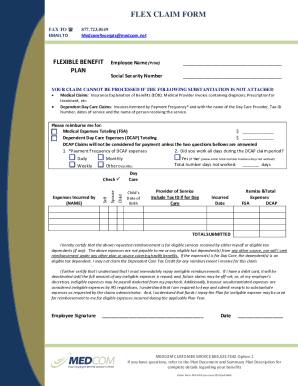
FLEX CLAIM FORM - SharpSchool
The document is a FLEX CLAIM FORM for submitting reimbursement requests under a Flexible Benefit Plan, specifically for ...

Us court appeal form
The document is an Agency Docketing Statement from the United States Court of Appeals for the District of Columbia Circu ...
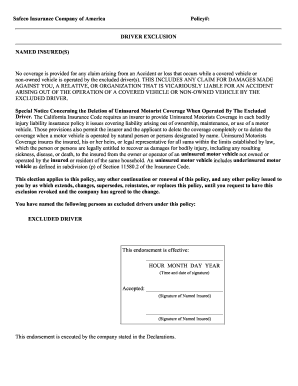
Safeco driver exclusion form
The document is a form from Safeco Insurance Company of America regarding driver exclusion in an insurance policy. It st ...
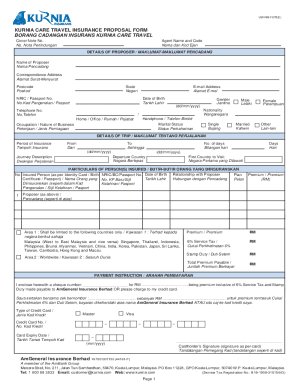
Fillable Online PC Form AG
The document is a Kurnia Care Travel Insurance Proposal Form, which collects personal and trip details from the proposer ...
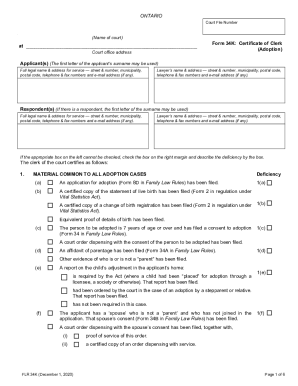
(Name of court) at Form 34K: Certificate of Clerk (Adoption)
The document is a legal form (Form 34K: Certificate of Clerk) used in Ontario for adoption cases. It outlines the necess ...

John perkins memorial housing society
The document is an application form for seniors seeking low rental housing at the John Perkins Memorial Housing Society ...