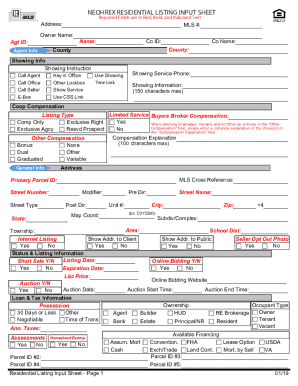
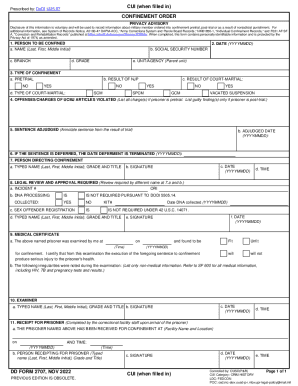
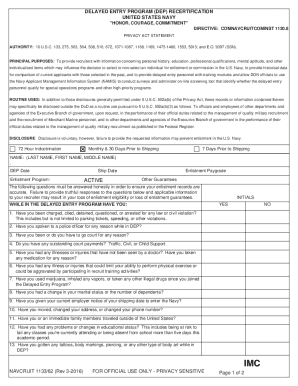
Type text, add images, blackout confidential details, add comments, highlights and more.
02. Sign it in a few clicks
Draw your signature, type it, upload its image, or use your mobile device as a signature pad.
03. Share your form with others
Send fw 001 via email, link, or fax. You can also download it, export it or print it out.
How to use or fill out fw 001 with our platform
Ease of Setup
DocHub User Ratings on G2
Ease of Use
DocHub User Ratings on G2
Click ‘Get Form’ to open the fw 001 in the editor.
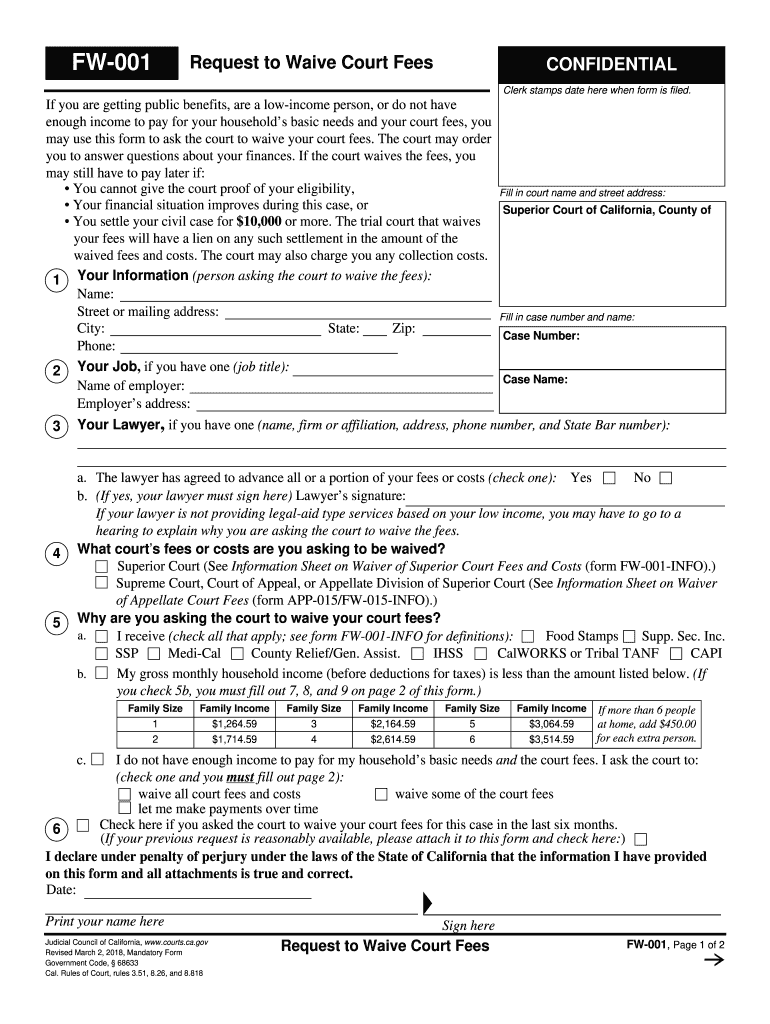
Begin by filling in your personal information in Section 1, including your name, address, case number, and phone number. Ensure all details are accurate for processing.
In Section 2, provide your job title and employer's information if applicable. This helps establish your financial situation.
If you have a lawyer, complete Section 5 with their details and indicate whether they are advancing any fees on your behalf.
In Section 8, list all sources of income and their amounts. Be thorough to ensure the court understands your financial status.
Complete Sections 10 and 11 by detailing your assets and monthly expenses. This information is crucial for the court's decision on waiving fees.
Finally, review all entries for accuracy before signing and submitting the form through our platform.
Start using our platform today to easily fill out fw 001 for free!
Once you submit your fee waiver request, you will need to wait for USCIS to process it. Processing times vary depending on the type of application, but a decision can take several weeks or months. USCIS may request additional information if necessary.
How many fee waivers can I get for Cal State?
Applicants who are eligible for the application fee waiver may apply to up to four CSU campuses per application term (i.e., fall, spring). Approved waivers are not transferrable to a future or past application term.
How long does a fee waiver last in California?
You need to know the date the judge signed your Order on Court Fee Waiver (form FW-003 or form FW-008). Youll need to list this on your request. Fee waivers expire 60 days after your case is finished (judgment entered, dismissal, or final decision by judge).
What is a FW-001 form?
Request to Waive Court Fees (FW-001) Ask the court to let you file papers and receive services without paying court fees and costs because you are getting public benefits, you are a low-income person, or you do not have enough income to pay your basic needs and your court fees. Get form FW-001.
Who is eligible for the fee waiver for a passport?
You, your spouse, your child, your parent (if you are under 21 or disabled), or your sibling (if you and the sibling are under 21) living with you, are currently receiving a means-tested benefit. Your household income is at or below 150% percent of the Federal Poverty Guidelines at the time you file.
fw 001 fee waiver
FW-003FW-001 form pdfFW 002FW-001-GCFW-001 instructionsFW-001 fillable formFW-001 form CaliforniaFW-001 and FW-003
Security and compliance
At DocHub, your data security is our priority. We follow HIPAA, SOC2, GDPR, and other standards, so you can work on your documents with confidence.
After you submit the online application, you have ten working days to provide supporting documents (see below). The Home Office aims to make a decision promptly. You should normally expect to wait around 4 weeks for a decision.
How do I get my court fees waived in California?
To ask for a fee waiver: Fill out the Request to Waive Court Fees (FW-001) . Fill out sections 1, 2, and 3, of Order on Court Fee Waiver (FW-003) . File these forms with the court along with the other documents you are filing (example: complaint, petition, answer, etc.).
Do fee waiver codes expire?
An initial fee waiver shall expire 60 days after the judgment, dismissal, or other final disposition of the case.
fw 001 fillable form
FW-001 Request to Waive Court Fees
Important! If your financial situation or ability to pay court fees improves, you must notify the court within five days on form FW-010.Read more
Cookie consent notice
This site uses cookies to enhance site navigation and personalize your experience.
By using this site you agree to our use of cookies as described in our Privacy Notice.
You can modify your selections by visiting our Cookie and Advertising Notice.