
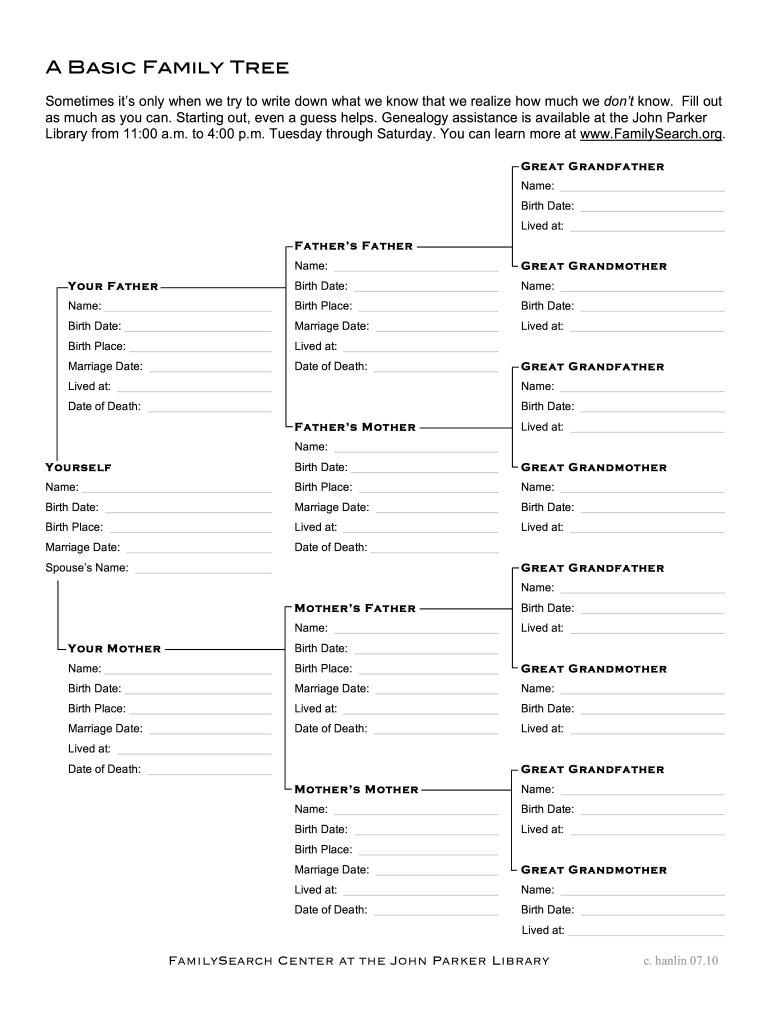




Here's how it works

01. Edit your create printable family tree online
Type text, add images, blackout confidential details, add comments, highlights and more.

02. Sign it in a few clicks
Draw your signature, type it, upload its image, or use your mobile device as a signature pad.

03. Share your form with others
Send free blank family tree template editable via email, link, or fax. You can also download it, export it or print it out.
How to use or fill out family tree template with our platform

- Click ‘Get Form’ to open the family tree template in the editor.
- Begin by filling in your personal information. Locate the section labeled 'Yourself' and enter your name, birth date, and birth place.
- Next, move to the 'Your Father' section. Input his name, birth date, marriage date, and any other relevant details such as where he lived.
- Continue with the paternal side by completing the fields for your father's parents (Great Grandfather and Great Grandmother). Provide their names, birth dates, and any additional information available.
- Repeat this process for your mother’s side of the family. Fill in her details first, followed by her parents' information.
- As you progress through each section, feel free to add any guesses or approximations if you're unsure about specific dates or places.
Start building your family tree today for free using our platform!
Fill out family tree template online
It's free
It's free
See more family tree template versions
We've got more versions of the family tree template form. Select the right family tree template version from the list and start editing it straight away!
| Versions | Form popularity | Fillable & printable |
|---|---|---|
| 2010 | 4.8 Satisfied (99 Votes) |
Security and compliance
At DocHub, your data security is our priority. We follow HIPAA, SOC2, GDPR, and other standards, so you can work on your documents with confidence.
Learn more


Related forms

ACCESS MANAGEMENT MATERNITY PRE ADMISSION - shoremedicalcenter
The document is a Pre Admission Information Form for maternity services at Shore Medical Center in Somers Point, NJ. It ...
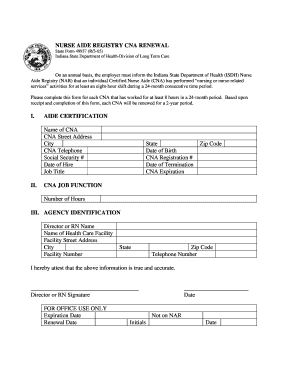
Indiana cna license renewal
The document outlines the process for renewing the certification of Certified Nurse Aides (CNAs) in Indiana. Employers a ...

Risk and outcomes of diabetes in patients with epilepsy - PMC
The document is a medical examination form for school employees from the Kentucky Department of Education. It collects p ...

Vehicle purchase order template pdf
The document is a purchase order form from the Bureau of Automotive Repair in California, intended for automotive repair ...

Nashville Health Information Management Service Center (HSC) Release of Information Release of Infor
Nashville Health Information Management Service Center (HSC) Release of Information Release of Infor
The document is a Release of Information authorization form from the Nashville Health Information Management Service Cen ...
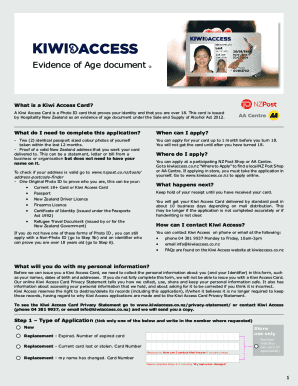
Kiwi Access Card form May
The document outlines the application process for obtaining a Kiwi Access Card, a Photo ID that verifies an individual's ...
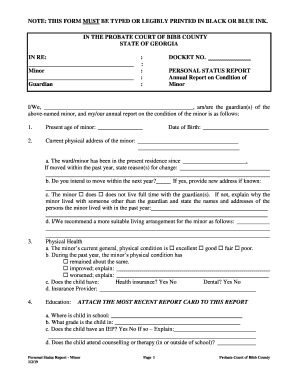
Georgia bar media and judiciary conference - State Bar Of
The document is a Personal Status Report for a minor, required by the Probate Court of Bibb County, Georgia. It serves a ...

EForms - All Documents - Kane County, Illinois
The document is an Affidavit of Heirship for the estate of a deceased individual in Kane County, Illinois. It certifies ...