




Here's how it works

01. Edit your rta paratransit login online
Type text, add images, blackout confidential details, add comments, highlights and more.

02. Sign it in a few clicks
Draw your signature, type it, upload its image, or use your mobile device as a signature pad.

03. Share your form with others
Send gcrta paratransit login via email, link, or fax. You can also download it, export it or print it out.
How to use or fill out rta paratransit application with DocHub

- Click ‘Get Form’ to open the rta paratransit application in our editor.
- Begin with Part I: Background Information. Fill in your name, address, phone number, and Social Security Number. Ensure all fields are completed accurately.
- Move to Part II: Information About Your Disability. Clearly describe your disabilities and how they affect your ability to use public transport. Answer all yes/no questions as applicable.
- In Part III: Current Use of Regular Service, check all relevant boxes regarding your experience with bus/rail services and provide details about any assistance you may need.
- Complete Part V: Applicant Certification by signing and dating the form, confirming the accuracy of your information.
- If applicable, have a medical professional complete Part VIII: Medical Professional Certification before submitting the application.
- Once completed, save your document and follow the instructions for mailing it to GCRTA.
Start filling out your rta paratransit application today using our platform for free!
Fill out rta paratransit application online
It's free
It's free
See more rta paratransit application versions
We've got more versions of the rta paratransit application form. Select the right rta paratransit application version from the list and start editing it straight away!
Security and compliance
At DocHub, your data security is our priority. We follow HIPAA, SOC2, GDPR, and other standards, so you can work on your documents with confidence.
Learn more


Related forms

IPPBC 1 048 02 Confirm BCH does not know final form - BC Hydro
The document is a response from BC Hydro regarding an information request related to their revenue requirements applicat ...
Supervisory Skills Workshop Learn proven techniques for
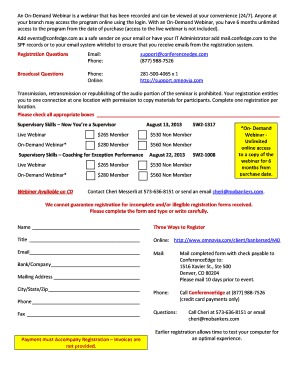
The document outlines a series of webinars focused on developing supervisory skills for team leaders, coaches, and super ...
Exceptional Items
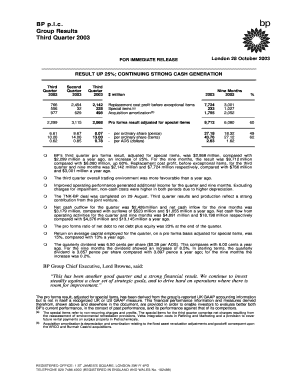
BP p.l.c. reported a strong financial performance for the third quarter of 2003, with a 25% increase in pro forma result ...
0128264-1127794-pi doc FORM 10QSB (Quarterly Report of Financial Condition) Filed 08 10 06 for the P
0128264-1127794-pi doc FORM 10QSB (Quarterly Report of Financial Condition) Filed 08 10 06 for the P
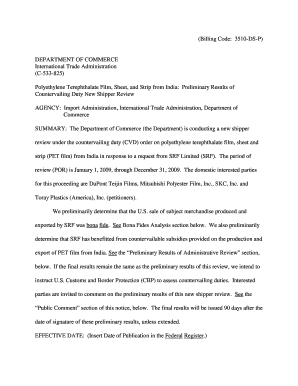
The document outlines the preliminary results of a countervailing duty new shipper review conducted by the U.S. Departme ...

May 7th
The Annual Report 2001 for Hero Group outlines the company's financial performance, highlighting a modest sales growth o ...
The Impact of Diversifying Acquisitions on Shareholders Wealth
The study investigates the impact of diversifying acquisitions on shareholders' wealth in Turkish firms, analyzing 98 ac ...
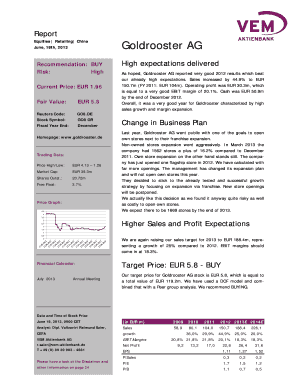
Goldrooster AG - EQS Group AG
The document is a financial report on Goldrooster AG, a German fashion company operating in China, dated June 18, 2013. ...
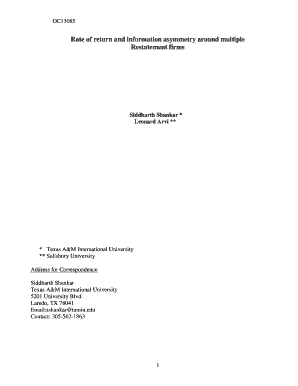
Rate of return and information asymmetry around multiple
The document OC13085 presents an empirical analysis of the market reactions to multiple restatement announcements by fir ...