
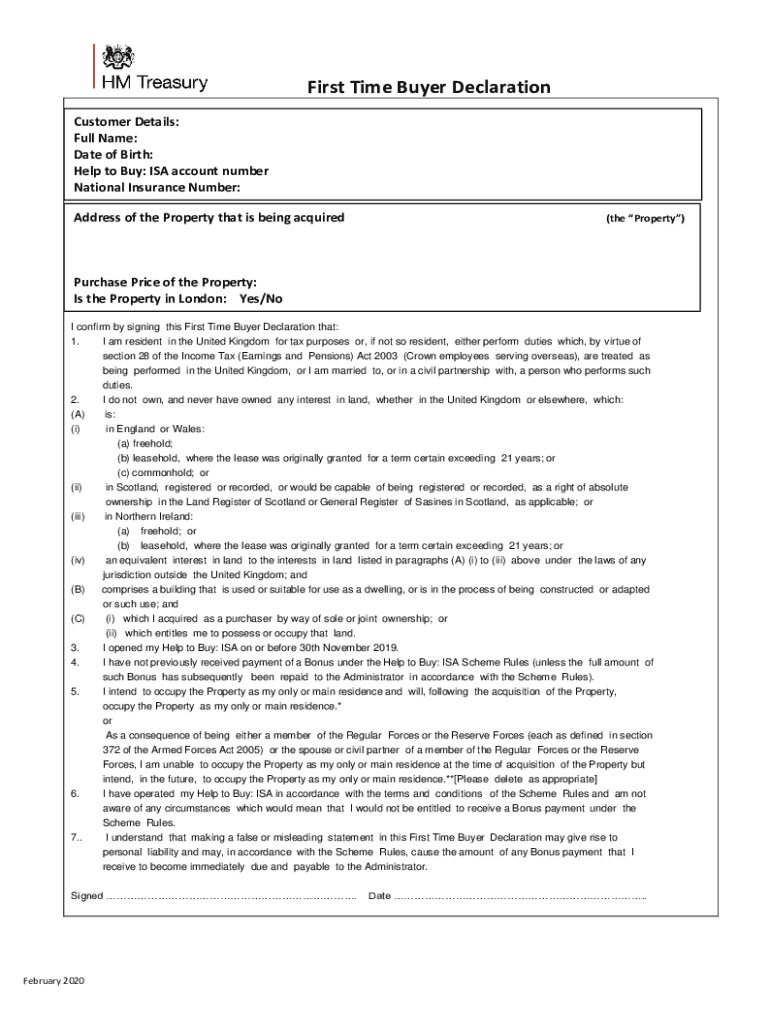







Definition & Meaning
A form online serves as a digital representation of traditional paper forms that can be filled, submitted, and processed via the internet. This transition from paper to digital offers a more efficient, user-friendly way for individuals and organizations to manage a variety of document needs. Such online forms are integral in collecting information, processing requests, and maintaining records without the logistical issues that come with printed forms. Depending on the context, these forms can be applied in multiple scenarios, from submitting tax information to applying for government benefits or completing business transactions.
Digitizing forms extends their functionality beyond simple data entry. Online forms can include interactive features such as automatic calculations, drop-down menus for selection, checkboxes for additional choices, and digital signature capabilities, making them a powerful tool for both personal and professional use. They eliminate the need for physical contact, saving time and reducing errors that often occur in manual data entry. As they are stored digitally, online forms offer ease of access, improved security, and seamless integration with other digital platforms.
How to Use the Form Online
Using an online form involves several straightforward steps that streamline the traditional paperwork process. First, you need to access the form through a web platform, which can usually be found on an organization's official website or through a dedicated document management service like DocHub. Upon accessing the form, you should carefully read the instructions to understand the kind of information required and how it should be presented.
Completing an online form often involves filling in personal details, selecting options from drop-down menus, or uploading supporting documents. Digital platforms can offer guidance and validation checks to ensure accuracy and completeness before submission. Once all required fields are completed, you can submit the form digitally. Confirmation emails or notifications might be sent to verify successful submission. Certain forms may also allow you to save a draft, making it possible to complete them over multiple sessions if needed.
Steps to Complete the Form Online
- Access the Form: Navigate to the website or document management system hosting the form online.
- Read the Instructions: Understand the form's purpose, mandatory fields, and special requirements.
- Input Data: Enter the necessary personal or business information, ensuring accuracy and completeness.
- Use Interactive Features: Utilize drop-down menus, checkboxes, and other interactive elements to provide precise details.
- Upload Documents: Attach any required documents by following the platform’s upload process.
- Review and Validate: Double-check all information entered for accuracy. Use any validation tools provided by the platform to catch mistakes.
- Submit the Form: Finalize the process by submitting the form online, ensuring you confirm receipt through any provided verification method.
Why Should You Form Online
Filing forms online presents numerous advantages that make it a preferable choice over traditional paper methods. Primarily, it offers unparalleled convenience by enabling users to complete and submit forms from any location with internet access, eliminating the need for physical travel or mailing. This convenience extends to better time management, as online forms can usually be filled out faster thanks to streamlined processes and instant submission capabilities.
Online forms also provide enhanced accuracy with real-time data validation, reducing the chances of errors and ensuring that submissions meet the required standards. Additionally, they ensure greater security with encrypted submissions and data storage, protecting sensitive personal and financial information from potential breaches. For organizations, online forms reduce processing time and costs associated with paper forms, including printing, storage, and mailing expenses. Moreover, they offer an eco-friendly alternative by minimizing paper consumption and waste.
Who Typically Uses the Form Online
Online forms are used by a diverse range of users, including individuals and businesses, due to their adaptability and efficiency. Individuals might use online forms for personal matters such as applying for loans, submitting tax returns, enrolling in educational programs, or accessing health services. Businesses and organizations utilize online forms for operational purposes including client registrations, employee onboarding, expense reporting, and compliance monitoring.
Government agencies also implement online forms to deliver public services, streamline application processes, and ensure easier access to benefits, permits, and licenses. Educational institutions have embraced online forms for admission applications, course registrations, and event sign-ups. Non-profit organizations find them useful for volunteer registration and donor contributions. Across these various sectors, online forms effectively handle data collection and management needs.


Important Terms Related to Form Online
- Interactive Fields: Features like checkboxes, drop-down lists, and radio buttons that allow users to easily provide specific types of information.
- Digital Signature: An electronic version of a handwritten signature that verifies the identity of the signatory and ensures document integrity.
- Data Encryption: The process of converting information into code to prevent unauthorized access, ensuring the security of data transmitted online.
- Validation: Automatic checks that ensure the information entered meets specific criteria, reducing errors and improving data integrity.
- Auto-Save: A feature that periodically saves entered data, preventing loss of information in case of an unexpected disruption.
Key Elements of the Form Online
Online forms incorporate several key elements designed to enhance functionality and user experience. Essential components include interactive fields designed for different data types, such as numerical fields, text boxes, and radio buttons, which facilitate a user-friendly input process. Structured sections guide users through the form logically, while built-in instructions or tooltips offer clarity and guidance.
Security is a critical element, with encryption protocols ensuring data protection during transmission and storage. Accessibility features such as compatibility with screen readers and keyboard navigation allow all users, including those with disabilities, to complete forms independently. Lastly, the inclusion of progress indicators or multi-step workflow management enables users to track their completion status and better manage complex forms requiring detailed information.
Legal Use of the Form Online
The legal use of online forms is regulated to ensure compliance with privacy laws and digital transaction standards. In the U.S., electronic signatures obtained through online forms are legally binding under the ESIGN Act, provided specific conditions around consent and intent are met. Organizations must ensure their online forms comply with data protection regulations such as the Health Insurance Portability and Accountability Act (HIPAA) for healthcare data and the General Data Protection Regulation (GDPR) for entities dealing with European consumers.
Ensuring legal use involves clear communication of terms and conditions, obtaining user consent for data processing, and providing a mechanism for individuals to report errors or request corrections to submitted data. Documents must maintain audit trails for accountability and transparency, providing a reliable record of all interactions associated with the form.




