
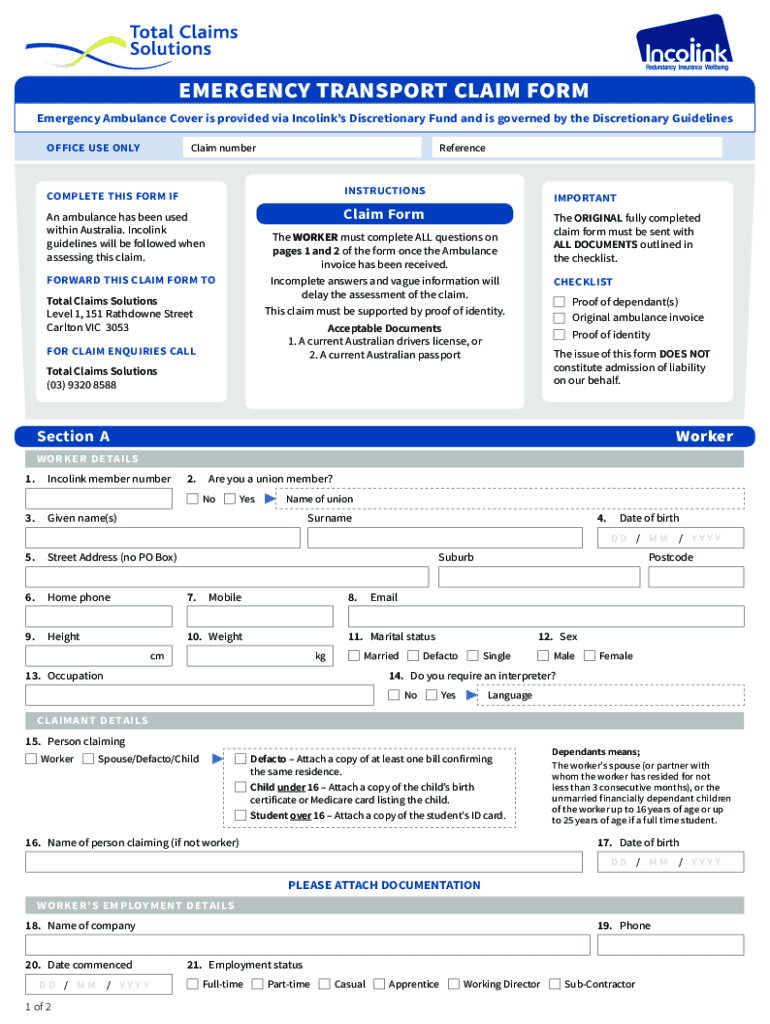







Definition and Meaning of Form Online
Online forms are digital versions of paper documents designed for data collection, application processes, or documentation tasks. These forms are accessible via the internet, enabling users to fill out and submit information quickly without the need for physical paperwork. In contexts such as government applications, personal data collection, or business transactions, an online form can streamline processes, reduce errors, and enhance efficiency. For example, online tax forms allow taxpayers to submit necessary information directly to the IRS without mailing in physical copies.
How to Use the Form Online
Filling out an online form is generally straightforward. First, navigate to the website offering the form, such as DocHub, where you can easily edit and manage documents online. Review the form requirements and instructions carefully. Forms typically include interactive fields like text boxes and checkboxes you can easily fill out. After entering all necessary information, review your entries to ensure accuracy. Most platforms, including DocHub, will allow you to save your progress or revisit sections at any time before final submission.
How to Obtain the Form Online
To access an online form, visit the provider's website or a document management platform like DocHub. These services often integrate with cloud storage solutions, allowing users to download forms directly or import them from services like Google Drive or Dropbox. Some forms might require user authentication or account creation to ensure security and privacy are maintained during the process of filling, editing, or sharing the document.
Steps to Complete the Form Online
- Access the form: Navigate to the document management platform or website offering the form.
- Review instructions: Carefully read through the instructions and requirements specific to the form.
- Fill in information: Enter necessary data in the interactive fields. Use tools provided, such as text entry, signatures, and dropdowns.
- Review entries: Double-check each section for accuracy and completeness to avoid processing delays.
- Submit the form: Once finalized, submit the form through the tool. Platforms like DocHub provide options to save, print, or directly email the completed form.
Key Elements of the Form Online
Online forms commonly include fields like:
- Personal Information: Names, addresses, and contact numbers.
- Text Boxes: For free-text entries.
- Checkboxes and Dropdowns: Simplify choices and data entry.
- Signature Fields: For legal acknowledgment or consent.
Platforms like DocHub enhance these basic elements with advanced features such as real-time collaboration, document tracking, and audit trails.
Who Typically Uses the Form Online
A wide range of individuals and organizations use online forms:
- Personal Use: Individuals filling out applications for visas or benefits.
- Business Use: Companies collecting customer feedback or processing employee information.
- Educational Use: Schools and universities for student registrations and surveys.
- Government Agencies: To streamline public services and documentation efficiency.


Legal Use of the Form Online
Online forms hold legal significance similar to their paper counterparts when used correctly. Legal compliance with standards like the ESIGN Act allows online documents, especially when signed digitally, to be legally binding. Users must ensure forms are completed accurately and submitted through verified platforms, like DocHub, that provide security measures such as encryption and authentication protocols.
State-Specific Rules for the Form Online
Specific states may have regulations affecting how online forms are completed. For instance:
- California: Stringent data privacy laws affect how personal information is collected and stored.
- New York: May have additional requirements for electronic signatures on contracts or legal documents.
- Texas: Has guidelines on the electronic transmission of specific state agency forms.
Users should verify local laws impacting document submission to avoid non-compliance issues.
Required Documents for Form Submission
When submitting forms online, you might need additional documentation:
- Identity Proof: Scans of government-issued IDs.
- Financial Statements: Invoices or tax documents for financial forms.
- Supporting Documents: Medical records or employment proof for specific applications.
DocHub allows easy uploading and attaching of such files directly from cloud storage services for a seamless form submission process.




