Incolink ambulance cover 2026

Get Form
incolink login Preview on Page 1

Here's how it works

01. Edit your incolink login online
Type text, add images, blackout confidential details, add comments, highlights and more.
02. Sign it in a few clicks
Draw your signature, type it, upload its image, or use your mobile device as a signature pad.
03. Share your form with others
Send incolink ambulance claim form via email, link, or fax. You can also download it, export it or print it out.

How to use or fill out incolink ambulance cover with our platform

Form edit decoration
9.5
Ease of Setup
DocHub User Ratings on G2
9.0
Ease of Use
DocHub User Ratings on G2
  1. Click ‘Get Form’ to open the incolink ambulance cover in the editor.
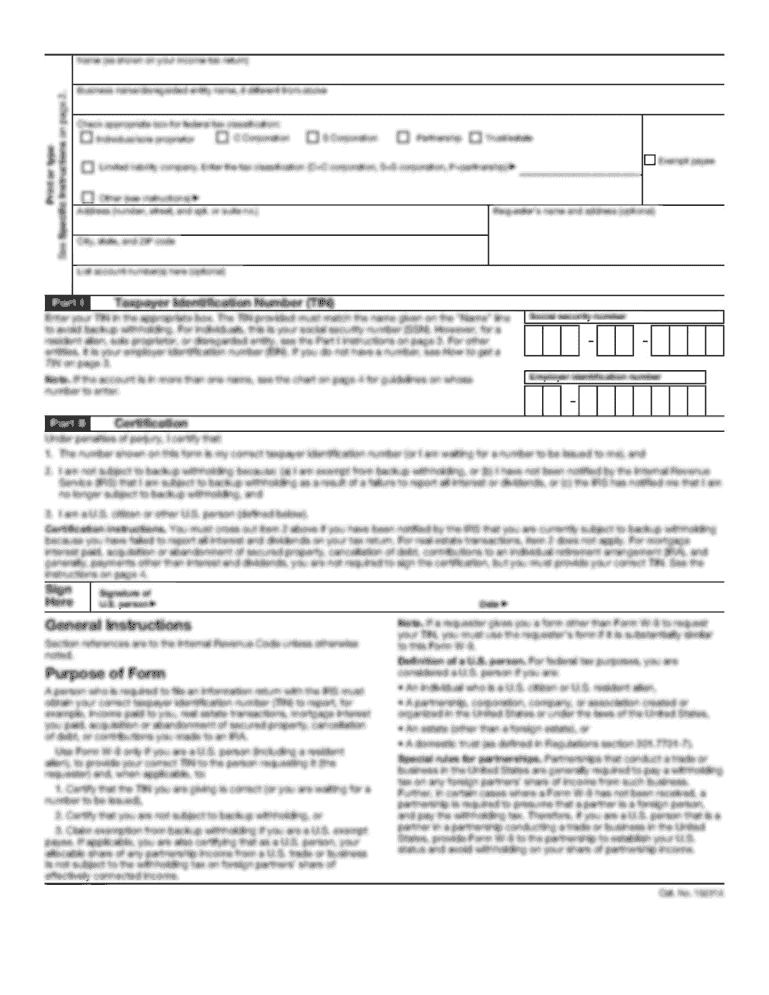
  2. Begin by filling out the Worker Details section. Provide your Incolink Member Number, surname, given names, address (no PO Box), telephone, mobile, date of birth, email address, sex, marital status, and occupation.
  3. Next, complete the Dependant Details section if applicable. List dependants and attach necessary documentation such as proof of residence for a spouse or student ID for children over 16.
  4. In the Employment Details section, enter your company name, employment status (casual, part-time, full-time), and commencement date. Indicate if you are still employed.
  5. Fill out the Ambulance Details by providing the exact date and time the ambulance was required along with reasons for its necessity.
  6. Complete Payment Details to specify how you would like to receive funds if your claim is accepted.
  7. Finally, review and sign the Declaration & Authorisation section before submitting your form along with all required documents.

Start using our platform today to easily fill out your incolink ambulance cover form online for free!

See more incolink ambulance cover versions

We've got more versions of the incolink ambulance cover form. Select the right incolink ambulance cover version from the list and start editing it straight away!
Versions Form popularity Fillable & printable
2019 4.8 Satisfied (102 Votes)
2013 4.9 Satisfied (49 Votes)
be ready to get more

Complete this form in 5 minutes or less

Get form

Got questions?

We have answers to the most popular questions from our customers. If you can't find an answer to your question, please contact us.
Contact us
Incolink redundancy scheme members and your immediate families (spouse / defacto and dependent children under 16 or full time students under 25) are covered for use of an ambulance in an emergency situation. This covers you anywhere in Australia.
Eligible Victorians holding a valid Pensioner Concession or Health Care Card currently receive free clinically necessary transport. This may not apply when being transported from a private healthcare facility.
Ambulance Victoria responds to over 800,000 calls for medical help from Victorians every year. That is over 2,200 calls a day. Emergency medical transport services are not free and not covered by Medicare.
Under the terms of membership, contributions must be paid to all eligible workers. Eligible workers are those who are currently working on a commercial building or construction site in New South Wales, Victoria, South Australia, or Tasmania where an Industrial Instrument applies.
Making a Claim You can make a claim via the Incolink App by installing the latest version from the App Store or Google Play Store. Then, login to your account and follow the prompts to claim. You can also claim online by logging in to WorkerLink and follow the menu prompts to lodge your claim.

Security and compliance

At DocHub, your data security is our priority. We follow HIPAA, SOC2, GDPR, and other standards, so you can work on your documents with confidence.

Learn more
ccpa2
pci-dss
gdpr-compliance
hipaa
soc-compliance
be ready to get more

Complete this form in 5 minutes or less

Get form

People also ask

Members are covered for the same benefits Australia wide as they would have received had they been in Victoria. If you use transport interstate, you may receive an invoice from that states ambulance service which you would forward to the AV accounts department with your membership details listed.
Once youve logged into the app youll be on the home page. Step 1 Click on the menu bar on the top left of your screen. Step 2 In the menu, click on the My Dashboard section. Step 3 Here, youll be able to see your balance and any recent contributions made to your account.

incolink ambulance cover claim form