




Here's how it works

01. Edit your request mast usmc online
Type text, add images, blackout confidential details, add comments, highlights and more.

02. Sign it in a few clicks
Draw your signature, type it, upload its image, or use your mobile device as a signature pad.

03. Share your form with others
Send mast form via email, link, or fax. You can also download it, export it or print it out.
How to use or fill out request mast form with our platform

- Click ‘Get Form’ to open the request mast form in the editor.
- Begin by entering your personal information in the designated fields, including your name, email address, and contact number. Ensure accuracy for effective communication.
- Next, navigate to the section that outlines your request details. Clearly specify the nature of your request and any relevant dates or deadlines.
- If applicable, attach any supporting documents by using the upload feature within the editor. This will help provide context to your request.
- Review all entered information for completeness and correctness before submitting. Utilize our platform’s editing tools to make any necessary adjustments.
- Finally, click ‘Submit’ to send your completed request mast form directly from our platform, ensuring a smooth submission process.
Start using our platform today for free and streamline your document management!
Fill out request mast form online
It's free
It's free
Got questions?
We have answers to the most popular questions from our customers. If you can't find an answer to your question, please contact us.
Contact us
What does requesting a mast do?
Request Mast provides a member the opportunity to communicate not only with his or her immediate Commanding Officer, but also with any superior Commanding Officer in the chain of command up to and including the members immediate Commanding General.
What is a request mast?
Request Mast includes both the right of the member to personally talk to the Commanding Officer, normally in person, and the requirement that the Commanding Officer consider the matter and personally respond to the member Requesting Mast.
Security and compliance
At DocHub, your data security is our priority. We follow HIPAA, SOC2, GDPR, and other standards, so you can work on your documents with confidence.
Learn more


Related forms
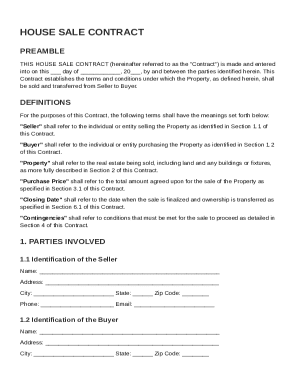
House Sale Contract Template
The document is a House Sale Contract outlining the terms and conditions for the sale of a property between a Seller and ...
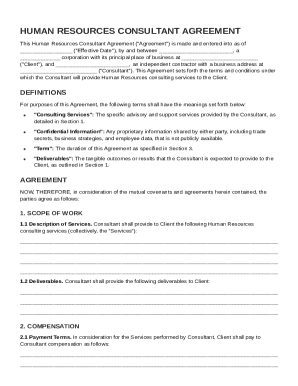
Human Resources Consultant Contract Template
The Human Resources Consultant Agreement outlines the terms and conditions under which an independent contractor (Consul ...
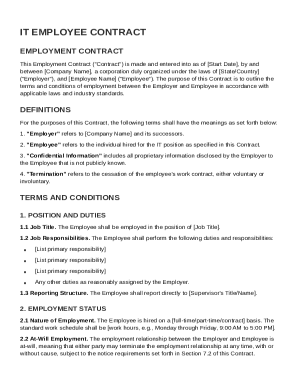
IT Employee Contract Template
The document is an Employment Contract for an IT employee, outlining the terms and conditions of employment between the ...
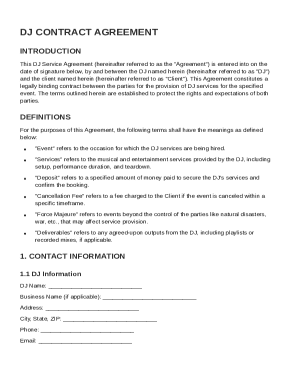
DJ Contract Template
The DJ Contract Agreement is a legally binding document between a DJ and a client for the provision of DJ services at a ...
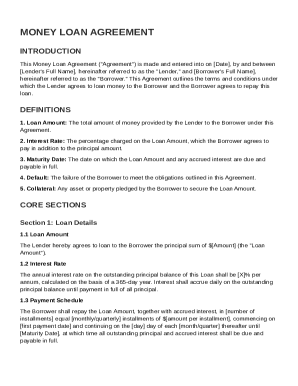
Money Loan Contract Template
The Money Loan Agreement outlines the terms and conditions under which a lender provides a loan to a borrower, including ...
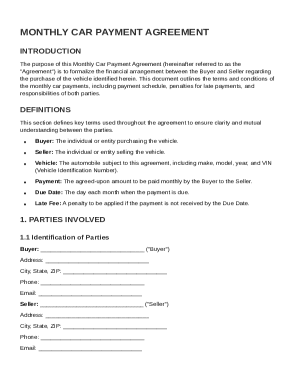
Monthly Car Payment Contract Template
The Monthly Car Payment Agreement formalizes the financial arrangement between a Buyer and Seller for the purchase of a ...
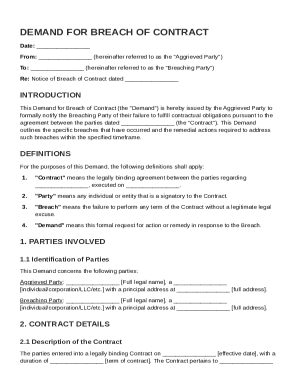
Demand Breach Of Contract Template
This document is a formal Demand for Breach of Contract issued by the Aggrieved Party to the Breaching Party, notifying ...
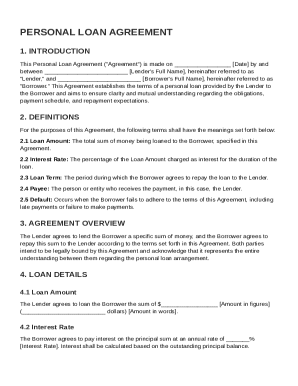
Personal Loan Between Friends Contract Template
The Personal Loan Agreement outlines the terms and conditions under which a lender provides a personal loan to a borrowe ...