




Here's how it works



How to use or fill out Sellers Name: ("Seller") with a mailing address of using our platform

- Click ‘Get Form’ to open it in the editor.
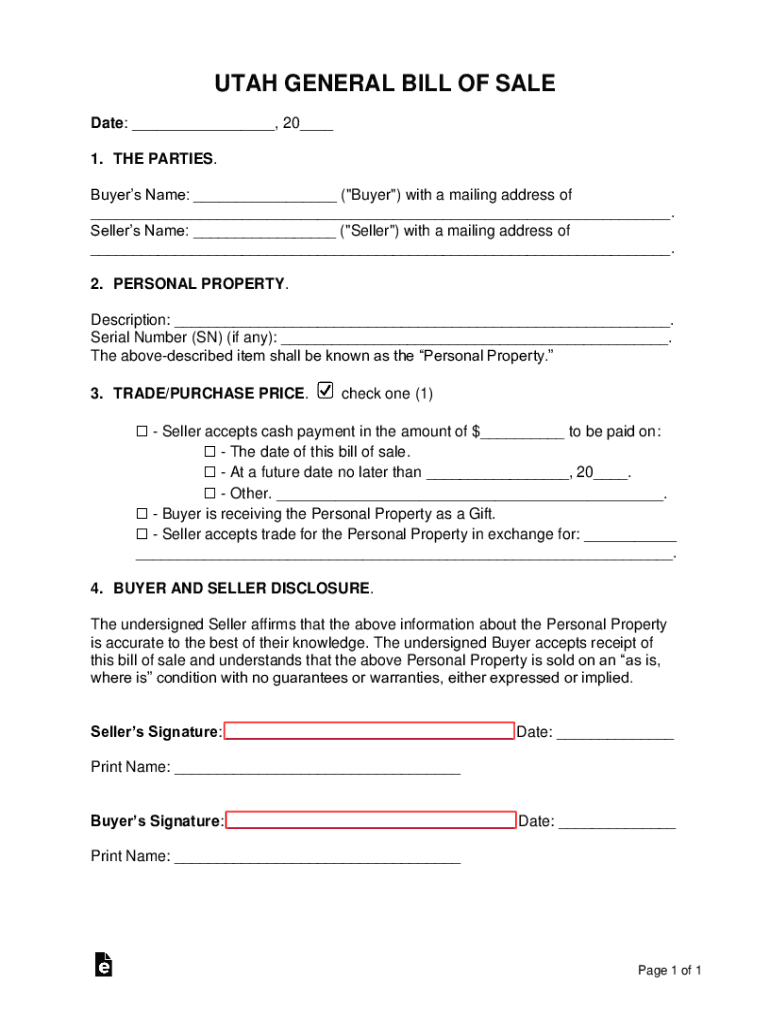
- Locate the 'Seller’s Name' field. Enter the full name of the seller as it should appear on the document.
- Next, find the 'mailing address' section directly below the seller's name. Input the complete mailing address, ensuring accuracy for future correspondence.
- Review all entered information for correctness. This ensures that both parties have clear and accurate details regarding the transaction.
- Once satisfied, proceed to fill out other relevant sections of the form, such as personal property details and payment options.
Start using our platform today to streamline your document editing and signing process for free!
It's free
See more Sellers Name: ("Seller") with a mailing address of versions
Got questions?
Can I use DocHub to generate legal eSignatures on my Sellers Name: ("Seller") with a mailing address of?
Yes, you can utilize DocHub for signing any business and personal paperwork, including your Sellers Name: ("Seller") with a mailing address of. All eSignatures you create with our service are legally binding and court-admissible, as DocHub complies with criteria required by ESIGN and UETA. Save your completed form with a detailed Audit Trail if necessary.
Can I print my Sellers Name: ("Seller") with a mailing address of and finish it on my own?
If you choose analog ways of completing your Sellers Name: ("Seller") with a mailing address of, you can easily download your file for printing. Search DocHub’s Forms & Templates catalog to locate the exact file template you require and open it for editing or download it on your gadget in the format of your liking. It is possible to complete your form electronically and place your handwritten signature on it after printing or eSign your file with DocHub.
Security and compliance
At DocHub, your data security is our priority. We follow HIPAA, SOC2, GDPR, and other standards, so you can work on your documents with confidence.
Learn more


