




Here's how it works

01. Edit your cdc form download online
Type text, add images, blackout confidential details, add comments, highlights and more.

02. Sign it in a few clicks
Draw your signature, type it, upload its image, or use your mobile device as a signature pad.

03. Share your form with others
Send cdc form fill via email, link, or fax. You can also download it, export it or print it out.
How to use or fill out cdc form online with our platform

- Click ‘Get Form’ to open the cdc form online in the editor.
- Begin by entering your personal information in the designated fields, such as name, address, and contact details. Ensure accuracy for effective processing.
- Next, navigate to the section that requires specific health-related information. Fill out each field carefully, providing any necessary details as prompted.
- Review all entered information for completeness and correctness. Use our platform's editing tools to make any adjustments before finalizing your submission.
- Once satisfied with your entries, proceed to sign the document electronically using our signature feature. This step is crucial for validating your submission.
- Finally, click ‘Submit’ to send your completed cdc form online directly from the editor. You can also save a copy for your records.
Start using our platform today to fill out your cdc form online for free!
Fill out cdc form online online
It's free
It's free
See more cdc form online versions
We've got more versions of the cdc form online form. Select the right cdc form online version from the list and start editing it straight away!
| Versions | Form popularity | Fillable & printable |
|---|---|---|
| 2002 | 4.9 Satisfied (61 Votes) |
Security and compliance
At DocHub, your data security is our priority. We follow HIPAA, SOC2, GDPR, and other standards, so you can work on your documents with confidence.
Learn more


Related forms
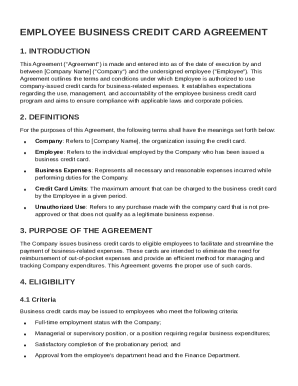
Employee Business Credit Card Agreement Template
The Employee Business Credit Card Agreement outlines the terms and conditions for employees authorized to use company-is ...
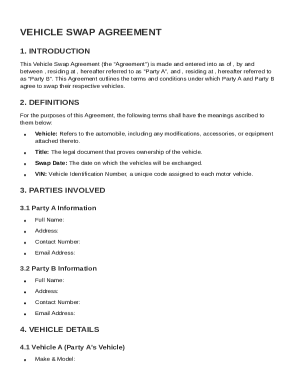
Vehicle Swap Agreement Template
The Vehicle Swap Agreement outlines the terms and conditions for Party A and Party B to exchange their vehicles. It incl ...
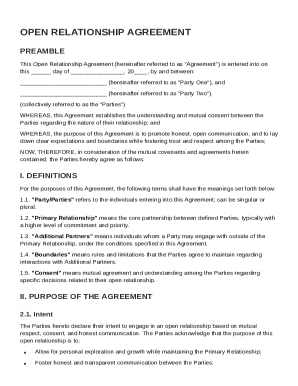
Open Relationship Contract Template
The Open Relationship Agreement outlines the mutual understanding and consent between two parties regarding their open r ...
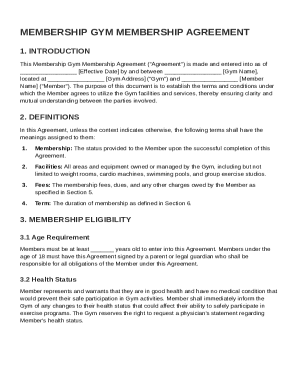
Membership Gym Membership Contract Template
The Membership Gym Membership Agreement outlines the terms and conditions for a member's use of gym facilities and servi ...
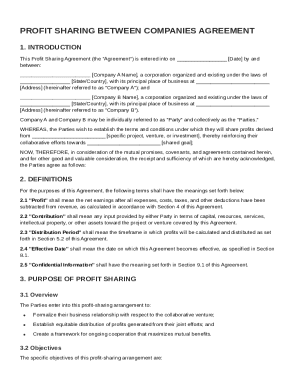
Profit Sharing Between Companies Agreement Template
The Profit Sharing Agreement outlines the terms and conditions for profit sharing between Company A and Company B from a ...
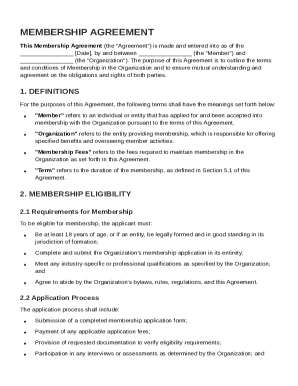
Membership Membership Contract Template
The Membership Agreement outlines the terms and conditions for membership between an individual or entity (the Member) a ...
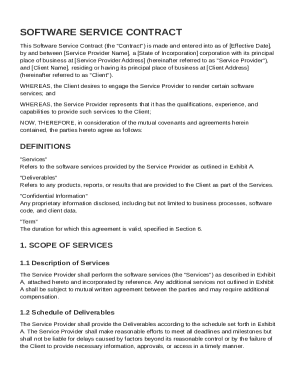
Software Service Contract Template
The Software Service Contract outlines the agreement between a service provider and a client for the provision of softwa ...
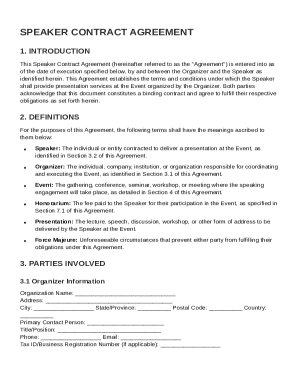
Speaker Speaker Contract Template
The Speaker Contract Agreement outlines the terms and conditions for a speaker's engagement at an event organized by an ...