




Here's how it works



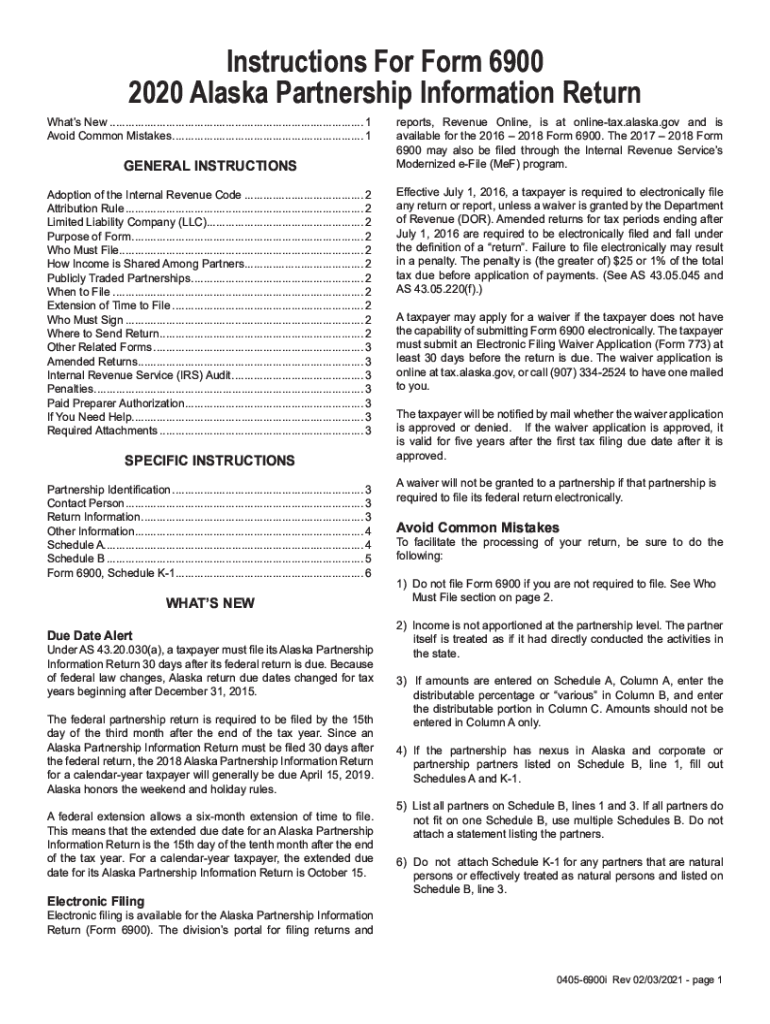
How to use or fill out 2020 AK 0405-6900i with DocHub

- Click ‘Get Form’ to open the 2020 AK 0405-6900i in our editor.
- Begin by entering your personal information in the designated fields. Ensure that your name, address, and contact details are accurate.
- Proceed to the financial section. Input your income details as required, making sure to double-check for any discrepancies.
- In the deductions area, list any applicable deductions. Use the provided guidelines to ensure you include all relevant information.
- Review all entries for accuracy. Utilize our platform's editing features to make any necessary adjustments before finalizing.
- Once satisfied, save your document and choose whether to print or share it directly from our editor.
Start using our platform today for free and streamline your form completion process!
It's free
See more 2020 AK 0405-6900i versions
Got questions?
How do I sign my 2020 AK 0405-6900i without printing?
Electronic signatures are a great alternative to traditional signing, as they save time, effort, and money people spend on printing, scanning, and paper delivery. You can electronically sign your 2020 AK 0405-6900i utilizing a reliable and powerful online document management tool like DocHub. It complies with major eSignature regulations (ESIGN and UETA), so all documents approved there are legally binding and have the same validity as physically signed ones.
How do you complete 2020 AK 0405-6900i on iOS?
You need only an internet connection and a browser to complete your 2020 AK 0405-6900i by using an iOS phone. Open the DocHub website and authenticate. Then, add your file or choose it from the list in your dashboard. Then use our editing instruments to complete your form and preserve all your modifications. You can also send it to a dedicated recipient immediately.
Security and compliance
At DocHub, your data security is our priority. We follow HIPAA, SOC2, GDPR, and other standards, so you can work on your documents with confidence.
Learn more


