Type text, add images, blackout confidential details, add comments, highlights and more.
02. Sign it in a few clicks
Draw your signature, type it, upload its image, or use your mobile device as a signature pad.
03. Share your form with others
Send it via email, link, or fax. You can also download it, export it or print it out.
How to use or fill out or deq asn asbestos with our platform
Ease of Setup
DocHub User Ratings on G2
Ease of Use
DocHub User Ratings on G2
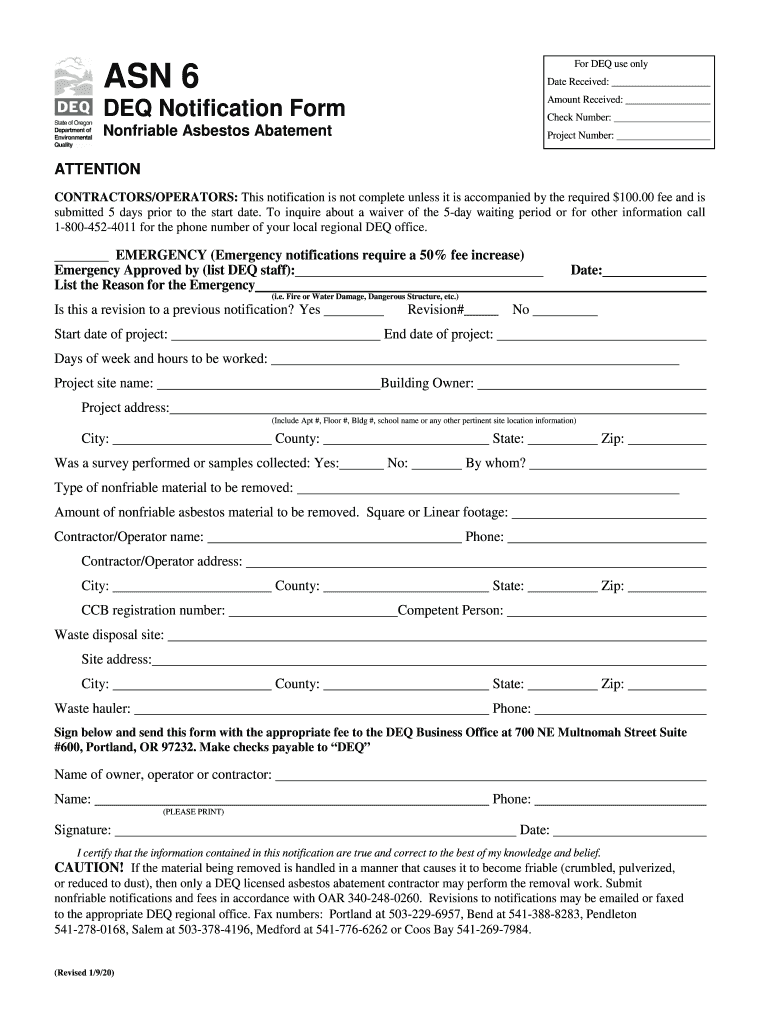
Click ‘Get Form’ to open the DEQ Notification Form in the editor.
Begin by entering the 'Date Received' and 'Amount Received' at the top of the form. This information is crucial for tracking your submission.
Fill in the 'Project Number' and check if this is an emergency notification, which requires a fee increase. If so, list the reason for the emergency.
Indicate whether this is a revision to a previous notification by selecting 'Yes' or 'No', and provide relevant dates for project start and end.
Complete the project site details including name, address, city, county, and any pertinent location information.
Specify if a survey was performed and detail the type and amount of nonfriable asbestos material to be removed.
Enter contractor/operator details including name, phone number, address, and CCB registration number.
Finally, sign and date the form certifying that all information is accurate before submitting it along with the required fee to the DEQ Business Office.
Start using our platform today to streamline your DEQ notifications for free!
We've got more versions of the or deq asn asbestos form. Select the right or deq asn asbestos version from the list and start editing it straight away!
Jul 10, 2014 d) Copy of DEQ ASN-4 Asbestos Waste Shipment Report Form e) Employee DEQ certification information. The scope of work further includesRead more
Cookie consent notice
This site uses cookies to enhance site navigation and personalize your experience.
By using this site you agree to our use of cookies as described in our Privacy Notice.
You can modify your selections by visiting our Cookie and Advertising Notice.