




Here's how it works

01. Edit your guardian short term disability online
Type text, add images, blackout confidential details, add comments, highlights and more.

02. Sign it in a few clicks
Draw your signature, type it, upload its image, or use your mobile device as a signature pad.

03. Share your form with others
Send guardian short term disability calculator via email, link, or fax. You can also download it, export it or print it out.
How to use or fill out the guardian short term disability form with our platform

- Click ‘Get Form’ to open the guardian short term disability form in the editor.
- Begin by entering your personal information, including your name, date of birth, and contact details. Ensure accuracy as this information is crucial for processing your application.
- In the travel itinerary section, list the countries you plan to visit along with the corresponding cities and duration of stay. Specify your type of accommodation for each location.
- Proceed to the health history section. Answer questions regarding allergies, pregnancy status, and any chronic diseases. Be thorough in detailing any medications you are currently taking.
- Complete the waiver section by acknowledging your understanding of payment responsibilities. Sign electronically using our platform's signature feature for a legally binding submission.
- Finally, review all entries for completeness and accuracy before submitting the form via mail or fax as instructed.
Start filling out your guardian short term disability form today on our platform for free!
Fill out guardian short term disability form online
It's free
It's free
See more guardian short term disability form versions
We've got more versions of the guardian short term disability form form. Select the right guardian short term disability form version from the list and start editing it straight away!
Security and compliance
At DocHub, your data security is our priority. We follow HIPAA, SOC2, GDPR, and other standards, so you can work on your documents with confidence.
Learn more


Related forms

Gsis membership form
The document is an application form for life insurance benefits provided by GSIS, detailing the necessary information re ...
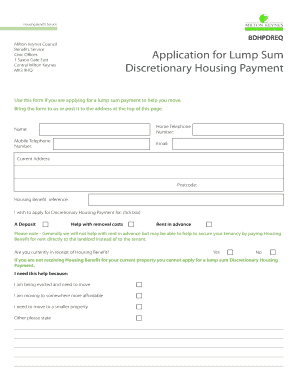
Application for Lump Sum Discretionary Housing Payment
The document is an application form for a Lump Sum Discretionary Housing Payment from Milton Keynes Council, intended to ...
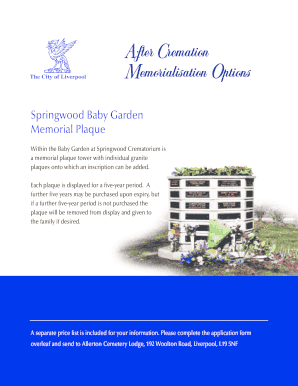
Baby Garden Memorial Plaque Application Form - Liverpool City
The document outlines the process for purchasing a memorial plaque in the Baby Garden at Springwood Crematorium. Each gr ...

Public law children act events case plan
The document outlines the SCU Events Case Plan for legal proceedings under the Public Law Children Act. It includes sect ...

Ei2 form
The document outlines the requirements for a Public Benefit Organisation (PBO) to qualify for income tax exemption under ...
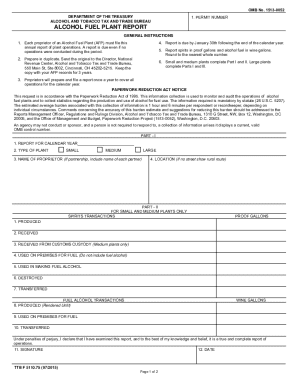
TTB F 5110 75 Alcohol Fuel Plant Report TTB F 5110 75 Alcohol Fuel Plant Report
The document outlines the annual reporting requirements for proprietors of Alcohol Fuel Plants (AFP) to the Alcohol and ...
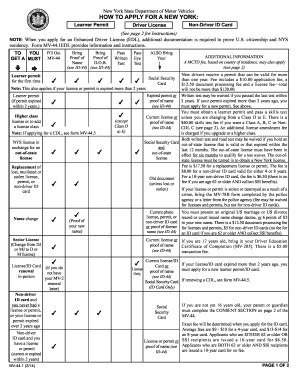
Mv-44 1 (2 14)
The document provides detailed instructions on how to apply for a New York State learner permit, driver license, or non- ...

Resident welfare association letterhead sample
The document is an Exclusive Letter of Request for a Bank Guarantee (BG) transaction between a buyer and seller, detaili ...