




Here's how it works

01. Edit your form online
Type text, add images, blackout confidential details, add comments, highlights and more.

02. Sign it in a few clicks
Draw your signature, type it, upload its image, or use your mobile device as a signature pad.

03. Share your form with others
Send it via email, link, or fax. You can also download it, export it or print it out.
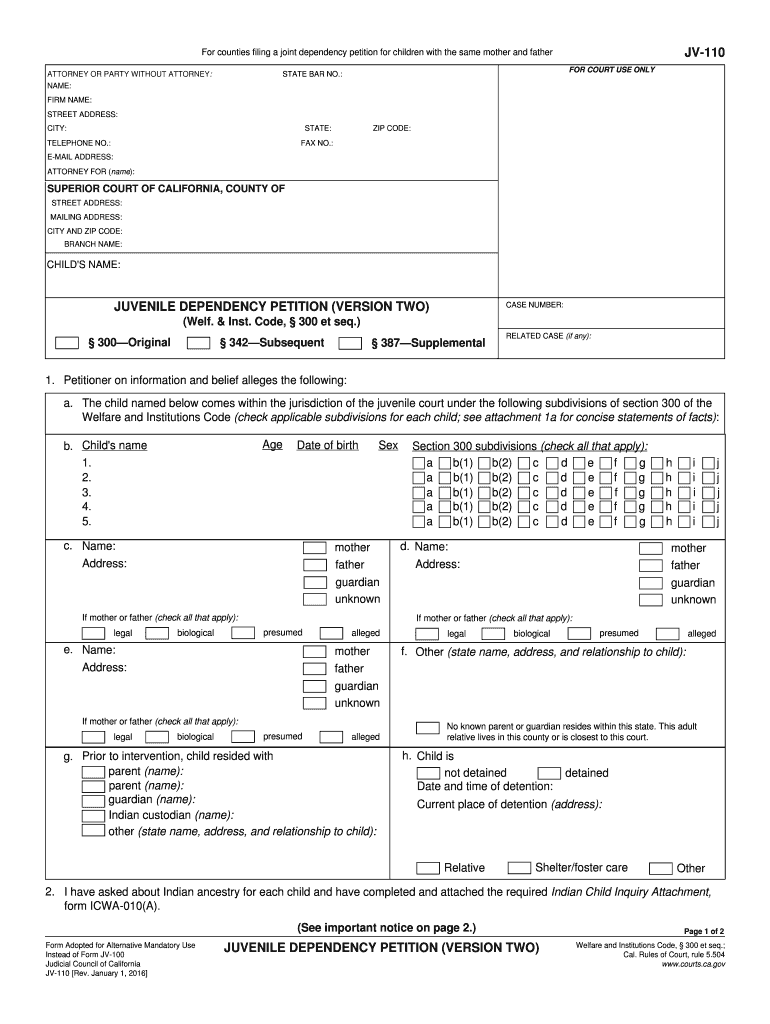
How to use or fill out ca form juvenile with our platform

- Click ‘Get Form’ to open the ca form juvenile in the editor.
- Begin by filling in your details as the attorney or party without an attorney. Include your name, firm name, address, and contact information in the designated fields.
- Next, provide the child's name and case number at the top of the form. Ensure accuracy as this information is crucial for court processing.
- In section 1, check the applicable subdivisions under section 300 of the Welfare and Institutions Code that pertain to each child. This helps establish jurisdiction.
- Complete sections regarding parental information, including names and addresses of parents or guardians. Be sure to indicate their legal status (presumed, biological, etc.).
- Indicate whether the child is detained or not and provide details about their current place of detention if applicable.
- Finally, review all entries for accuracy before signing at the bottom of the form. You can save or print your completed document directly from our platform.
Start using our platform today to fill out your ca form juvenile easily and for free!
Fill out ca form juvenile online
It's free
It's free
See more ca form juvenile versions
We've got more versions of the ca form juvenile form. Select the right ca form juvenile version from the list and start editing it straight away!
Security and compliance
At DocHub, your data security is our priority. We follow HIPAA, SOC2, GDPR, and other standards, so you can work on your documents with confidence.
Learn more


Related forms

PLEASE DO NOT FILL OUT THIS FORM This is not an - Census
The document presents data from the Census 2000, highlighting key demographic trends in Indiana. It notes that certain t ...

Defining syntax for learner language annotation
The document discusses the need for precise syntactic annotation of learner language, emphasizing the importance of defi ...

Indiana College Substance Use Survey 2011 - Indiana Prevention - drugs indiana
The document presents the results of the Indiana College Substance Use Survey conducted in 2011, which assesses substanc ...

The time value of money: Part I
The document 'The Time Value of Money: Part I' by Pamela Peterson Drake introduces the fundamental concepts of valuing f ...

Summer News Circular Summer News Circular
The document is a call for papers for the 38th ASECS Annual Meeting and the 33rd SEASECS Annual Meeting, scheduled to ta ...

Center For Africana Studies Working Paper Series - Zanvyl Krieger
The working paper titled "Media Watch: A Timeline of Black Urban Video Culture, 1989-2004" by Tanji Gilliam explores the ...
Cheap, Fast and Good Enough: Automatic Speech Recognition with - clsp jhu
The document discusses the use of Amazon's Mechanical Turk for automatic speech recognition (ASR) transcription, highlig ...

Streaming Multigrid for Gradient-Domain Operations on Large Images
The document presents a novel streaming multigrid solver designed for efficiently processing large linear systems in gra ...