




Here's how it works

01. Edit your i 512t online
Type text, add images, blackout confidential details, add comments, highlights and more.

02. Sign it in a few clicks
Draw your signature, type it, upload its image, or use your mobile device as a signature pad.

03. Share your form with others
Send form i 512t via email, link, or fax. You can also download it, export it or print it out.
How to use or fill out form i 131 fillable 2016-2019 with our platform

- Click 'Get Form' to open the I-131 fillable form in the editor.
- Begin by entering your personal information in Part 1, including your name, address, and Alien Registration Number (if applicable). Ensure all details are accurate.
- In Part 2, select the type of travel document you are applying for: Reentry Permit, Refugee Travel Document, or Advance Parole Document. Each option has specific requirements.
- Complete Part 3 by providing additional information relevant to your application type. For example, if applying for a Reentry Permit, include details about your lawful permanent resident status.
- Attach any required supporting documents as specified in the instructions. This may include identity documents and evidence of your current status.
- Review all entries for accuracy and completeness before submitting. Use our platform's features to save and edit as needed.
Start filling out your I-131 form today on our platform for free!
Fill out form i 131 fillable 2016-2019 online
It's free
It's free
See more form i 131 fillable 2016-2019 versions
We've got more versions of the form i 131 fillable 2016-2019 form. Select the right form i 131 fillable 2016-2019 version from the list and start editing it straight away!
Security and compliance
At DocHub, your data security is our priority. We follow HIPAA, SOC2, GDPR, and other standards, so you can work on your documents with confidence.
Learn more


Related forms

MRI Order Form
The document is an MRI order form for a medical facility located at 21 Lower Ragsdale Drive, Monterey, CA. It includes s ...

Moral character reference form
The document outlines the requirements for submitting a Moral Character Reference Form for first-time CPA applicants in ...
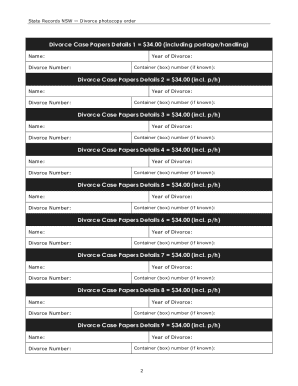
Divorce application form nsw pdf
The document is a photocopy order form for Divorce Case Papers from State Records NSW. It outlines the fees for ordering ...

Consent Form - Carnival Cruise Lines
The document is a consent form for parents or legal guardians allowing their minor child to travel with a designated res ...
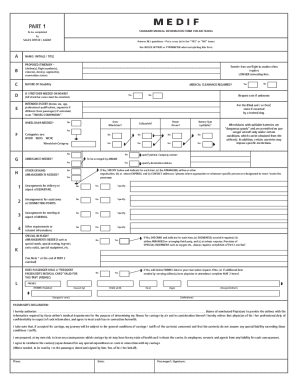
Medical Information Form for Air Travel (MEDIF) - Virgin Atlantic
The document is a Standard Medical Information Form for air travel, designed to collect essential medical details about ...
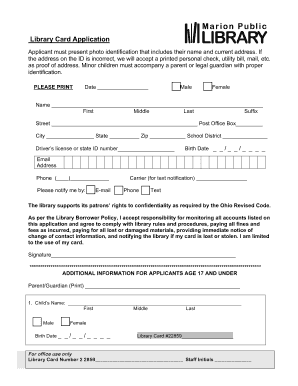
Library Card Application - Marion Public Library
The document is a Library Card Application form that requires applicants to provide photo identification with their name ...

AutoExpreso Vehicle Account Responsibility Form
The document is a form for users of AutoExpreso, a toll payment system in Puerto Rico, where the current vehicle user ac ...