



01. Edit your form online
Type text, add images, blackout confidential details, add comments, highlights and more.

Type text, add images, blackout confidential details, add comments, highlights and more.

Draw your signature, type it, upload its image, or use your mobile device as a signature pad.

Send it via email, link, or fax. You can also download it, export it or print it out.
"Form online" refers to the digital version of traditional paper forms that have been adapted for completion and submission through electronic means. This modern approach simplifies the process of gathering and processing information, allowing users to fill out, edit, and submit forms using internet-enabled devices. The transition from paper to digital forms enhances accessibility and efficiency, meeting the increasing demand for convenience in personal and professional tasks. This online format caters to various needs, including applications, surveys, contracts, and document submission requirements.
Using forms online involves several key steps aimed at ensuring accurate completion and submission. Initially, users must access the required form via a web platform or document management service such as DocHub. Key functionalities enable users to enter data directly into fillable fields, add digital signatures, and attach supplementary documents if needed. An intuitive interface guides users through each section, often with embedded instructions to prevent errors. Once completed, the form can be reviewed, corrected if necessary, and submitted electronically, streamlining tasks that traditionally involved mailing or faxing documents.
Understanding the terminology related to forms online is crucial for proper usage:
Forms completed online hold the same legal weight as traditional paper forms, particularly when it includes legally binding electronic signatures. Compliance with regulations like the ESIGN Act enforces authentication protocols and data encryption, ensuring both the validity and security of information submitted. Such forms are accepted in various legal and official contexts, from signing contracts to submitting government applications, provided they meet the required standards.
A well-designed online form contains certain critical elements:
Various professionals frequently utilize online forms in:
Forms online offer multiple submission options, with electronic submission being the most efficient:
Filling out forms online may necessitate the attachment of additional documents to support the information provided:
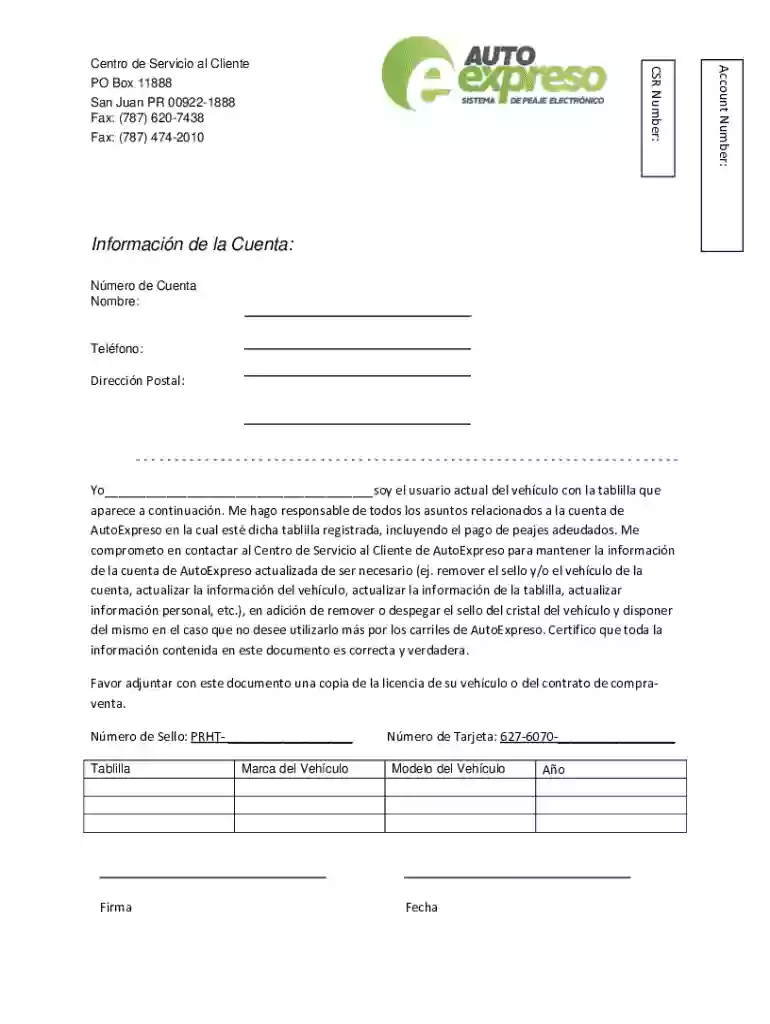
We've got more versions of the AutoExpreso Vehicle Account Responsibility Form form. Select the right AutoExpreso Vehicle Account Responsibility Form version from the list and start editing it straight away!
At DocHub, your data security is our priority. We follow HIPAA, SOC2, GDPR, and other standards, so you can work on your documents with confidence.


