




Here's how it works

01. Edit your affidavit to affirm power of attorney online
Type text, add images, blackout confidential details, add comments, highlights and more.

02. Sign it in a few clicks
Draw your signature, type it, upload its image, or use your mobile device as a signature pad.

03. Share your form with others
Send the document is an affidavit it or print it out via email, link, or fax. You can also download it, export it or print it out.
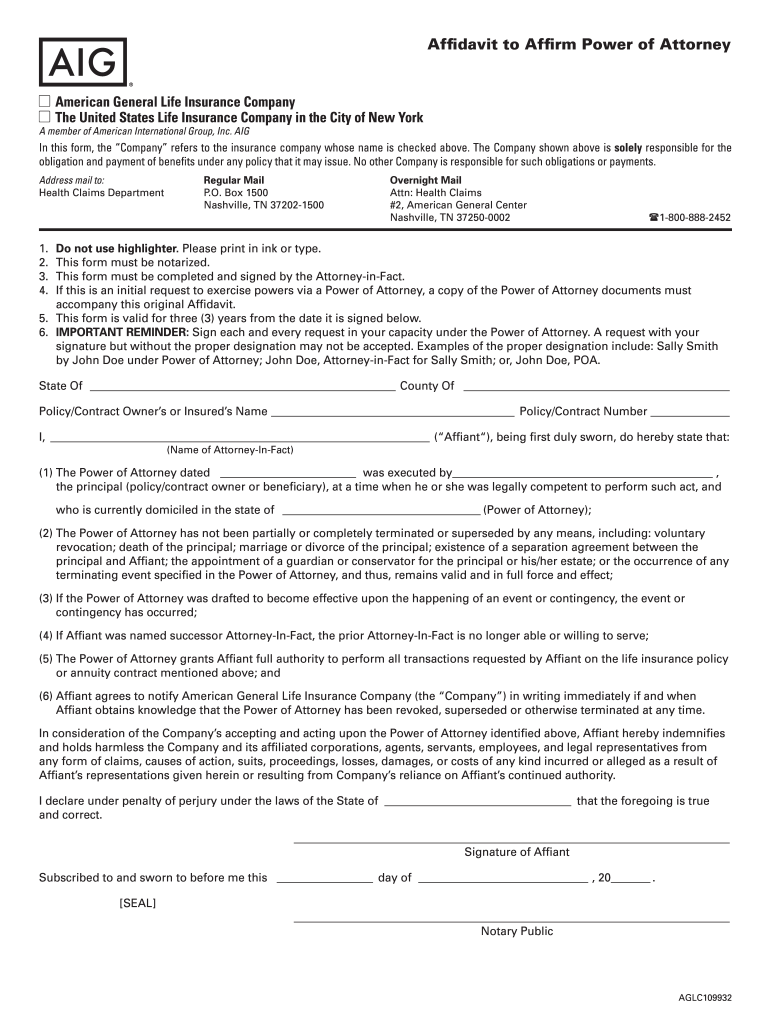
How to use or fill out aig affidavit to affirm power of attorney with our platform

- Click ‘Get Form’ to open the aig affidavit to affirm power of attorney in the editor.
- Begin by filling in the 'Policy/Contract Owner’s or Insured’s Name' and 'Policy/Contract Number' at the top of the form. Ensure accuracy as this information is crucial for identification.
- In the section for 'Affiant', enter your name as the Attorney-in-Fact. Follow this by providing details about the Power of Attorney, including its execution date and principal's name.
- Complete the statements regarding the validity of the Power of Attorney, ensuring you check all applicable conditions that confirm its active status.
- Sign in the designated area as Affiant, making sure to include your title under Power of Attorney. This is essential for validation.
- Finally, ensure that a notary public witnesses your signature and affixes their seal on the document, as notarization is required for this affidavit.
Start using our platform today to easily complete your aig affidavit to affirm power of attorney online for free!
Fill out aig affidavit to affirm power of attorney online
It's free
It's free
Security and compliance
At DocHub, your data security is our priority. We follow HIPAA, SOC2, GDPR, and other standards, so you can work on your documents with confidence.
Learn more


Related forms
Private Payment Agreement Template
The Private Payment Agreement outlines the terms between a Payee and a Payer regarding the payment for specific services ...
Private Purchase Agreement Template
The Private Purchase Agreement outlines the terms and conditions for the sale of goods or property between a Buyer and a ...
Bar Staff Of Employment Contract Template
The document is a Bar Staff Employment Contract outlining the terms and conditions of employment for a bar staff positio ...
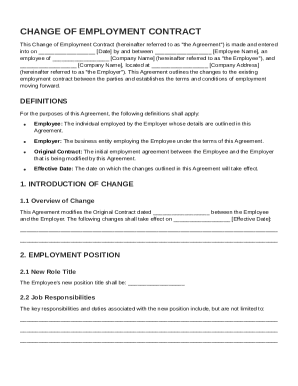
Change Of Employment Contract Template
The document is a Change of Employment Contract that modifies the existing employment agreement between an employee and ...
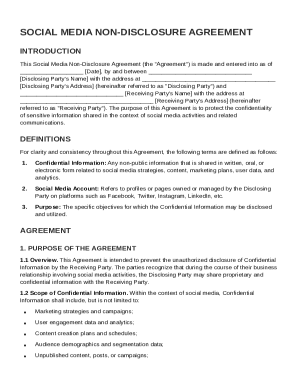
Social Media Non Disclosure Agreement Template
The Social Media Non-Disclosure Agreement is a legal document designed to protect the confidentiality of sensitive infor ...
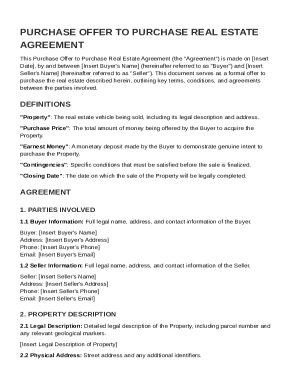
Purchase Offer to Purchase Real Estate Agreement Template
The document is a Purchase Offer to Purchase Real Estate Agreement between a Buyer and Seller, outlining the terms and c ...
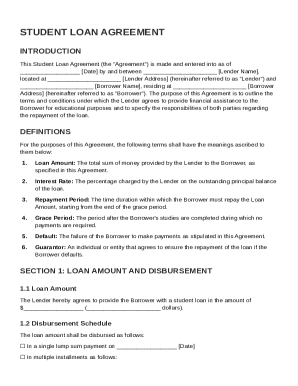
Student Loan Agreement Template
The Student Loan Agreement outlines the terms and conditions under which a lender provides financial assistance to a bor ...
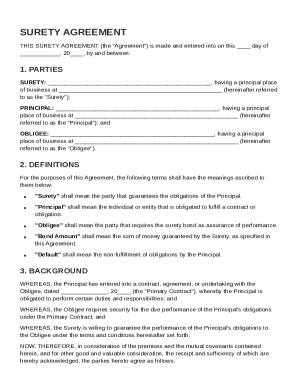
Surety Agreement Template
The Surety Agreement outlines the responsibilities and obligations of three parties: the Surety, who guarantees the Prin ...