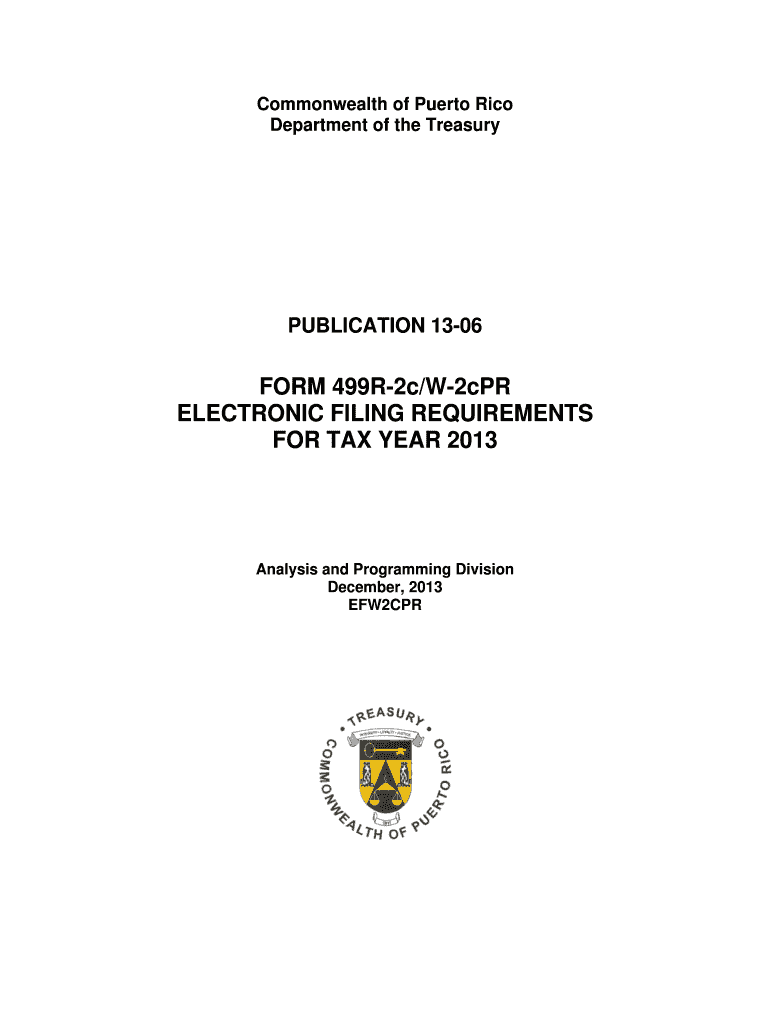




Here's how it works



How to use or fill out Hacienda fillable forms 2013-2018 with our platform

- Click ‘Get Form’ to open the Hacienda fillable form in the editor.
- Begin by entering the Tax Year Being Corrected in the designated field. Ensure you use numeric characters only.
- Fill in the Submitter’s Employer Identification Number (EIN) accurately, as this is crucial for identification.
- Complete the Company Name and Postal Address fields, ensuring they are left justified and filled with blanks where necessary.
- For each employee, input their Social Security Number (SSN), names, and address details in the Employee Wage Record section. Follow the specified formats closely.
- Ensure that all monetary fields are numeric and right justified, filling with zeros where applicable. Avoid any punctuation.
- After completing all sections, validate your entries to ensure there are no errors before submission.
- Finally, print the form only after obtaining a confirmation number from your electronic submission to ensure validity.
Start using our platform today for free to streamline your form completion process!
It's free
See more Hacienda fillable forms 2013-2018 versions
Got questions?
How do I sign my Hacienda fillable forms 2013-2018 for free?
Most eSignature solutions require users to have a paid subscription. With DocHub, there are two ways for you to create an electronic signature to your Hacienda fillable forms 2013-2018 free of charge:
- You can do it during a 7-day trial period;
- You can subscribe to a free plan.
The second option, however, has restrictions on the number of signatures, sign requests, emails, and documents for editing available per month. You can check for full information here.
How do you edit Hacienda fillable forms 2013-2018 online?
With DocHub, you have several convenient methods to edit your Hacienda fillable forms 2013-2018 online. You can drag and drop the form and edit it straight at the DocHub website or use our browser extension to fill out your form right away. Additionally, you can edit your PDF on your phone, as DocHub is compatible with all the available mobile platforms.
Security and compliance
At DocHub, your data security is our priority. We follow HIPAA, SOC2, GDPR, and other standards, so you can work on your documents with confidence.
Learn more