




01. Edit your form i 912 online
Type text, add images, blackout confidential details, add comments, highlights and more.

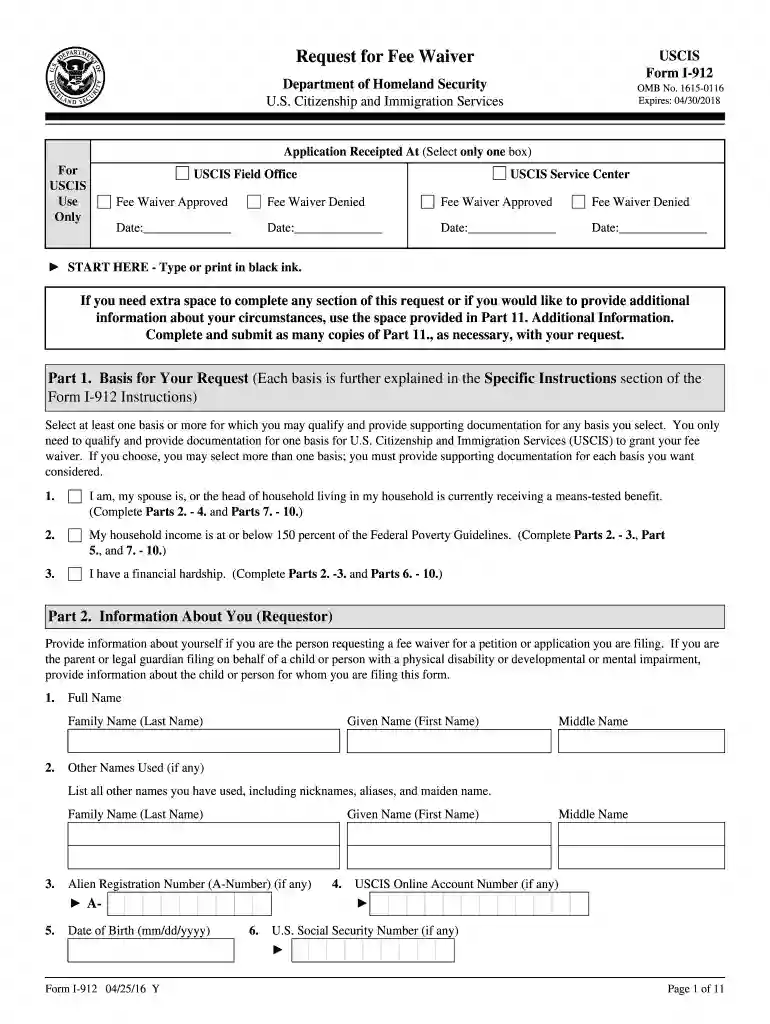
Type text, add images, blackout confidential details, add comments, highlights and more.

Draw your signature, type it, upload its image, or use your mobile device as a signature pad.

Send form i 912 sample via email, link, or fax. You can also download it, export it or print it out.

Start using our platform today to simplify your document editing and submission process!
We've got more versions of the form i 912 form. Select the right form i 912 version from the list and start editing it straight away!
At DocHub, your data security is our priority. We follow HIPAA, SOC2, GDPR, and other standards, so you can work on your documents with confidence.
May 19, 2023 USCIS is accepting the 10/15/2019 edition of Form I-912. USCIS requires Form I-912, whereas immigration courts require form EOIR-42A for
May 5, 2018 From the USCIS H-1B Characteristics reports, we can find the percentage initial employment authorizations issued. In terms of demand andRead more
Jun 17, 2016 USCIS officials outlined the changes to Form I-912 and answered stakeholder questions. These changes affect the form and form instructions only, not our feeRead more


