Start using our platform today to fill out your forms online for free!
| Versions | Form popularity | Fillable & printable |
|---|---|---|
| 2025 | 4.8 Satisfied (26 Votes) | |
| 2024 | 4.8 Satisfied (29 Votes) | |
| 2023 | 4.4 Satisfied (41 Votes) | |
| 2022 | 4.1 Satisfied (33 Votes) | |
| 2021 | 4.2 Satisfied (51 Votes) | |
| 2020 | 4.3 Satisfied (51 Votes) | |
| 2019 | 4.1 Satisfied (36 Votes) | |
| 2018 | 4.1 Satisfied (56 Votes) | |
| 2017 | 4.1 Satisfied (34 Votes) | |
| 2016 | 4 Satisfied (50 Votes) | |
| 2015 | 4 Satisfied (57 Votes) | |
| 2014 | 4.6 Satisfied (34 Votes) | |
| 2013 | 4 Satisfied (24 Votes) | |
| 2012 | 4.5 Satisfied (37 Votes) | |
| 2011 | 4.1 Satisfied (34 Votes) |
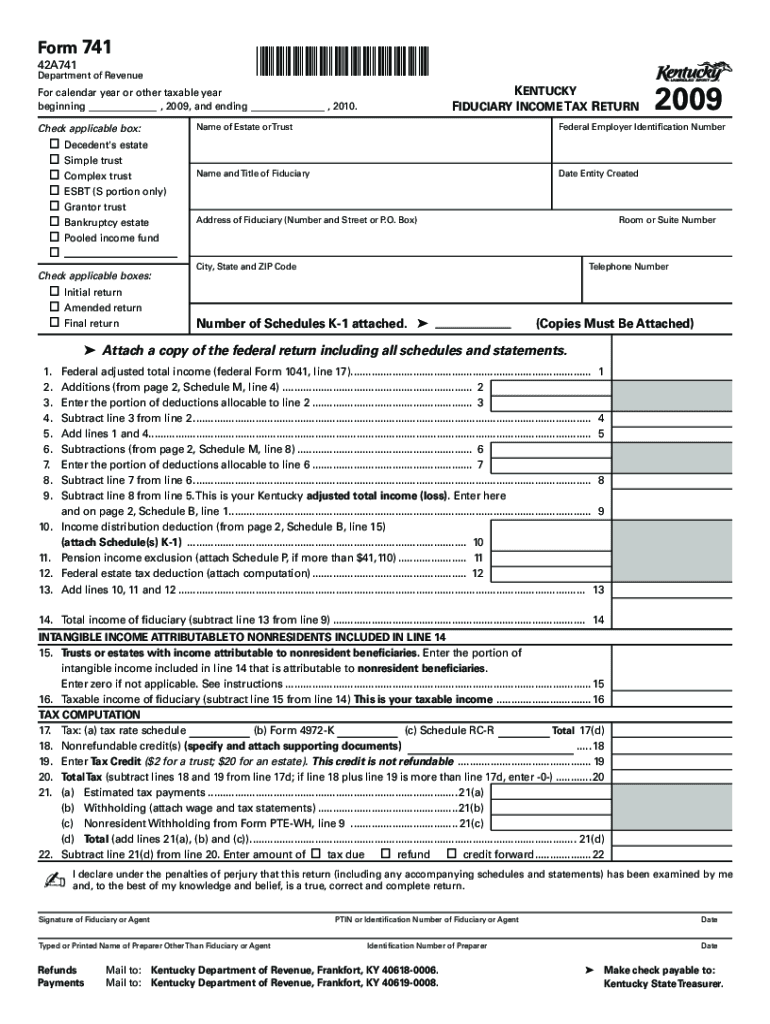
Yes, and it’s really easy! DocHub is a web-based PDF editor with advanced document management features that allow you promptly adjust your forms, fill out blank fields and add new ones for other people to fill out, and create eSignatures in several ways. Add your Kentucky Fiduciary Income Tax Return 2009, give information as requested, and decide how you want to eSign your template - by typing your name, drawing your signature, uploading its image, or using a QR code.
You can find the latest and most relevant version of the Kentucky Fiduciary Income Tax Return 2009 in our DocHub forms collection. Search it by categories or use the search field to find the exact template that fits your case. You can open this form for editing once you find it.
At DocHub, your data security is our priority. We follow HIPAA, SOC2, GDPR, and other standards, so you can work on your documents with confidence.
Learn more