




Here's how it works

01. Edit your mv 15 form online online
Type text, add images, blackout confidential details, add comments, highlights and more.

02. Sign it in a few clicks
Draw your signature, type it, upload its image, or use your mobile device as a signature pad.

03. Share your form with others
Send mv 15 form via email, link, or fax. You can also download it, export it or print it out.
How to use or fill out mv 15f with our platform

- Click ‘Get Form’ to open the mv 15f in the editor.
- Begin by entering your name and address in the designated requester section. This information is crucial for processing your request.
- Select your payment method from the options provided, ensuring you do not send cash. Fill in the necessary details such as account number and expiration date if using a card.
- In the space provided, describe in detail the DMV records you are requesting. Be specific about whether you need driver license records, vehicle registration, or other documents.
- Check the appropriate permissible use(s) for the records you are requesting. This step is essential for compliance with privacy laws.
- Attach a copy of your driver license or government-issued ID as required, ensuring any sensitive information like your picture is blacked out.
- Sign and date the Privacy Certification statement at the bottom of the form to confirm your understanding of privacy regulations.
Start filling out your mv 15f form online for free today!
Fill out mv 15f online
It's free
It's free
Security and compliance
At DocHub, your data security is our priority. We follow HIPAA, SOC2, GDPR, and other standards, so you can work on your documents with confidence.
Learn more


Related forms
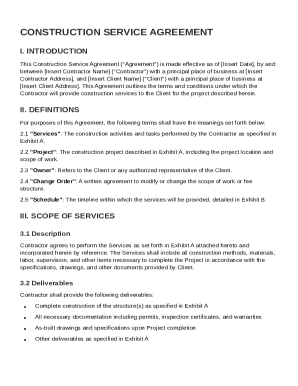
Construction Service Agreement Template
The Construction Service Agreement outlines the terms and conditions between a Contractor and a Client for construction ...
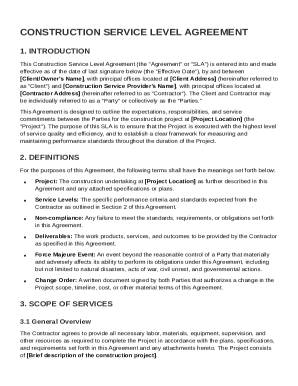
Construction Service Level Agreement Template
The Construction Service Level Agreement (SLA) outlines the responsibilities, expectations, and performance standards be ...
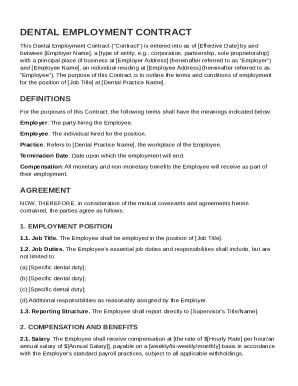
Dental Employment Contract Template
The Dental Employment Contract outlines the terms and conditions of employment between an employer and an employee for a ...
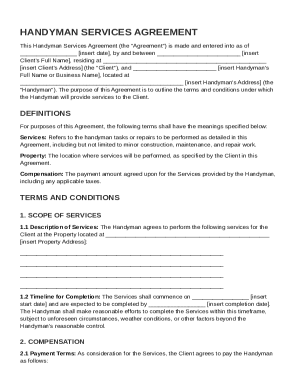
Handyman Agreement Template
The Handyman Services Agreement outlines the terms and conditions between a Client and a Handyman for the provision of h ...
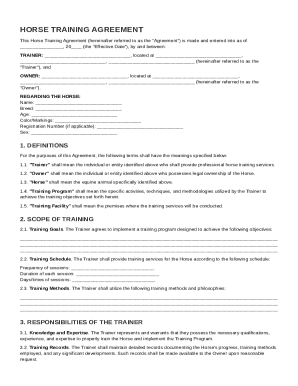
Horse Training Agreement Template
The Horse Training Agreement outlines the terms and conditions between a Trainer and an Owner regarding the training of ...
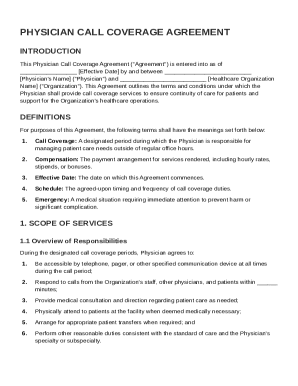
Physician Call Coverage Agreement Template
The Physician Call Coverage Agreement outlines the terms under which a physician provides call coverage services for a h ...
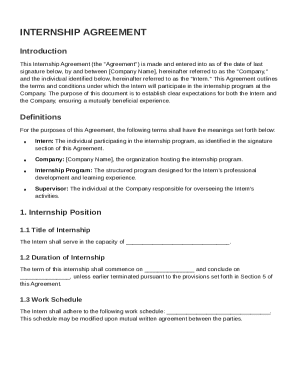
Internship Internship Agreement Template
The Internship Agreement outlines the terms and conditions for an internship between a company and an intern, detailing ...
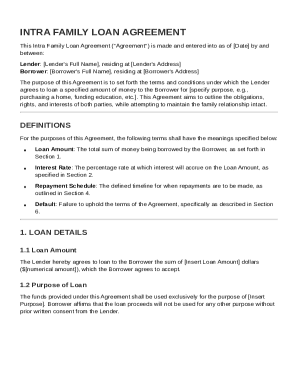
Intra Family Loan Agreement Template
The Intra Family Loan Agreement outlines the terms and conditions for a loan between a family member acting as the Lende ...