




Here's how it works

01. Edit your annual guardianship report michigan online
Type text, add images, blackout confidential details, add comments, highlights and more.

02. Sign it in a few clicks
Draw your signature, type it, upload its image, or use your mobile device as a signature pad.

03. Share your form with others
Send guardianship annual report forms via email, link, or fax. You can also download it, export it or print it out.
How to use or fill out Annual Report of Guardian on Condition of Minor - Michigan Courts with DocHub

- Click ‘Get Form’ to open it in the editor.
- Begin by entering your name as the guardian and the minor's name in the designated fields. Ensure you provide accurate dates for the reporting period.
- Fill in the minor's current age and date of birth, ensuring all information is correct for court records.
- In the Living Arrangement section, provide the current address and contact number of the minor. Specify their living situation, whether it's with a guardian, relative, or elsewhere.
- Rate the minor's living arrangement and express their contentment level regarding their current situation.
- Detail any physical health issues, treatments received over the past year, and include relevant medical information.
- Document educational details such as school attendance and grade levels. Note any alternative education if applicable.
- Outline social activities, sports participation, and any counseling or inpatient services received by the minor.
- Complete sections regarding parenting time with both parents and compliance with court plans.
- Finally, indicate your willingness to continue as guardian and sign off on the report before submitting it through our platform.
Start using our platform today to easily complete your Annual Report of Guardian on Condition of Minor!
Fill out Annual Report of Guardian on Condition of Minor - Michigan Courts ... online
It's free
It's free
See more Annual Report of Guardian on Condition of Minor - Michigan Courts ... versions
We've got more versions of the Annual Report of Guardian on Condition of Minor - Michigan Courts ... form. Select the right Annual Report of Guardian on Condition of Minor - Michigan Courts ... version from the list and start editing it straight away!
Security and compliance
At DocHub, your data security is our priority. We follow HIPAA, SOC2, GDPR, and other standards, so you can work on your documents with confidence.
Learn more


Related forms
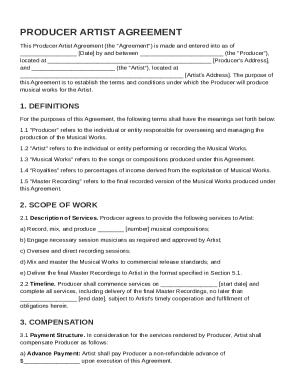
Producer Artist Agreement Template
The Producer Artist Agreement outlines the terms between a Producer and an Artist for the production of musical works. I ...
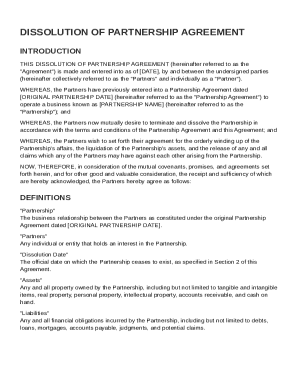
Dissolution of Partnership Agreement Template
The document is a Dissolution of Partnership Agreement outlining the mutual decision of partners to terminate their busi ...

Graphic Design Service Agreement Template
The Graphic Design Service Agreement outlines the terms and conditions between a Client and a Designer for graphic desig ...
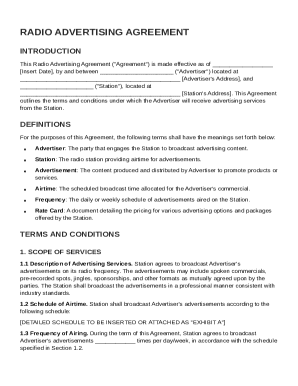
Radio Advertising Agreement Template
The Radio Advertising Agreement outlines the terms and conditions between an Advertiser and a Radio Station for broadcas ...
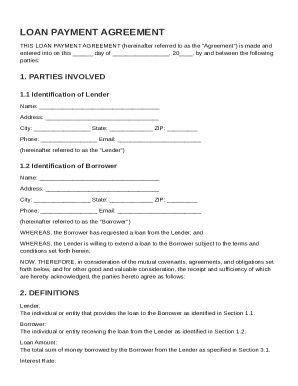
Loan Payment Agreement Template
The document is a Loan Payment Agreement between a Lender and a Borrower, outlining the terms of a loan including the lo ...
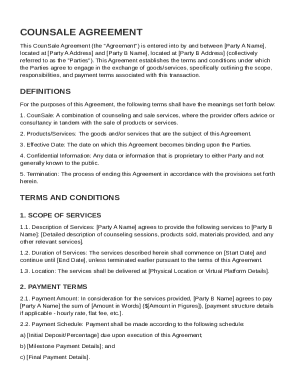
CounSale Agreement Template
The CounSale Agreement outlines the terms and conditions for a transaction between two parties involving the exchange of ...
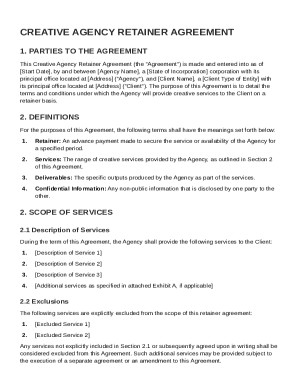
Creative Agency Retainer Agreement Template
The Creative Agency Retainer Agreement outlines the terms and conditions under which a creative agency provides services ...
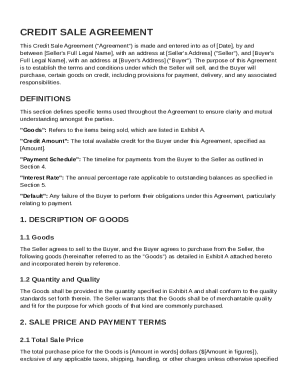
Credit Sale Agreement Template
The Credit Sale Agreement outlines the terms and conditions under which a Seller sells goods to a Buyer on credit. It in ...