




Here's how it works

01. Edit your epa form 8700 12 online
Type text, add images, blackout confidential details, add comments, highlights and more.

02. Sign it in a few clicks
Draw your signature, type it, upload its image, or use your mobile device as a signature pad.

03. Share your form with others
Send it via email, link, or fax. You can also download it, export it or print it out.
How to use or fill out EPA Form 8700-12 with our platform

- Click ‘Get Form’ to open the EPA Form 8700-12 in the editor.
- Begin by marking the appropriate reason for submittal in Section 1. Choose from options like Initial Notification or Subsequent Notification.
- In Section 2, enter your Site EPA ID Number. If you do not have one, ensure to select the option for obtaining an EPA ID.
- Fill out Section 3 with your Site Name and proceed to Section 4 for detailed Site Location Information, including street address, city, state, and zip code.
- Complete Section 5 by indicating the type of land your site occupies (e.g., Private).
- In Sections 6 through 10, provide necessary details about NAICS codes, mailing address, contact person information, and legal ownership.
- Finally, review all sections for accuracy before signing in Section 14. Ensure that all required fields are completed.
Start using our platform today to fill out your EPA Form 8700-12 online for free!
Fill out EPA Form 8700-12 online
It's free
It's free
See more EPA Form 8700-12 versions
We've got more versions of the EPA Form 8700-12 form. Select the right EPA Form 8700-12 version from the list and start editing it straight away!
Security and compliance
At DocHub, your data security is our priority. We follow HIPAA, SOC2, GDPR, and other standards, so you can work on your documents with confidence.
Learn more


Related forms
Legal study guide FlashcardsQuizlet
The document is a Client Charge Memo outlining the tax deductibility of attorney's fees in dissolution cases. It specifi ...
Missouri application
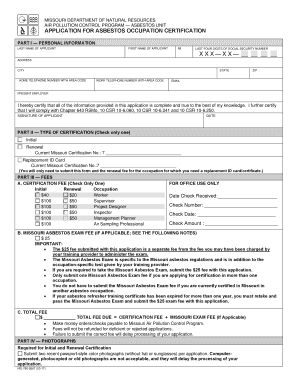
The document is an application form for asbestos occupation certification from the Missouri Department of Natural Resour ...

1(B)REQUESTSforProposal(RFP)Purpose
The document is a Request for Proposal (RFP) issued by Tompkins Consolidated Area Transit, Inc. (TCAT) for the installat ...
Nystrs please information
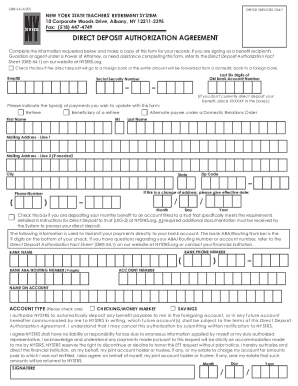
The document is a Direct Deposit Authorization Agreement from the New York State Teachers' Retirement System, allowing b ...
By Chief Clerk's Office at 11:33 am, Dec 22, 2017
The document is a Sunset Review Report for the Arizona Board of Occupational Therapy Examiners, detailing the board's st ...
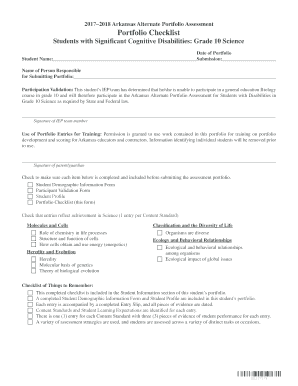
20172018 Arkansas Alternate Portfolio Assessment
The document outlines the requirements and checklist for the 2017–2018 Arkansas Alternate Portfolio Assessment for Grade ...

73A535 (2-11) REPORT OF DESTRUCTION DEPARTMENT OF REVENUE
The document is a Consignor's Report of Alcoholic Beverages Shipped, required by the Commonwealth of Kentucky's Departme ...

Centurylink lifeline form
The document is an application form for the Lifeline Assistance Programs in Nevada, designed to help low-income househol ...