Uba user id 2026

Get Form
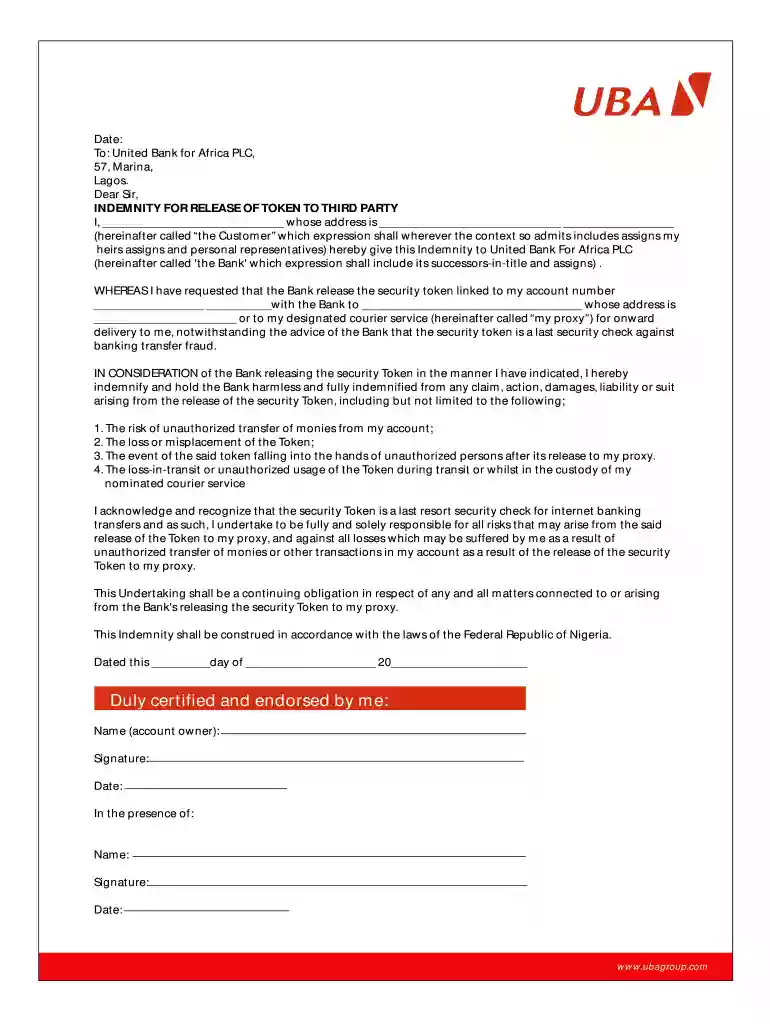
what is user id in uba Preview on Page 1

Here's how it works

01. Edit your what is user id in uba online
Type text, add images, blackout confidential details, add comments, highlights and more.

02. Sign it in a few clicks
Draw your signature, type it, upload its image, or use your mobile device as a signature pad.

03. Share your form with others
Send uba user id example via email, link, or fax. You can also download it, export it or print it out.

Definition and Meaning of UBA User ID

The UBA user ID is a unique identifier assigned to customers using services offered by United Bank for Africa (UBA). This ID is crucial for accessing various banking functionalities, including online banking, mobile banking, and electronic services. It serves as a means of authenticating a user's identity and ensuring secure transactions. Understanding the meaning of a UBA user ID is essential for any UBA customer, as it underpins all digital interactions with the bank.

Features of the UBA user ID include:

  • Unique Identifier: Each customer is given a distinct user ID, preventing confusion between accounts.
  • Access to Services: The user ID is essential for accessing UBA's online banking platform and utilizing services like balance inquiries, fund transfers, and bill payments.
  • Security Measures: It is part of the bank’s security protocol that protects customer accounts from unauthorized access.

How to Obtain the UBA User ID

Acquiring a UBA user ID is a critical step for new customers or those who need assistance with their banking services. Here are the primary methods to obtain this identifier:

  1. Online Registration:

    • Visit the UBA website or the mobile banking application.
    • Click on the registration link, usually found on the homepage.
    • Complete the required fields, including personal information and valid identification.
    • Upon successful registration, you will receive your user ID via email or SMS.
  2. In-Branch Request:

    • Visit the nearest UBA branch.
    • Speak to a customer service representative and request a user ID.
    • Provide required identification to verify your identity before the user ID is issued.
  3. Customer Care Engagement:

    • Call UBA customer care using the official helpline.
    • Follow prompts and provide necessary details to initiate the user ID retrieval process.
    • You may receive the user ID through a secure message or an email.

Important Terms Related to UBA User ID

Understanding the terminology associated with the UBA user ID is crucial for effective navigation of UBA's banking services:

UBA Secure Pass

  • This is an added layer of security that generates a one-time password (OTP) for transactions, ensuring that only authorized users can access their accounts.

Referral ID

  • A unique code used for tracking referrals within UBA’s services. It is not directly linked to user IDs but can help in various promotional and account referencing processes.

User ID for UBA Secure Pass

  • Refers to the same ID used for regular banking activities, which also serves for secure transactions when using the UBA Secure Pass feature.

Steps to Complete the UBA User ID Setup

Setting up your UBA user ID effectively involves a few steps to ensure smooth operations in banking:

  1. Gather Necessary Information:

    • Ensure you have your identification documents handy to verify your identity.
    • This may include a government-issued ID, account number, or your registered mobile phone number.
  2. Access the Registration Portal:

    • Navigate to the UBA website or download the UBA mobile app.
    • Go to the registration section for user ID setup.
  3. Input Required Details:

    • Fill out the registration form with your personal and contact information.
    • Review for accuracy before submission, as errors can delay the process.
  4. Complete Verification:

    • Once submitted, await confirmation through your email or phone.
    • Follow any prompts to confirm your identity and activate your account.
  5. Keep User ID Secure:

    • Store your user ID securely and never share it with unauthorized individuals.

Who Typically Uses the UBA User ID?

The UBA user ID is essential for various categories of individuals and entities engaging with UBA's banking services:


  • Individual Customers: Everyday users who require access to personal banking services, including managing accounts, making transactions, and monitoring balances.
  • Business Owners: Entrepreneurs using UBA for business banking, payroll services, and financial management will rely on their user ID for secure access to their accounts.
  • Financial Managers: Professionals who manage company finances will utilize the UBA user ID to oversee financial transactions and reports efficiently.
decoration image ratings of Dochub

Examples of Using the UBA User ID

Several practical applications demonstrate the significance of having a UBA user ID:

  • Online Banking Activities: Customers log in to their UBA online banking account using their user ID to view balances, pay bills, and execute fund transfers.

  • Mobile Banking App: Users access the UBA mobile app with their user ID to manage finances on the go, set up payment alerts, and conduct mobile transactions anywhere.

  • Financial Management: Business owners utilize their user ID to manage multiple accounts, track expenses, and generate financial reports through online banking tools.

be ready to get more

Complete this form in 5 minutes or less

Get form

Security and compliance

At DocHub, your data security is our priority. We follow HIPAA, SOC2, GDPR, and other standards, so you can work on your documents with confidence.

Learn more
ccpa2
pci-dss
gdpr-compliance
hipaa
soc-compliance