




Here's how it works

01. Edit your organ donor registry removal form online
Type text, add images, blackout confidential details, add comments, highlights and more.

02. Sign it in a few clicks
Draw your signature, type it, upload its image, or use your mobile device as a signature pad.

03. Share your form with others
Send how do i remove my name from donor donation list in ohio via email, link, or fax. You can also download it, export it or print it out.
How to use or fill out ohio donor with our platform

- Click ‘Get Form’ to open the ohio donor document in the editor.
- Begin by filling out the 'TISSUE' section. Select the tissues you wish to donate, such as Eyes, Bone and connective tissue, Skin, Heart, or specify any other tissue. If there are limitations on your donation, please note them in the provided space.
- Next, move to the 'ORGAN' section. Indicate which organs you are willing to donate by checking the appropriate boxes or writing in any other organs. Again, include any limitations if applicable.
- In the signature area, enter the date and sign your name. If you are unable to sign yourself, ensure another individual signs at your direction and that it is witnessed by two adults.
- Complete the witness form by having two witnesses sign and provide their names and addresses.
- If desired, fill out the optional Donor Registry Enrollment Form at the end of the document for additional registration.
Start using our platform today to easily complete your ohio donor form online for free!
Fill out ohio donor online
It's free
It's free
Security and compliance
At DocHub, your data security is our priority. We follow HIPAA, SOC2, GDPR, and other standards, so you can work on your documents with confidence.
Learn more


Related forms
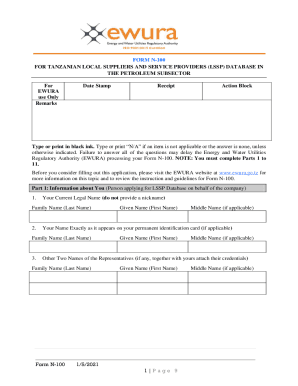
Tanzania Form N-100 for Local Suppliers
The document is Form N-100, an application for Tanzanian local suppliers and service providers to register in the LSSP d ...
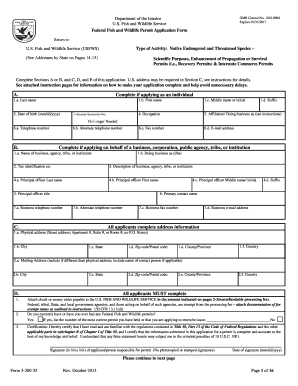
Usfws permit 3 200 55 form
The document is a Federal Fish and Wildlife Permit Application Form (OMB Control No. 1018-0094) issued by the U.S. Fish ...

FNS-914 ASAP Information Request Form
The document is an information request form from the USDA Food and Nutrition Service for organizations seeking to establ ...
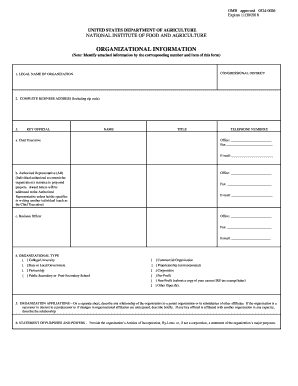
Uniform Guidance: Compensation-Personnel Services - USDA NIFA
The document is a form from the United States Department of Agriculture's National Institute of Food and Agriculture (NI ...

Form online
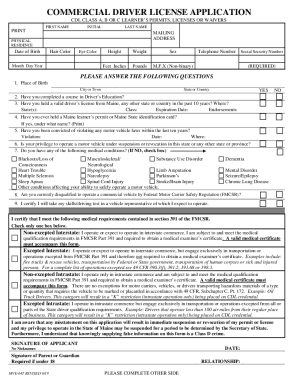
Form Mve 64TFill Out Printable PDF Forms Online - FormsPal
The document is a Commercial Driver License (CDL) application form for Class A, B, or C learner's permits, licenses, or ...

Medical Clearance Form - Pre-College Programs - University of - precollege umd
The document is a medical clearance form for students participating in the Summer Program offered by Pre-College Program ...
Property Inspection Report Renting
The document is a Property Inspection Report designed for landlords and tenants to jointly assess and record the conditi ...