




Here's how it works

01. Edit your slpa supervision form california online
Type text, add images, blackout confidential details, add comments, highlights and more.

02. Sign it in a few clicks
Draw your signature, type it, upload its image, or use your mobile device as a signature pad.

03. Share your form with others
Send guardian papers online via email, link, or fax. You can also download it, export it or print it out.
How to use or fill out New York Guardian with our platform

- Click ‘Get Form’ to open the New York Guardian document in the editor.
- Begin by filling in the 'County' and 'Name of Respondent' fields at the top of the form. Ensure accuracy as this information is crucial for identification.
- In the 'Affidavit of Examining Physician or Licensed Psychologist' section, enter your name and professional title. This identifies you as the certifying professional.
- Provide your license number and office address in the designated fields. This adds credibility to your certification.
- Detail your professional background regarding care for individuals with developmental disabilities in the specified area. This helps establish your qualifications.
- Document your examination findings, including tests performed and results, ensuring clarity and thoroughness for each evaluation conducted on the respondent.
- Conclude with a detailed description of the respondent's mental and physical condition, including any diagnoses that apply.
- Finally, sign and date the document where indicated, ensuring all required fields are completed before submission.
Start using our platform today to fill out your New York Guardian form online for free!
Fill out new york guardian online
It's free
It's free
Security and compliance
At DocHub, your data security is our priority. We follow HIPAA, SOC2, GDPR, and other standards, so you can work on your documents with confidence.
Learn more


Related forms
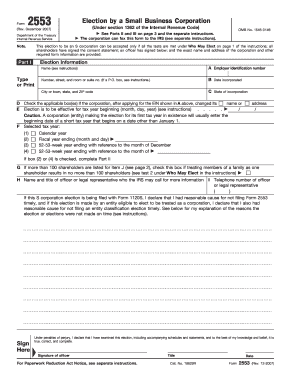
Form 2553 2007
The document is Form 2553, used by small business corporations to elect S corporation status under the Internal Revenue ...

Use Form 1040-ES, Estimated Tax for Individuals
The document provides information regarding the Form W-2AS, American Samoa Wage and Tax Statement, including instruction ...
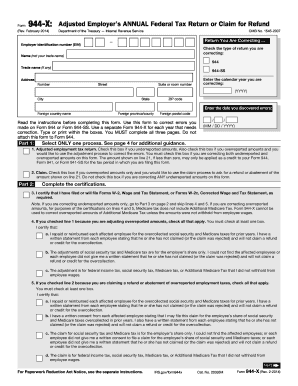
Instructions for Form 945-X (Rev. February 2014) - IRS.gov
The document is Form 944-X, used by employers to correct errors on their annual Federal Tax Return (Form 944 or Form 944 ...
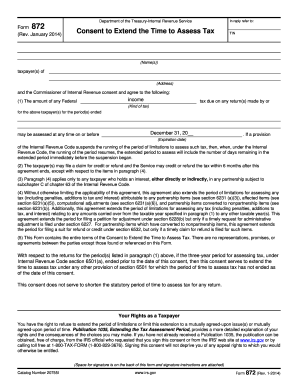
872
The document is Form 872 from the Department of the Treasury-Internal Revenue Service, which serves as a consent form fo ...
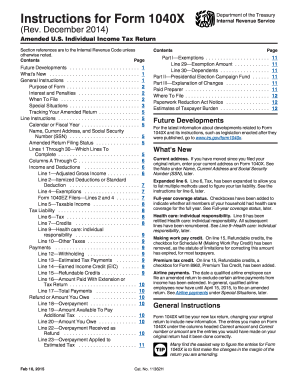
1040x 2014 instructions form
The document provides detailed instructions for completing Form 1040X, the Amended U.S. Individual Income Tax Return. It ...

Form 80-110-14-8-1-000 (Rev - dor ms
The document provides the EZ Individual Income Tax Return form for Mississippi for the year 2014, specifically designed ...