




Here's how it works

01. Edit your fomema check myimms online
Type text, add images, blackout confidential details, add comments, highlights and more.

02. Sign it in a few clicks
Draw your signature, type it, upload its image, or use your mobile device as a signature pad.

03. Share your form with others
Send myimms fomema via email, link, or fax. You can also download it, export it or print it out.
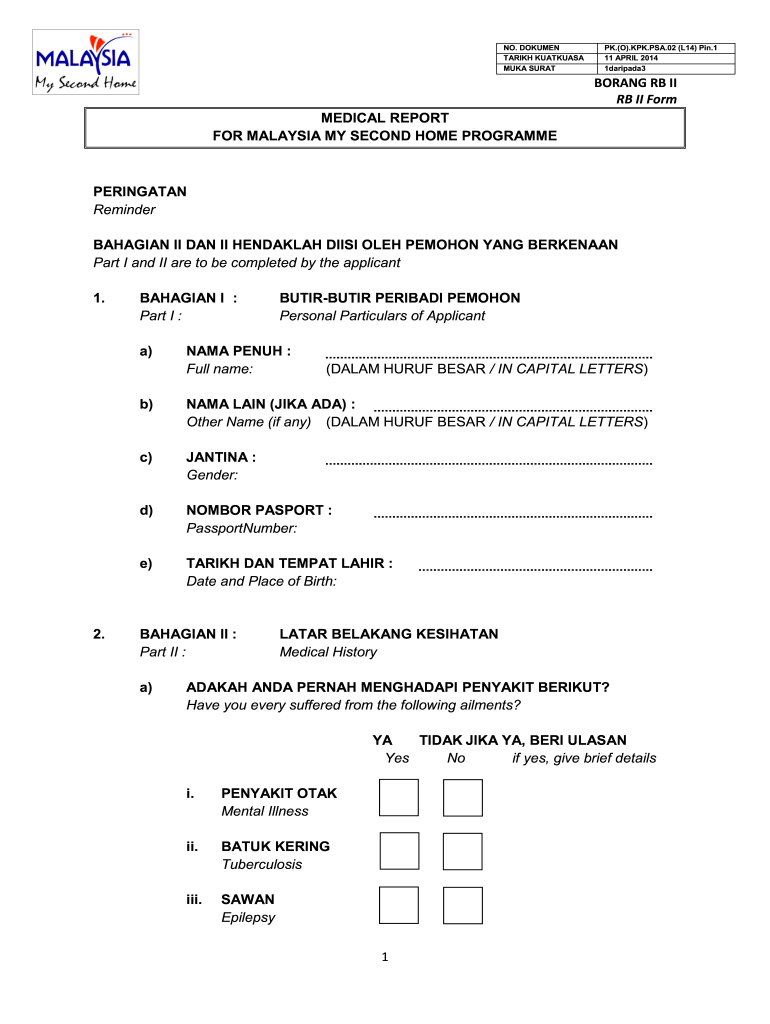
How to use or fill out fomema online result with our platform

- Click ‘Get Form’ to open the fomema online result in the editor.
- Begin with Part I by entering your personal particulars. Fill in your full name in capital letters, gender, and passport number as required.
- Continue by providing any other names you may have, along with your date and place of birth.
- Move to Part II, where you will detail your medical history. Answer the questions regarding previous ailments by selecting 'Yes' or 'No'. If you answer 'Yes', provide brief details as requested.
- In this section, also indicate the functionality of your senses including taste, smell, touch, vision, and hearing.
- Finally, Part III requires a registered doctor’s certification. Ensure that this section is completed accurately by a qualified professional.
Start using our platform today for free to easily fill out your fomema online result!
Fill out fomema online result online
It's free
It's free
See more fomema online result versions
We've got more versions of the fomema online result form. Select the right fomema online result version from the list and start editing it straight away!
| Versions | Form popularity | Fillable & printable |
|---|---|---|
| 2014 | 4.8 Satisfied (172 Votes) |
Security and compliance
At DocHub, your data security is our priority. We follow HIPAA, SOC2, GDPR, and other standards, so you can work on your documents with confidence.
Learn more


Related forms
MDE WMA BWW EXM - Maryland Department of the Environment
The document is an application form for the Operator Examination by the Maryland Board of Waterworks and Waste Systems O ...
ARIES Client Share Non-Share Consent Form (CDPH 8693) (PDF) - cdph ca
The document is an ARIES Client Share/Non-Share Consent Form from the California Department of Public Health's Office of ...

City of New York DEPARTMENT OF CORRECTION Job - NYC
The document is an Appointment Declaration form where the applicant affirms the truthfulness of their submitted informat ...

SCECHs: Process to become a SCECH Sponsor - State of
The document outlines the process for becoming a State Continuing Education Clock Hours (SCECH) Sponsor in Michigan, det ...

Home School Driver Education Materials - Minnesota Department of
The document provides detailed instructions for applying to take the Fundamentals of Engineering (FE) Exam in Minnesota. ...
Irrevocable letter of instruction
The document outlines the requirements and procedures for obtaining a Home Improvement license in Tennessee, specificall ...
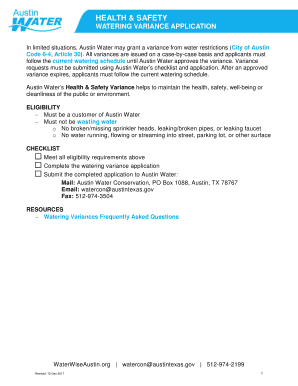
Health and Safety Watering Variance Application
The document outlines the process for applying for a watering variance from water restrictions in Austin, Texas, specifi ...

Kentucky financial disclosure form kref 025
The document is a Financial Disclosure Report from the Kentucky Registry of Election Finance, requiring candidates or in ...