




01. Edit your key assignment form online
Type text, add images, blackout confidential details, add comments, highlights and more.

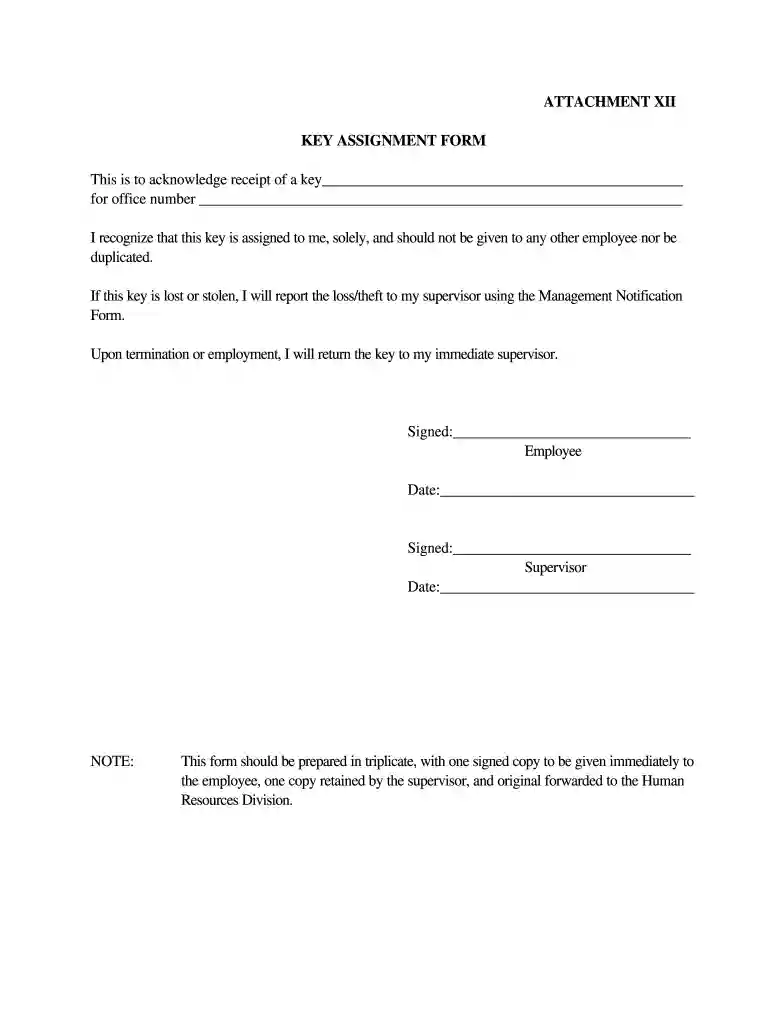
Type text, add images, blackout confidential details, add comments, highlights and more.

Draw your signature, type it, upload its image, or use your mobile device as a signature pad.

Send key assignment outline via email, link, or fax. You can also download it, export it or print it out.

Start using our platform today to streamline your document editing and signing process for free!
At DocHub, your data security is our priority. We follow HIPAA, SOC2, GDPR, and other standards, so you can work on your documents with confidence.
Access Card Key Assignment Form. EMPLOYEE NAME: . DATE: PERSONNEL #:. OFFICE/CUBICLE #:. . DIVISION: SUPERVISOR: . My signature onRead more
Jan 19, 2022 In this beginners guide, we break down everything you need to know about consultancy procurement. Well give you an overview of the key steps involved.Read more
I agree to use assigned keys for official University purposes only. I agree to maintain assigned keys and/or access card in a secure and responsible manner.Read more


