




Here's how it works

01. Edit your dochub com fillable form online
Type text, add images, blackout confidential details, add comments, highlights and more.

02. Sign it in a few clicks
Draw your signature, type it, upload its image, or use your mobile device as a signature pad.

03. Share your form with others
Send i 551 form pdf via email, link, or fax. You can also download it, export it or print it out.
How to use or fill out i 551 form pdf with DocHub

- Click ‘Get Form’ to open the i 551 form in our editor.
- Begin by filling out Section A. Clearly print the Alien Registration Number, name, port of entry, date of birth, and inquiry concerns. Ensure all information is legible.
- In Section B, check the appropriate box that reflects your inquiry status regarding the Alien Registration Card. This section provides essential feedback from the Nebraska Service Center.
- Complete Section C with your name and address for correspondence. If you have moved recently, indicate this by checking 'Yes' or 'No'.
- Once all sections are filled out accurately, save your changes and download the completed form for submission.
Start using our platform today to fill out your i 551 form pdf easily and for free!
Fill out i 551 form pdf online
It's free
It's free
See more i 551 form pdf versions
We've got more versions of the i 551 form pdf form. Select the right i 551 form pdf version from the list and start editing it straight away!
| Versions | Form popularity | Fillable & printable |
|---|---|---|
| 1999 | 4.8 Satisfied (100 Votes) |
Security and compliance
At DocHub, your data security is our priority. We follow HIPAA, SOC2, GDPR, and other standards, so you can work on your documents with confidence.
Learn more


Related forms

Family Court Cover Sheet
The document is a Family Court Cover Sheet for a case in the Eighteenth Judicial Circuit, Brevard County, Florida. It ou ...
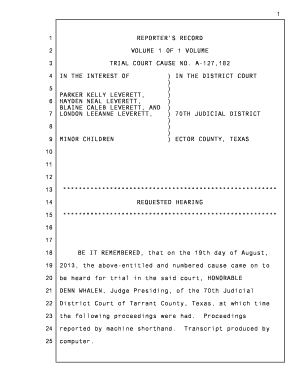
Parker leverett candace may
The document is a court reporter's record of a hearing regarding the custody of Parker Hayden Blaine London Leverett and ...

Prostate cancer nurse referral form - Wirral Community NHS Trust - wirralct nhs
The document is a referral form for prostate cancer patients, requiring detailed patient information, consent for referr ...

Claims for disability Benefit - Living BenefitsManulife Complete this form to apply for a disability
Claims for disability Benefit - Living BenefitsManulife Complete this form to apply for a disability
The document is a Standard Statement of Accident or Illness for Disability Insurance provided by The Manufacturers Life ...

Dcf staff health report
The document is a mandatory Staff Health Report for licensed child care centers in Wisconsin, outlining the requirements ...

Health Care Directive - Minnesota Attorney General
The document is a Minnesota Health Care Directive that allows an individual to appoint a health care agent to make medic ...

2021-2024 Form Pet Rehoming Agreement Fill Online
The document is a Pet Rehoming Agreement that formalizes the transfer of pet ownership from a Rehoming Family to an Adop ...
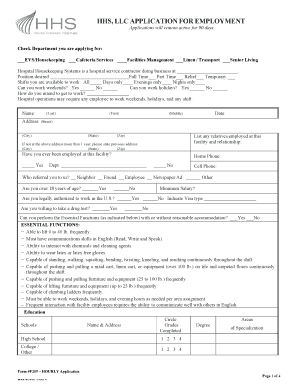
Hhs llc application for employment
The document is an employment application for HHS, LLC, detailing the application process for various positions within t ...