




Here's how it works

01. Edit your form online
Type text, add images, blackout confidential details, add comments, highlights and more.

02. Sign it in a few clicks
Draw your signature, type it, upload its image, or use your mobile device as a signature pad.

03. Share your form with others
Send it via email, link, or fax. You can also download it, export it or print it out.
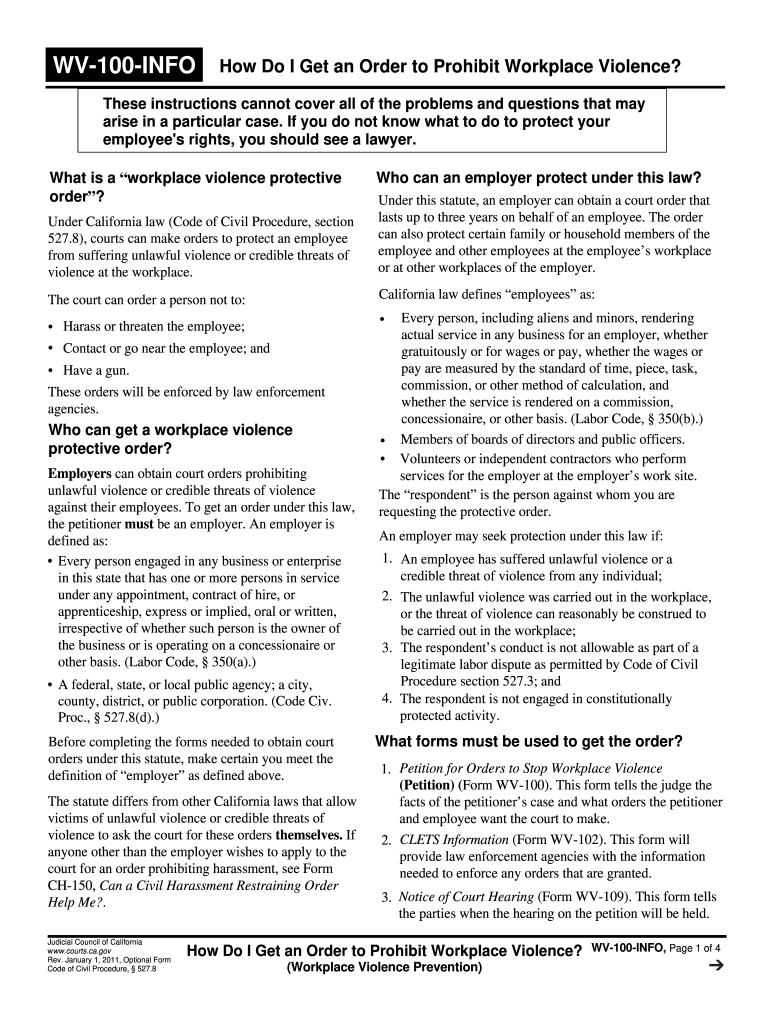
How to use or fill out WV-100-INFO How Do I Get an Order to Prohibit Workplace Violence Workplace Violence Prevention Judicial Council forms with our platform

- Click ‘Get Form’ to open the WV-100-INFO in the editor.
- Begin by filling out the Petition for Orders to Stop Workplace Violence (Form WV-100). Provide detailed information about the incidents of violence or threats, ensuring clarity and accuracy.
- Next, complete the CLETS Information (Form WV-102) with all known details. This is crucial for law enforcement to enforce any granted orders.
- If seeking a Temporary Restraining Order (TRO), fill out Form WV-110 thoroughly, detailing recent acts of violence or credible threats.
- Prepare copies of all forms for filing. You will need at least three copies: one for yourself, one for the employee, and one for the respondent.
- Submit your completed forms at the court clerk’s office. The clerk will file them and assign a case number.
- If a TRO is issued, ensure it is served to the respondent promptly and follow up with necessary proof of service using Form WV-200.
Start using our platform today to efficiently complete your workplace violence prevention forms!
Fill out WV-100-INFO How Do I Get an Order to Prohibit Workplace Violence Workplace Violence Prevention Judicial Council forms online
It's free
It's free
See more WV-100-INFO How Do I Get an Order to Prohibit Workplace Violence Workplace Violence Prevention Judicial Council forms versions
We've got more versions of the WV-100-INFO How Do I Get an Order to Prohibit Workplace Violence Workplace Violence Prevention Judicial Council forms form. Select the right WV-100-INFO How Do I Get an Order to Prohibit Workplace Violence Workplace Violence Prevention Judicial Council forms version from the list and start editing it straight away!
Security and compliance
At DocHub, your data security is our priority. We follow HIPAA, SOC2, GDPR, and other standards, so you can work on your documents with confidence.
Learn more


