




Here's how it works

01. Edit your hsbc telegraphic transfer form online
Type text, add images, blackout confidential details, add comments, highlights and more.

02. Sign it in a few clicks
Draw your signature, type it, upload its image, or use your mobile device as a signature pad.

03. Share your form with others
Send hsbc tt form via email, link, or fax. You can also download it, export it or print it out.
How to use or fill out hsbc telegraphic transfer form with our platform

- Click ‘Get Form’ to open the hsbc telegraphic transfer form in the editor.
- Begin by entering the date at the top of the form. This is essential for processing your request.
- In the APPLICATION DETAILS section, select either 'Telegraphic Transfer (TT)' or 'Demand Draft (DD)', and choose how you want to receive it.
- Fill in your name and IC number under REMITTER/CUSTOMER DETAILS, along with your telephone number and account number to be debited.
- Specify your remittance details by completing either Part A or Part B. Ensure you clearly state the currency and amount for accurate processing.
- Provide beneficiary details including their name, address, bank clearing code/Swift address, and account number/IBAN.
- Review all entered information for accuracy before signing in the AUTHORISATION section to confirm that all details are correct.
Start using our platform today to fill out your hsbc telegraphic transfer form easily and for free!
Fill out hsbc telegraphic transfer form online
It's free
It's free
Security and compliance
At DocHub, your data security is our priority. We follow HIPAA, SOC2, GDPR, and other standards, so you can work on your documents with confidence.
Learn more


Related forms

INSTRUCTIONS FOR FLORIDA SUPREME COURT APPROVED FAMILY LAW FORM 12
The document provides instructions for using Florida Supreme Court Approved Family Law Form 12.905(b), which is a Supple ...
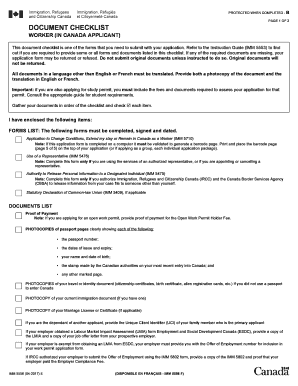
IMM 5556 E : Document Checklist - Worker (In - ItsCanadaTime
The document is a checklist for applicants seeking to change their conditions, extend their stay, or remain in Canada as ...
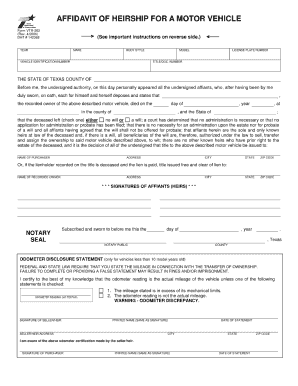
Notaraized affidavit of inheritance 2006 form
The document provides a concise overview of the primary concept or subject, highlighting its central theme and key conte ...

Dpmc 27
The document is the Contractors Request for Classification Booklet (DPMC-27) issued by the New Jersey Division of Proper ...
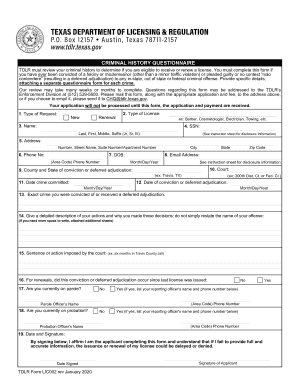
Criminal History Questionnaire - TDLR - Texas
The document provides instructions for completing a Criminal History Questionnaire required by the Texas Department of L ...
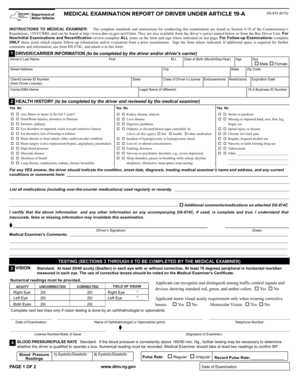
MEDICAL EXAMINATION REPORT OF DRIVER UNDER ARTICLE - dmv ny
The document is a Medical Examination Report for drivers under Article 19-A, detailing the procedures and requirements f ...

Judgment Summary Dissolution FL-825 Judicial Council forms - occourts
The document is a legal form from the Superior Court of California, County of Orange, regarding the judgment of dissolut ...
Board of social work examiners maryland 2014 form
The document outlines the contractual agreement for supervision required for Licensed Graduate Social Workers (LGSW) see ...