Increase your efficiency with Simple Booking Templates

Document managing occupies to half of your business hours. With DocHub, it is possible to reclaim your office time and enhance your team's productivity. Get Simple Booking Templates category and check out all form templates relevant to your day-to-day workflows.

Effortlessly use Simple Booking Templates:

  1. Open Simple Booking Templates and apply Preview to obtain the suitable form.
  2. Click Get Form to begin working on it.
  3. Wait for your form to upload in our online editor and begin modifying it.
  4. Add new fillable fields, symbols, and pictures, adjust pages, and many more.
  5. Complete your file or prepare it for other contributors.
  6. Download or share the form by link, email attachment, or invite.

Improve your day-to-day document managing using our Simple Booking Templates. Get your free DocHub profile today to explore all templates.


Video Guide on Simple Booking Templates management

video background

Commonly Asked Questions about Simple Booking Templates

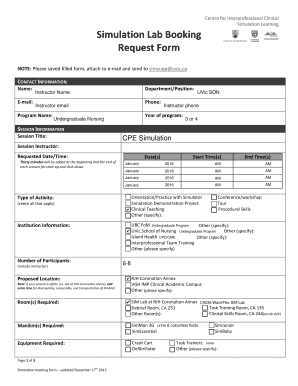
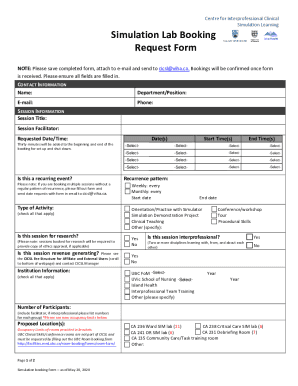
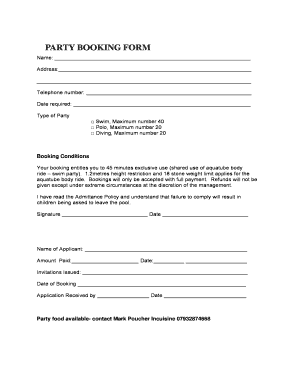
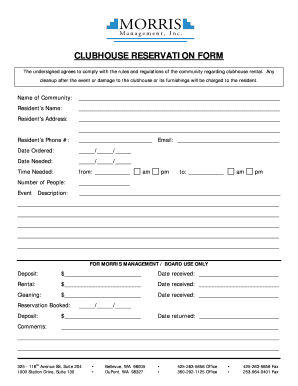
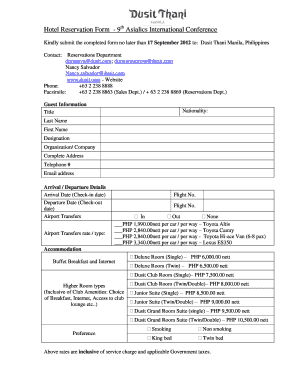
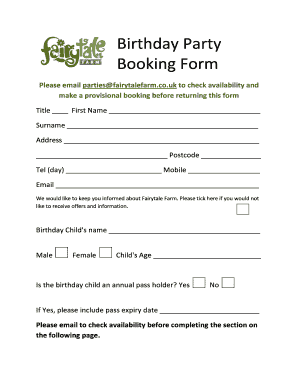
What should be on a Booking Request Form? The information that should be on a booking form depends on what type of booking youre collecting information for. Some common fields to include are customers contact details (name, email, phone number), date and time of booking, and payment information.
A restaurant reservation form is used to simplify the way your customers book tables at your restaurant. You can offer them a better experience when making the booking instead of asking them to make phone calls.
How to create an online booking form Define the information you need to collect from guests. This will typically include their contact details, booking dates, number of guests, room preference, and payment information. Choose a form builder or booking engine that offers the features you need. Design your form.
To make your own Hotel Booking Form template for WordPress, apply this guideline: Pick from a list the Hotel Booking Form template specially made for WordPress. Open the chosen template. Press the Use Template option. Edit all the attributes and features of the Hotel Booking Form to match the WordPress style.