
Aadhar card download Application Forms - Page 2
Explore various of customizable and free Aadhar card download Application Forms with DocHub. Edit, fill, and invite other contributors to collaborate on your application templates in real-time.

Create a new Aadhar card download Application Form

Where do i get application for passport

How to request for uba atm card online
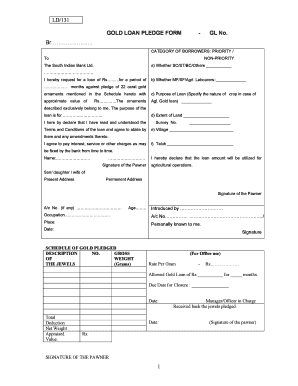
Sbi gold loan application form pdf
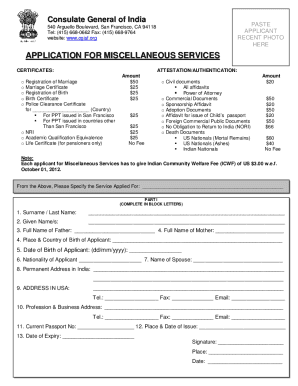
Application for miscellaneous services - Indian Consulate - San Francisco Application for miscellaneous services - Indian Consulate - San Francisco

Bharathidasan university degree certificate download

Ekart logistics franchise application form
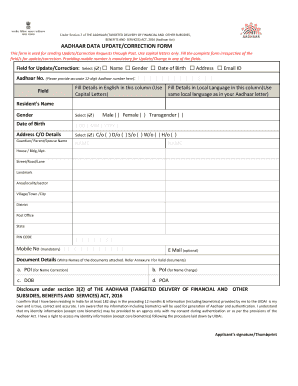
Aadhaar update form
Aadhar card pdf editor online
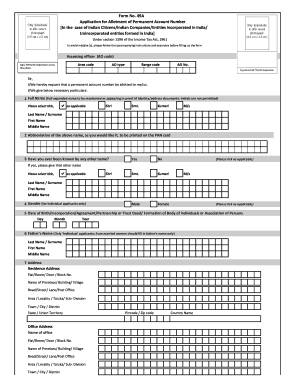
Pan card apply form
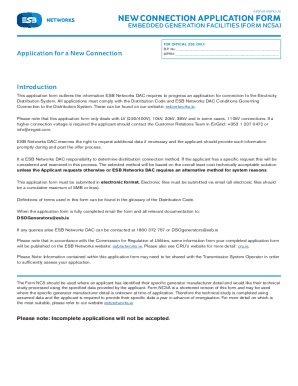
New connection application form
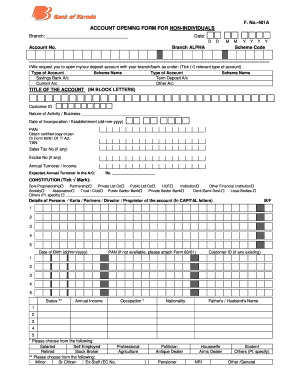
Bank of baroda kyc form 2021
- 1
-
2
Handle Aadhar card download Application Forms quickly online
Document administration can stress you when you can’t locate all the forms you require. Luckily, with DocHub's extensive form categories, you can discover all you need and promptly deal with it without switching among apps. Get our Aadhar card download Application Forms and start utilizing them.
How to use our Aadhar card download Application Forms using these basic steps:
- Examine Aadhar card download Application Forms and choose the form you require.
- Review the template and then click Get Form.
- Wait for it to open in our online editor.
- Alter your document: add new information and pictures, and fillable fields or blackout some parts if needed.
- Fill out your document, preserve modifications, and prepare it for delivering.
- When ready, download your form or share it with your contributors.
Try out DocHub and browse our Aadhar card download Application Forms category with ease. Get your free profile right now!
Video Guide on Aadhar card download Application Forms management

Commonly Asked Questions about Aadhar card download Application Forms
How can I download my Aadhar card PDF without OTP?
To download your Aadhaar card without an OTP: Visit the UIDAI website and enter your name, gender, and date of birth (no need to enter your phone number). Check if your details are current. Enter your name, date of birth, Aadhaar number, and request number to download the e-Aadhaar.
Can I download a copy of my Aadhar card online?
Aadhaar Number holder can download e-Aadhaar by visiting UIDAIs MyAadhaar portal - or by using mAadhaar app for mobile phones. An Aadhaar Number holder can download e-Aadhaar by following three ways. OTP for downloading eAadhaar will be received on registered mobile number.
How to download Aadhaar card application form?
Visit the official website of UIDAI. Click on My Aadhaar and locate Downloads Click on Aadhaar Enrolment/Update Form Upon clicking, an Aadhaar enrolment/update form will open.
How can I download the PDF of my Aadhaar card?
To download your Aadhar card in PDF, visit the official UIDAI website, click on the Download Aadhar option, and enter your Aadhar number or VID along with the OTP. After verification, download the e-Aadhar PDF. Use the provided password to open the file, and your Aadhar card will be available in PDF format.
How can I open Aadhar card PDF file?
How to open Aadhaar Card PDF file password? Step 1: Log into the authorised portal to download your e-Aadhaar. Step 2: Open the downloaded PDF. Step 3: In the password dialogue box, enter your 8-character password (containing the first 4 letters of your name in capital letters and your birth year in the YYYY format).
How can I download my Aadhar card as a PDF?
Steps are as follows: Enter your 14-digit ENO. Right next to the ENO option, you will find a calendar. If you wish to download a masked Aadhaar, then select the checkbox for the same. Enter the captcha details provided. Select Send OTP or Enter a TOTP Submit the OTP or TOTP details. Download your e-Aadhaar.
How to download Aadhaar appointment form?
You can download your Aadhaar card appointment form through the official UIDAI portal. To do this, select Book an Appointment, enter your city and click Proceed to Book an Appointment. On the next page, select Manage Appointment. Enter your mobile number, captcha code and OTP.
Related Templates

Fair PharmaCare plan - Province of British Columbia
The document outlines the application process for an income review under the Fair PharmaCare Plan in British Columbia. I ...
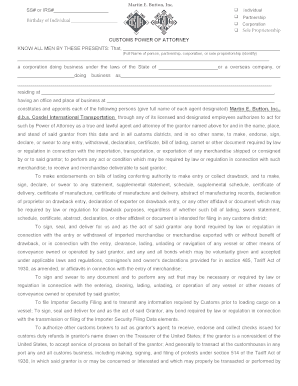
Download POA Form - cosdel
The document is a Customs Power of Attorney form for Martin E. Button, Inc., allowing designated agents to act on behalf ...

InfoDok 233: Verzichtserklrung fr die Mitnahme Ihrer
The document is a form from Vodafone GmbH for customers wishing to transfer their CallYa phone number to another telecom ...

Accessing your 1099-R tax statement
The document is a Distribution Request Form for participants to request distributions from their retirement accounts. It ...
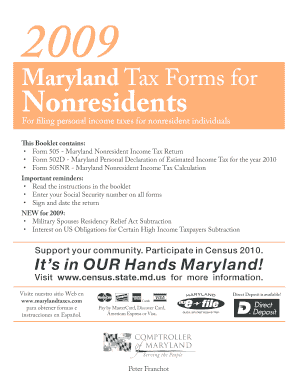
2009 Maryland Tax Forms for Nonresidents For filing personal income taxes for nonresident individual
2009 Maryland Tax Forms for Nonresidents For filing personal income taxes for nonresident individual
The document is a 2009 Maryland Tax Forms booklet for nonresidents, detailing the necessary forms and instructions for f ...

Af form 624
The document provides a web-optimized version of a form related to the Base/Unit Locator and PSC Directory, including in ...

Equipment delivery form
The document is a delivery form from First Choice Medical, detailing the process for receiving medical equipment. It inc ...
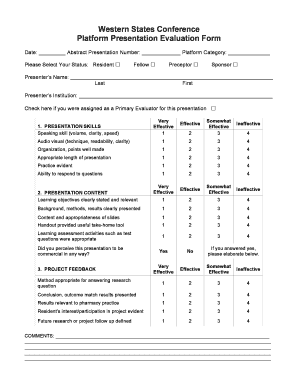
Presentation evaluation form
The document is a Platform Presentation Evaluation Form used during the Western States Conference. It includes sections ...