
Get any PDF form from the DocHub library of ready-made templates - Page 956

Acei application educational form online
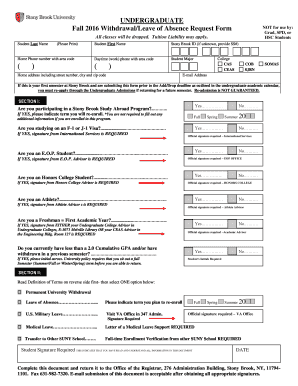
2016 stony absence get

Geometry exams practice materials

Designation emergency contact form printable

Fl usfsp photographic image liability form trial
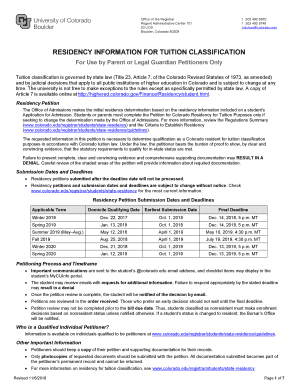
Residency information petition

College class schedule approval make
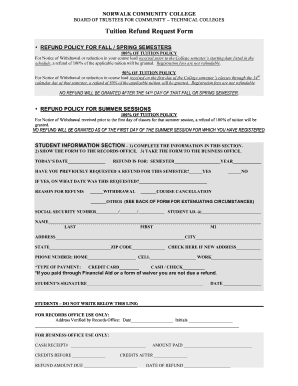
Tuition refund form
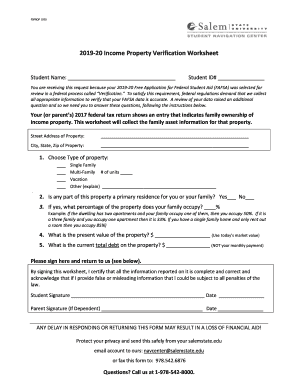
Salem property worksheet

Attendance verification san diego

Houston isd school volunteer hours verification search

2011 chemeketa college grade appeal form blank

Washington youth academy mentor application

Sign language interpreter evaluation form
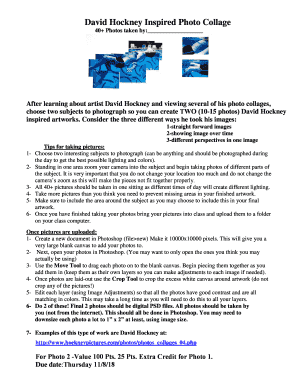
Hockney inspired collage
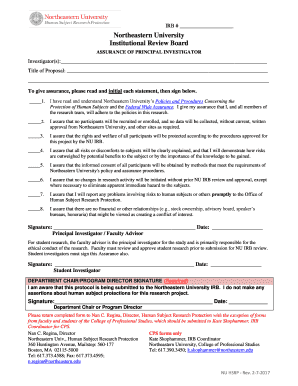
Nu assurance form

Cui appeal form

Rumpke scholarship application form template
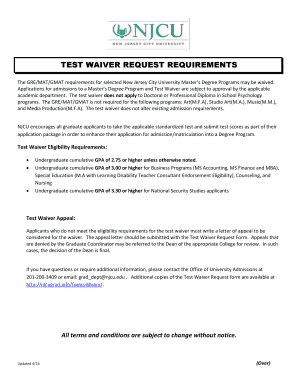
Njcu waiver
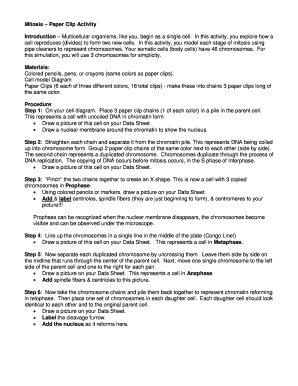
Mitosis paper activity form
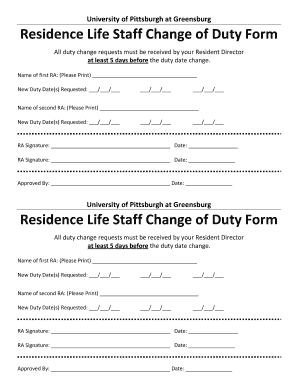
Pitt duty form get

Subjects research proposal

Medication administration form pdf
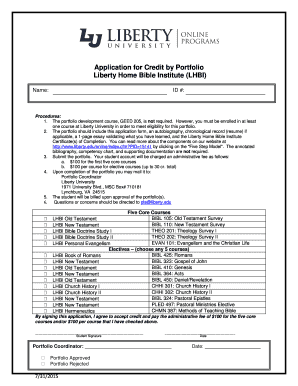
Application credit lhbi
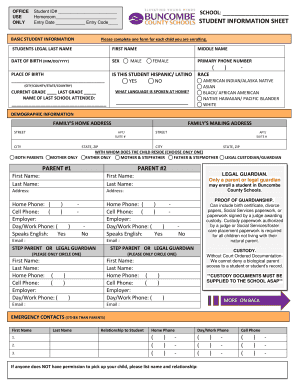
Buncombe student information sheet template
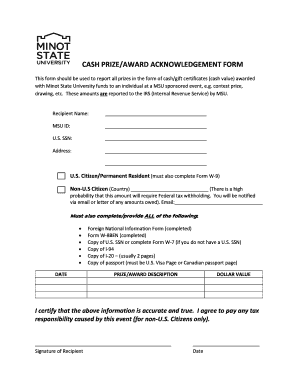
Cash acknowledgement form
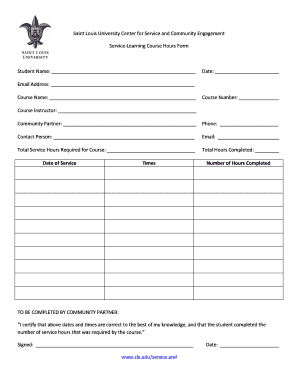
Slu service learning course form fillable
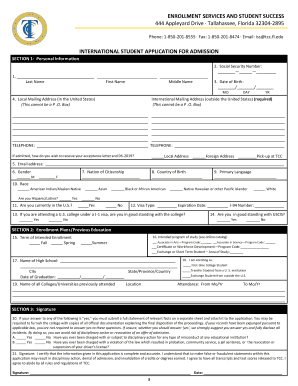
Tallahassee community college student enrollment services

Dso forms
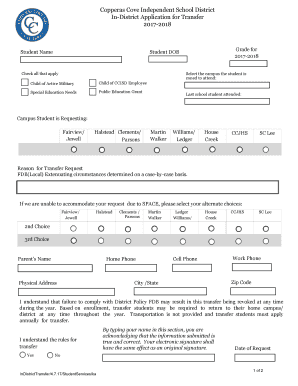
Copperas isd school district in district transfer form

Semester withdrawal form
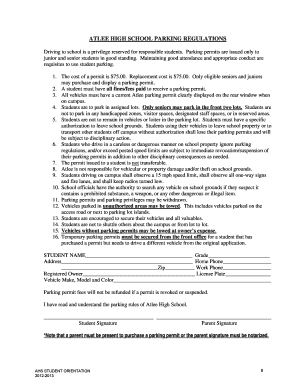
Atlee high school parking
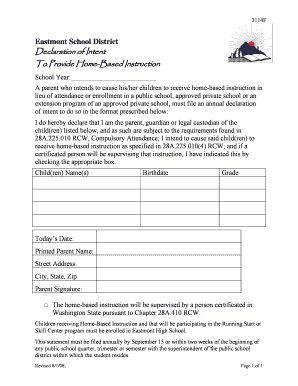
Intent to homeschool form
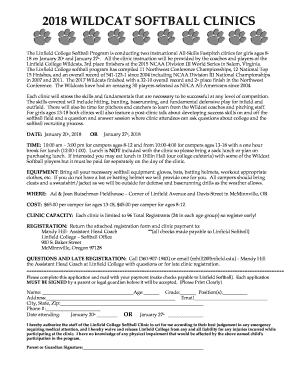
2018 college wildcat softball clinics program form pdf
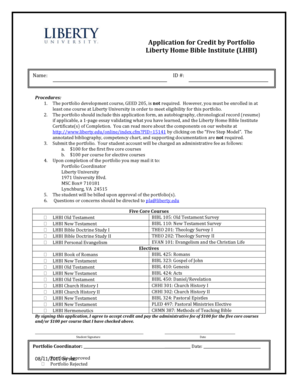
Credit portfolio lhbi
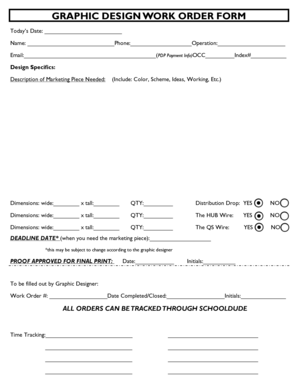
Interior design work order format
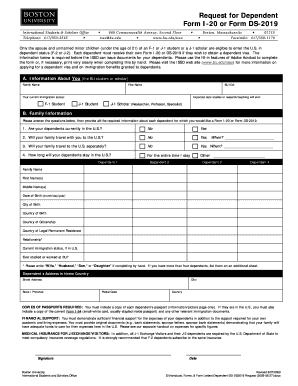
Boston application forms
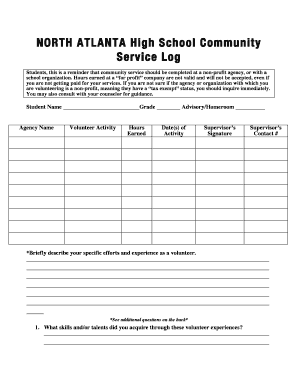
Atlanta community service form

Zachary scholarship application2013 form

Procedure 2320p exhibit a field trip form

James high announcement sheet form printable
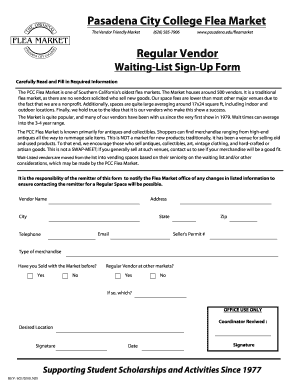
2009 college flea market vendor waiting list sign up printable

Mtu readmission
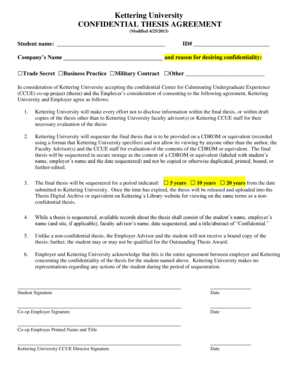
Kettering thesis agreement form template

Auburn days lead application fillable
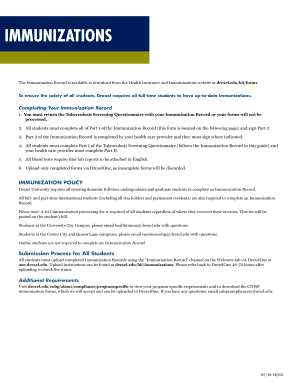
Drexel immunization form
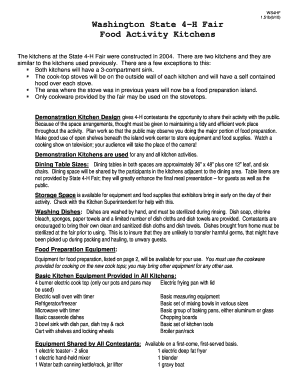
4h 51b form

Youth development scholarship
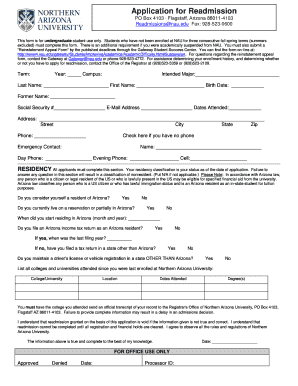
Nau readmission
Indemnity assumption risk

Flex boundary dpcdsb
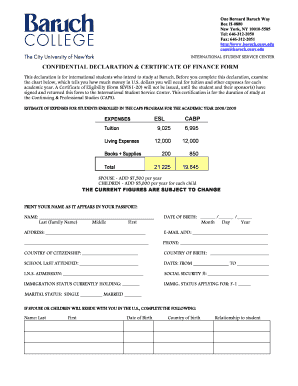
Confidential declaration form
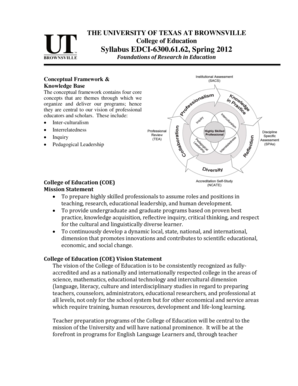
Utb syllabus edci 6300 online
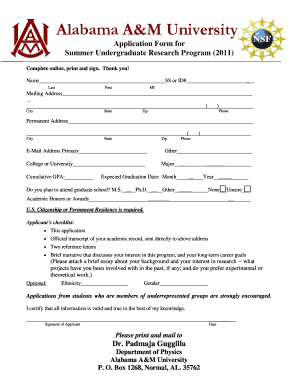
Aamu form undergraduate research program get
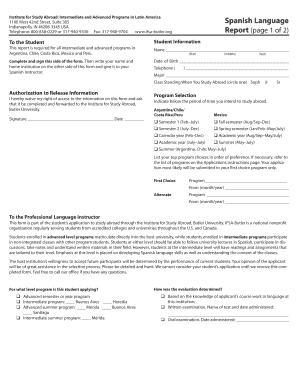
Ifsa intermediate report form blank
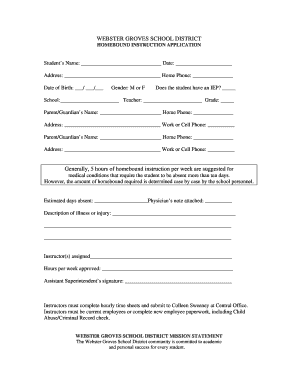
Webster groves school district homebound application fill

Emu application update form
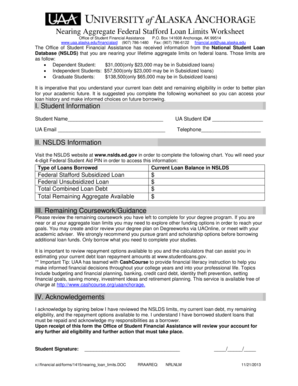
Alaska nearing loan
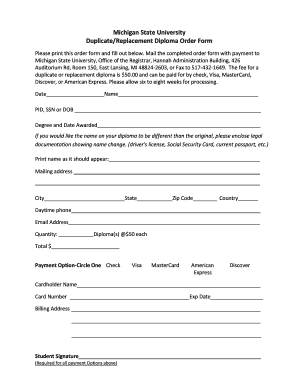
Duplicate replacement diploma
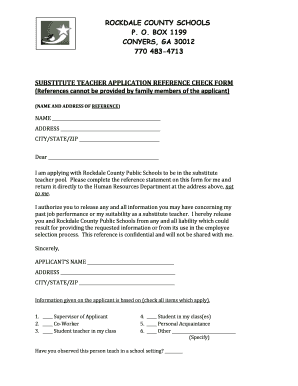
Substitute reference form

Chengelo application online

Unlv scholarship appeal form
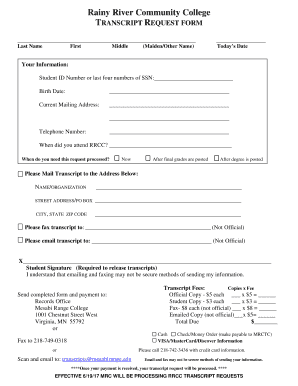
Rainy community transcript

Capital improvement advance request form printable
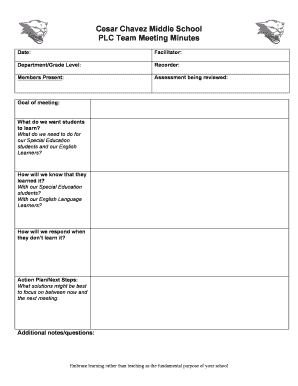
Chavez middle plc minutes form printable

Chesterfield specialty application
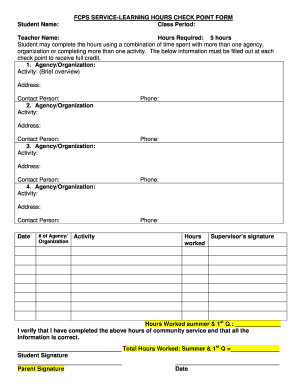
Fcps service check point printable

West academic renewal

Fcps cast rule football sample
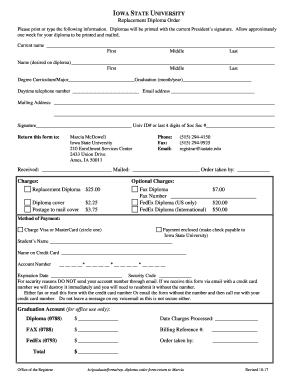
Ia state replacement form
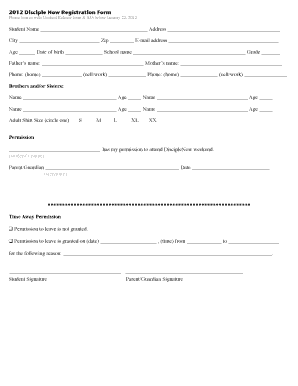
The date for disciple now at deermeadows baptist church form
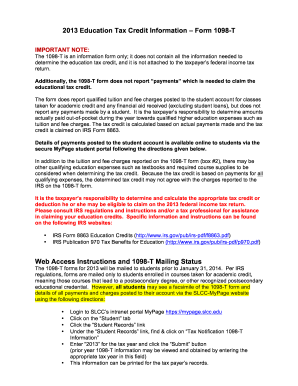
2013 slcc education information form 1098 t
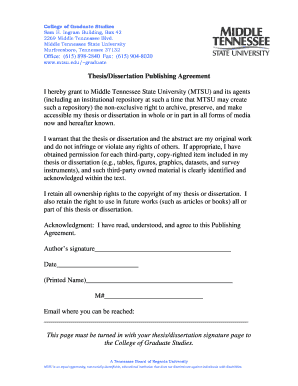
Tn publishing agreement
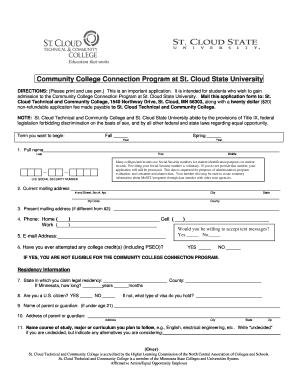
Cloud state application
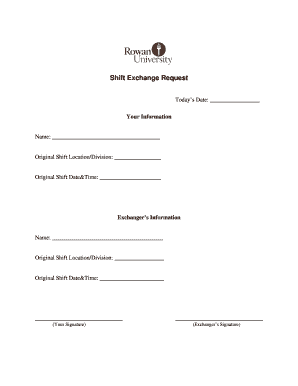
Rowan shift request blank
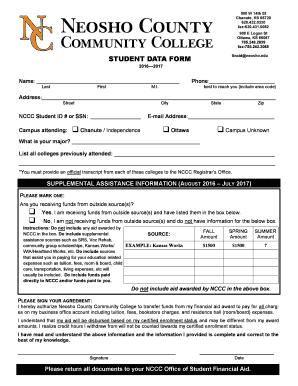
Nccc student data form
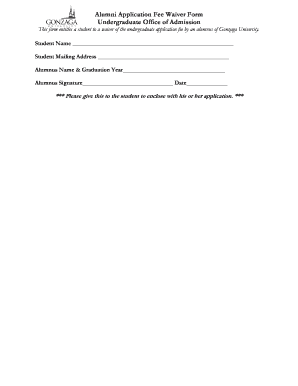
Gonzaga application fee waiver form
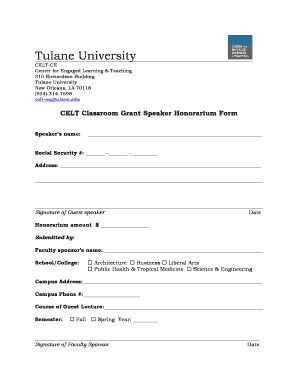
Tulane grant speaker honorarium
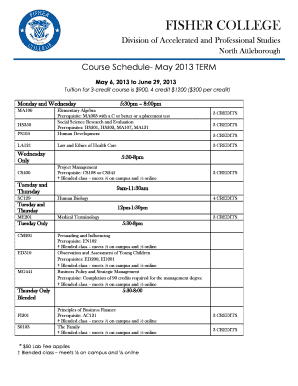
Computing essentials 2021 answer key
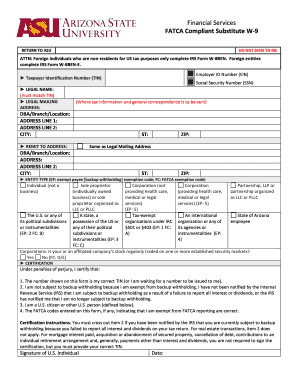
Fatca compliant services form

Texas plano psat nmsqt home schooled blank
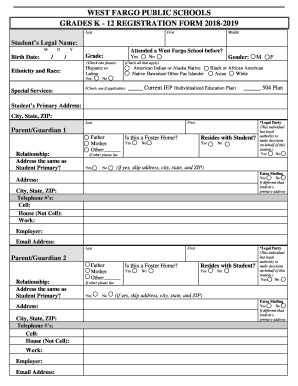
West fargo public registration
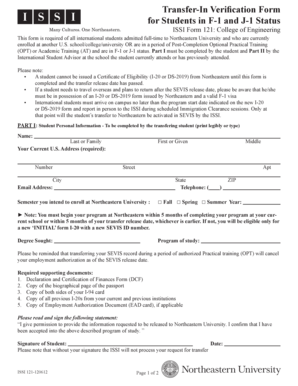
Form issi 121 transfer in student 1 j status edit
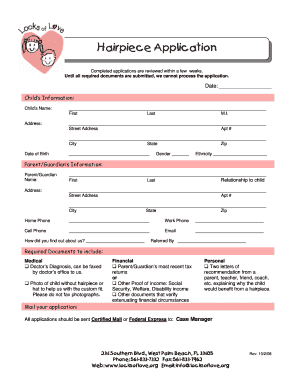
Love application form

DSF Supported Formal Church Petition for a Declaration of - archgh
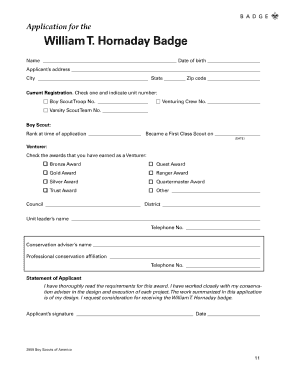
Hornaday application
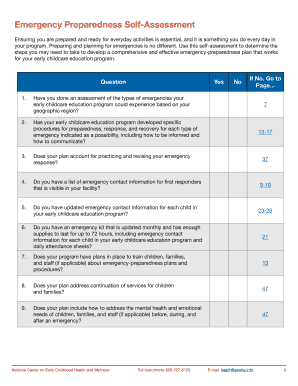
Emergency preparedness early childhood
Retirement counseling guide
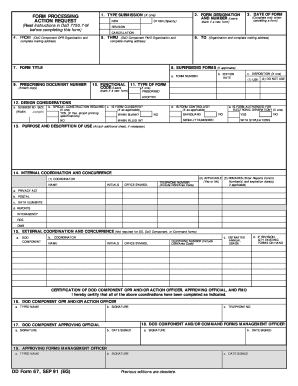
DD Form 67, Form Processing Action Request - Army
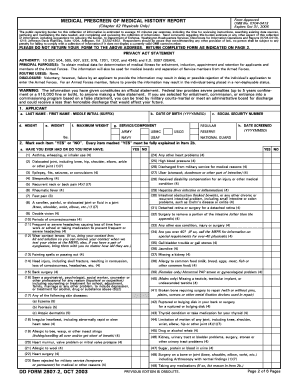
2807 2 2003 form

Hud 52672 form
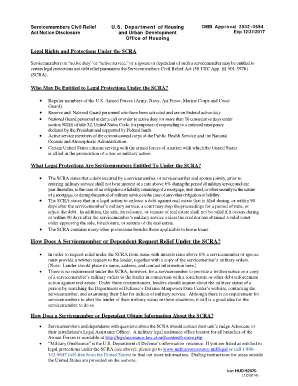
Hud scra form
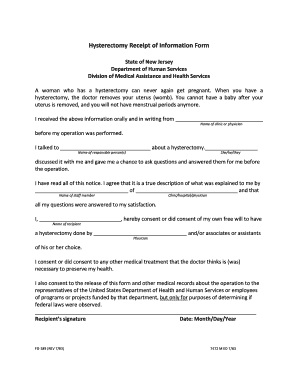
Nj hysterectomy form
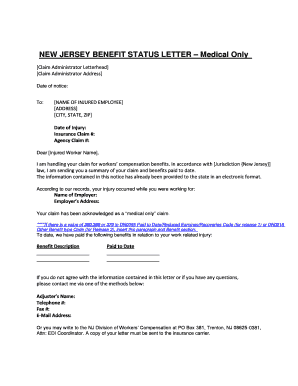
Nj benefit letter

Clean std results

Maine medver medical eligibility get
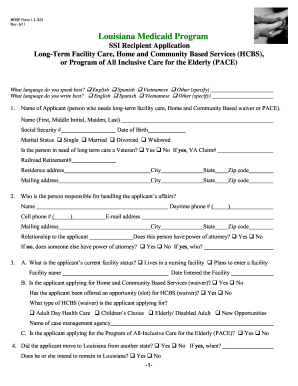
2011 bhsf facility hcbs fillable

Clinical test form
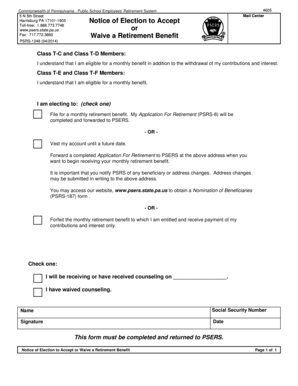
Notice accept retirement sample

2012 pa medical records print
Benefit from the DocHub online library of fillable PDF forms
Searching the PDF forms doesn't have to be a tedious and time-consuming process. With the DocHub online library, it has become easier to find the fillable PDF forms and modify them in your browser. The service allows you to adjust the document to your needs using powerful editing tools.
You can use online document editing features to modify almost any type of document with ease. You just need to find the template of your choice, open it in the editor, and use the toolbar to make the necessary corrections.
Follow this guide to get your document done with DocHub:
- Find the PDF template you need.
- Click the Get Form button to open the file in the editor.
- Use the toolbar to fill out and edit the document.
- Easily add and highlight text, insert images, checkmarks, and symbols.
- Drop new fillable fields, and rearrange or delete pages from your file.
- Save changes and download your record.
DocHub empowers everyone to streamline document editing, signing, and distribution, and form completion. Create an account and benefit from our well-organized PDF Forms library and comprehensive editor.