
Get any PDF form from the DocHub library of ready-made templates - Page 958
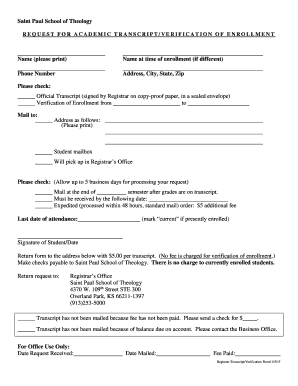
Request for academic transcript - Saint Paul School of Theology
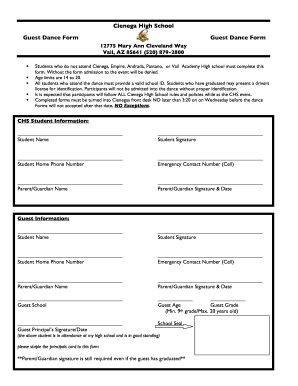
Cienega high school form
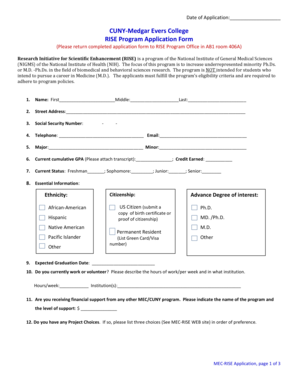
Melgar mec rise

Marys california on campus exemption form requirement
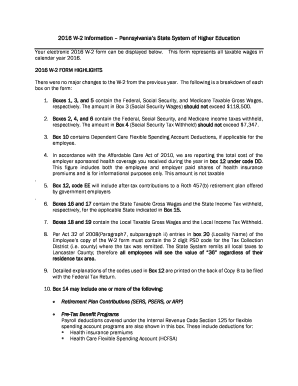
Pennsylvania system w2 information
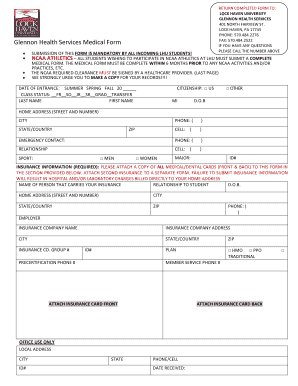
Lock haven university pa glennon

Fiu grant in

Louisiana Students of the Year Awards Program

Ncaa improvement plan division 1
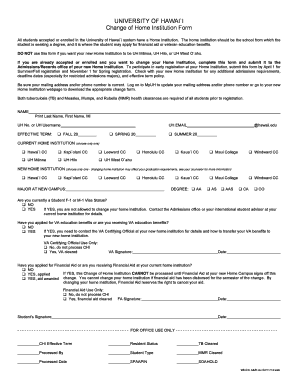
Institution uh online
ADD PERMIT - College of Business Administration - cba csus

Pcusa historical society transcript request form fillable
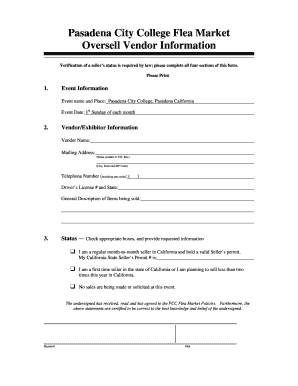
Pasadena city college flea
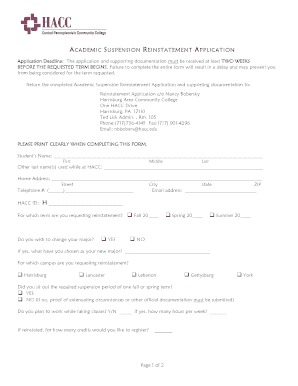
Hacc reinstatement form pennsylvania community college

Veteran enrollment certificate

Henrico 4h scholarship
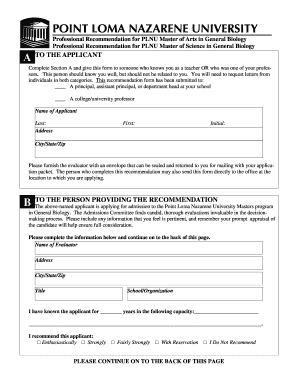
Recommendation plnu general form
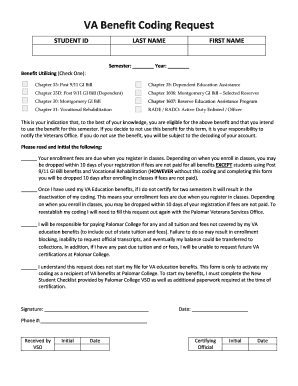
Va benefit coding
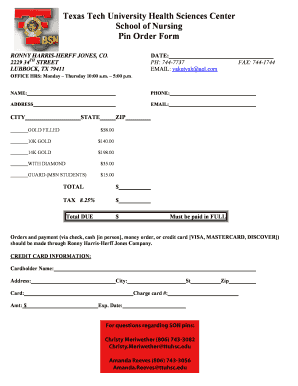
Texas tech pin nursing

Deap students uhpo download
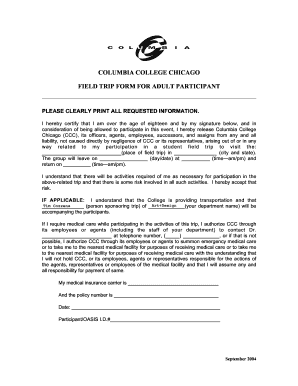
Trip form college chicago
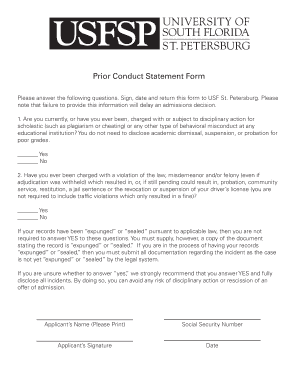
Prior statement form
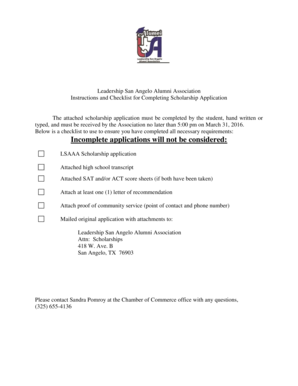
Leadership san angelo scholarship
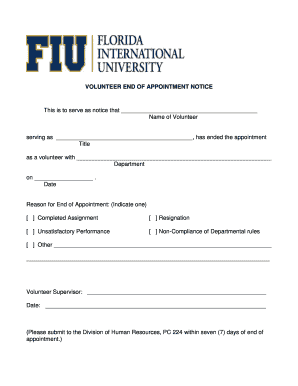
Volunteer appointment notice printable
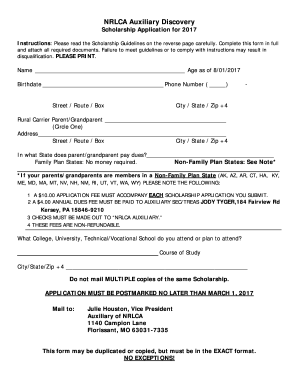
Nrlca scholarships

Petition classification change
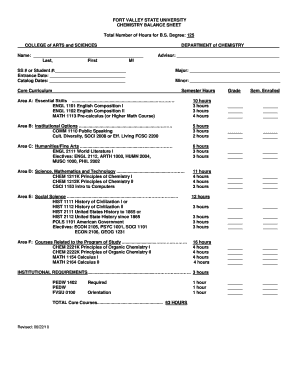
Valley chemistry balance printable
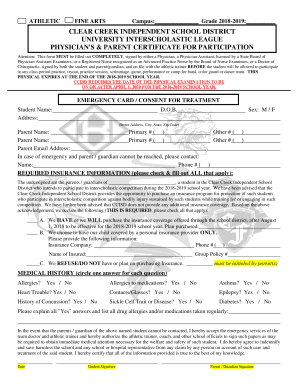
Parent form
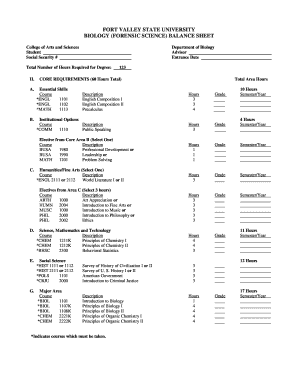
Forensic valley state university

Community services course outline

University winnipeg letter

Fiu form b

Education application form
Get elementary asac make
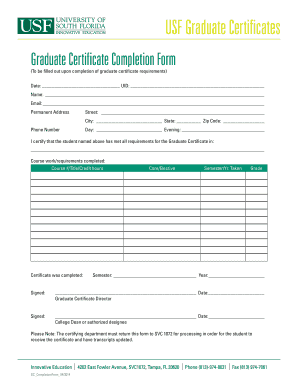
Graduate certificate form

Goose scholarships form

Florida internship manual

Tuskegee academic form fill

Fiu check authorization printable
Volunteer participation roster template
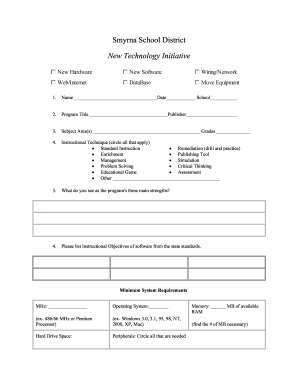
Form smyrna school district
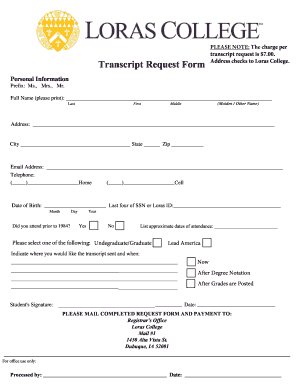
Loras college transcript request
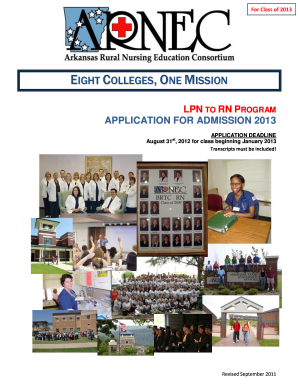
Arnec application
Gatp student fcps
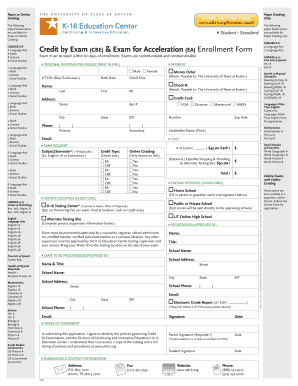
Cbe enrollment form online
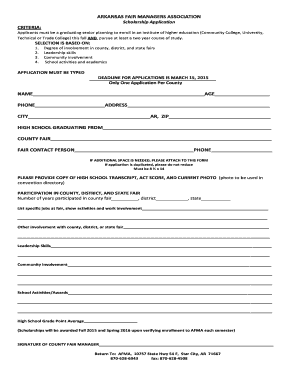
Arkansas fair association scholarship

Boys Basketball Department - Gadsden City High School
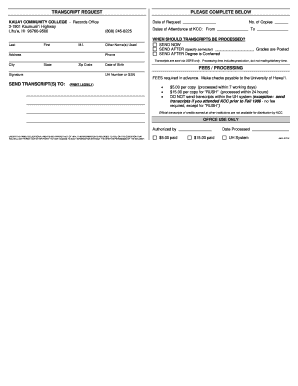
Anscript
Irs 1098t asked form
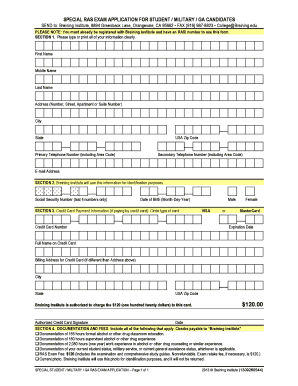
Special ras application
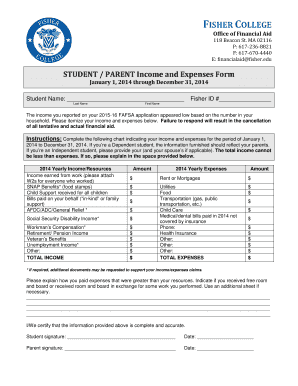
Fisher parent income
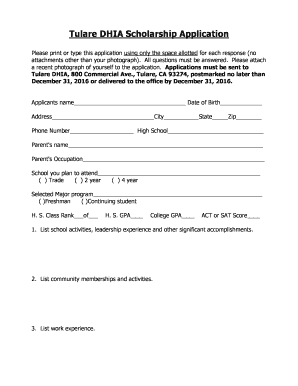
Tulare dhia application
York region arts camp
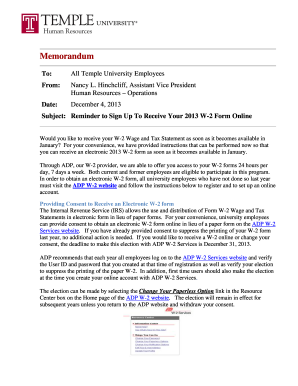
Temple university memorandum
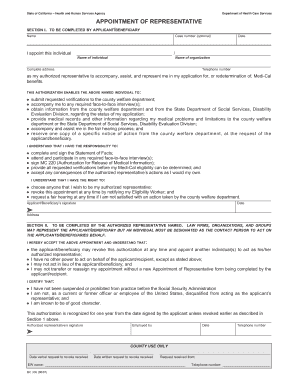
California health care services
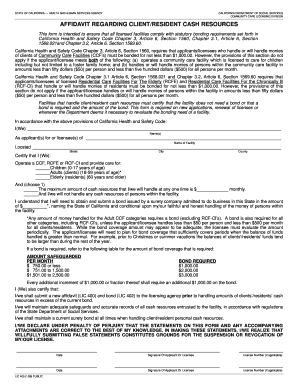
Lic 400
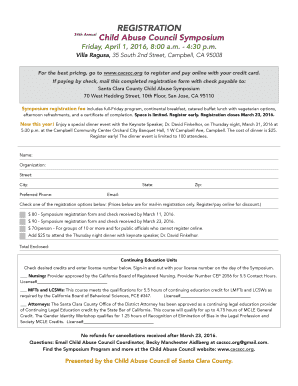
Registration symposium form download

Adh 0006

California release information form
California vcmc participating physician printable
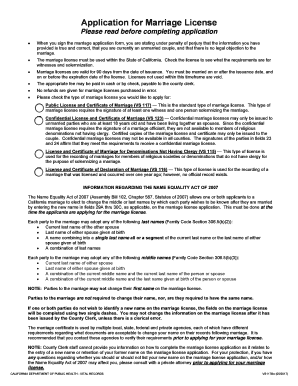
Vs117be application marriage

Ccfrm604 application

Ca widow pension form online
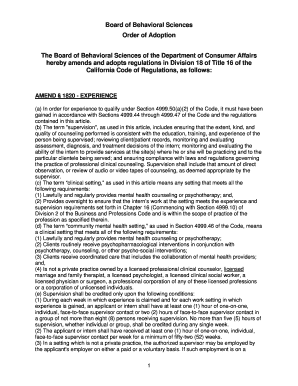
Old lpcc forms bbs california
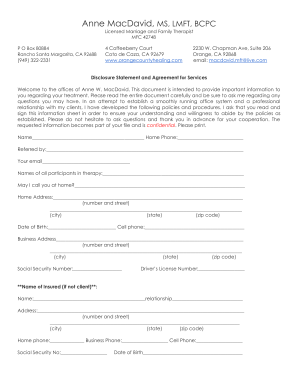
Client Intake Form - Anne W MacDavid
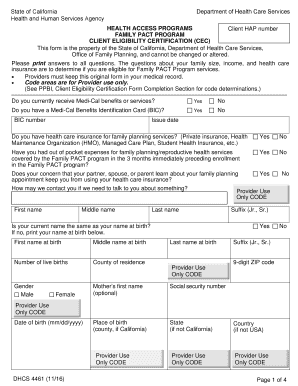
California eligibility certification

Calworks form

Michigan police state

Michigan child licensee
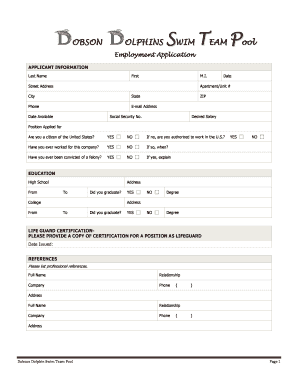
Download lembar ddst pdf
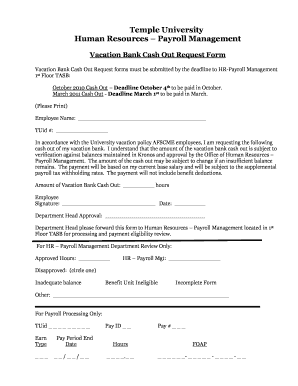
Vacation cash out request letter

Faith letter includes sample

Wage rate
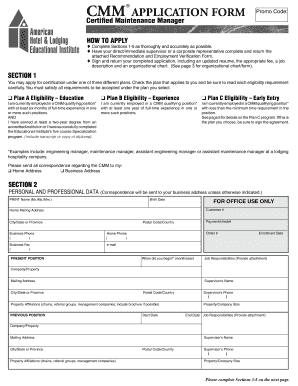
Cmm form

Hillside application
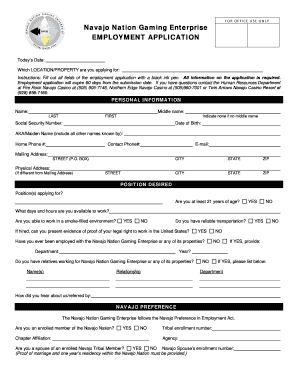
Navajo nation gaming application
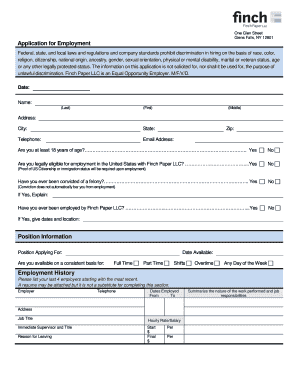
Finch paper application

Larue county public schools employee form sample
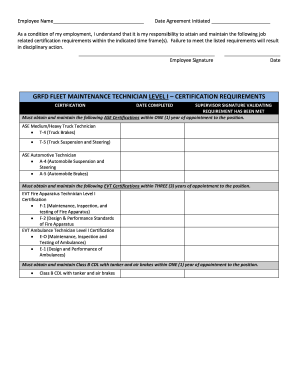
Gfrd maintenance level i certification requirements make
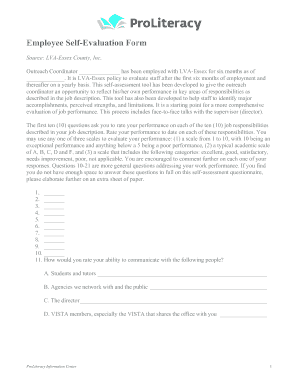
Proliteracy employee self evaluation blank

Baltimore application employment
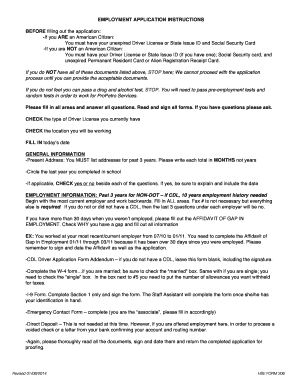
Propetro application

Dgba updates download

Lwcs 1004 form
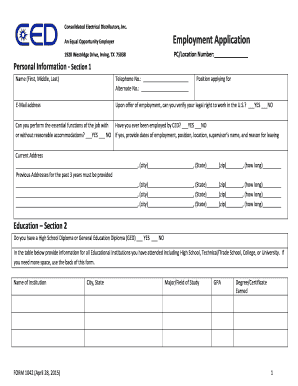
1042 employment application form
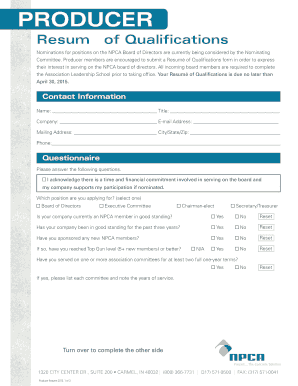
Qualifications npca
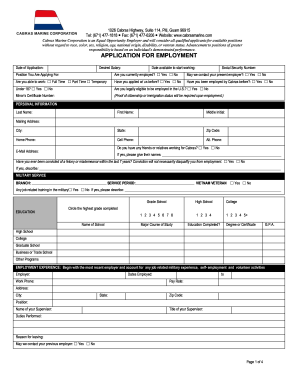
Form pdf karyawan

Cummings, Sheriff
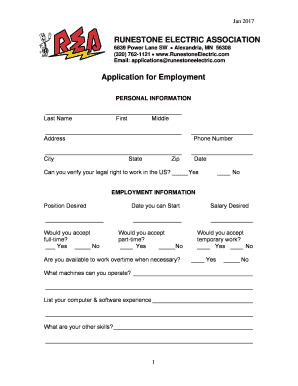
Runestone electric employment

2014 texas h1840s comida programa form blank
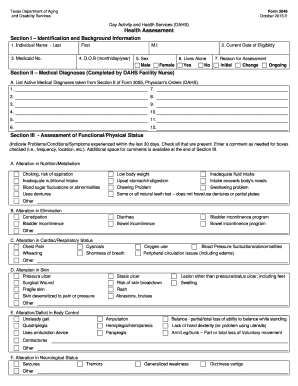
2013 dads 3049 health assessment form

Arizona registration worksheet form
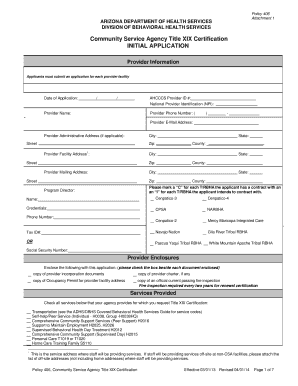
Az agency title application
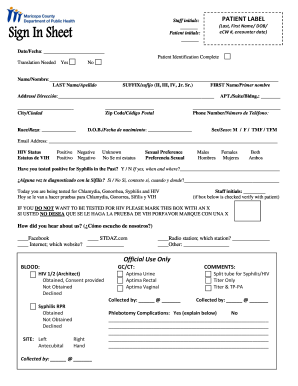
(Last, First Name DOB

CFS 458-B Family Composition-Initial Family Finding-Household Income
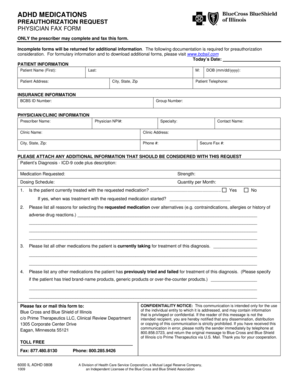
Prime therapeutics prior authorization form
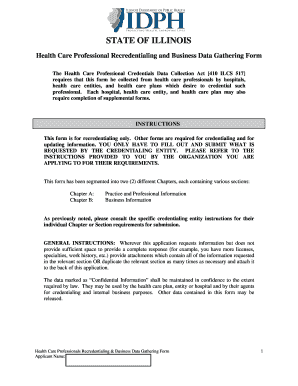
Idph credentialing form
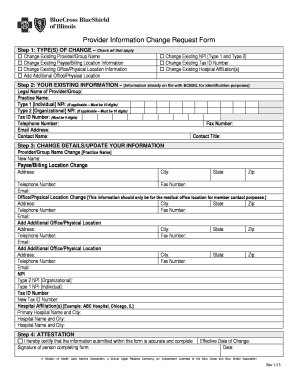
Bluecross information change request form

Pasrr2

Dhs1149 instructions form
Benefit from the DocHub online library of fillable PDF forms
Searching the PDF forms doesn't have to be a tedious and time-consuming process. With the DocHub online library, it has become easier to find the fillable PDF forms and modify them in your browser. The service allows you to adjust the document to your needs using powerful editing tools.
You can use online document editing features to modify almost any type of document with ease. You just need to find the template of your choice, open it in the editor, and use the toolbar to make the necessary corrections.
Follow this guide to get your document done with DocHub:
- Find the PDF template you need.
- Click the Get Form button to open the file in the editor.
- Use the toolbar to fill out and edit the document.
- Easily add and highlight text, insert images, checkmarks, and symbols.
- Drop new fillable fields, and rearrange or delete pages from your file.
- Save changes and download your record.
DocHub empowers everyone to streamline document editing, signing, and distribution, and form completion. Create an account and benefit from our well-organized PDF Forms library and comprehensive editor.