




01. Edit your philippines undertaking los angeles online
Type text, add images, blackout confidential details, add comments, highlights and more.

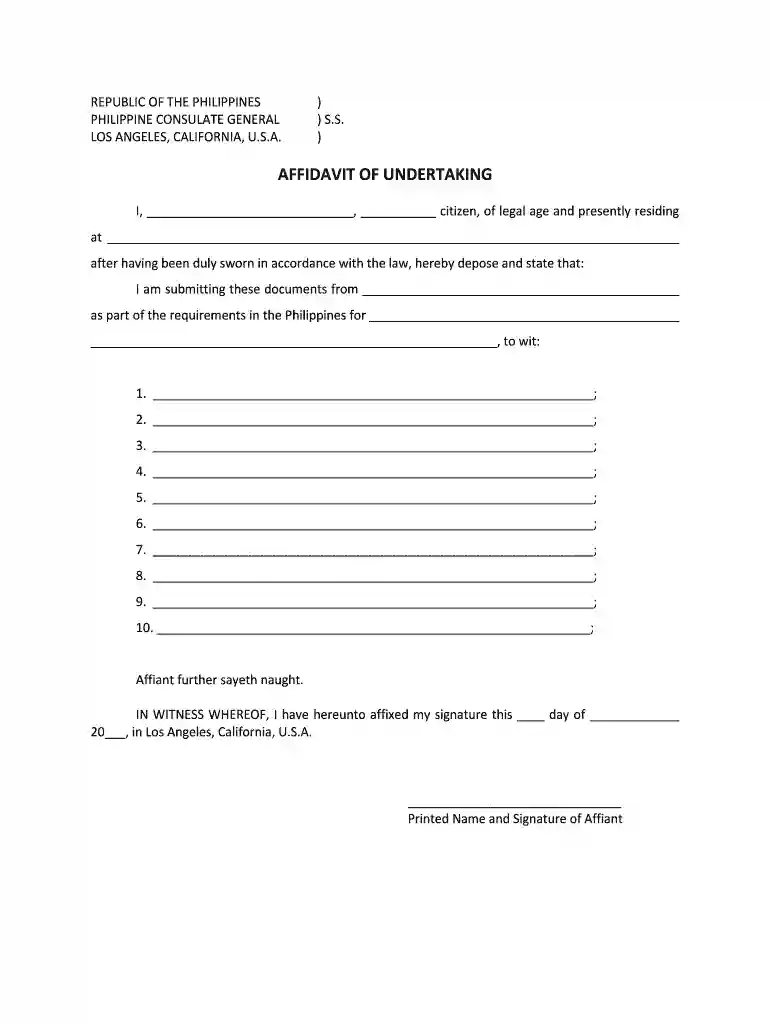
Type text, add images, blackout confidential details, add comments, highlights and more.

Draw your signature, type it, upload its image, or use your mobile device as a signature pad.

Send philippines consulate undertaking los angeles via email, link, or fax. You can also download it, export it or print it out.

Start using our platform today to fill out your Philippines Consulate Undertaking easily and for free!
At DocHub, your data security is our priority. We follow HIPAA, SOC2, GDPR, and other standards, so you can work on your documents with confidence.
Notarial services are for all nationalities and are by appointment only. call 24/7 at +1-202-501-4444 (from abroad) Appointments are required for all notarial
by DL Guimary 1994 Cited by 7 The Seattle consulate covers six Western states; the New York consulate covers 10 Northeastern states; the Los Angeles consulate has Presented at the FilipinoRead more


