
Get any PDF form from the DocHub library of ready-made templates - Page 281

Connecticut r 280 shool instructor download
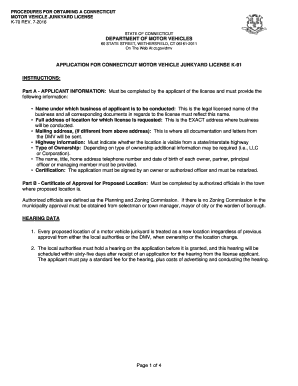
Ct procedures motor vehicle form
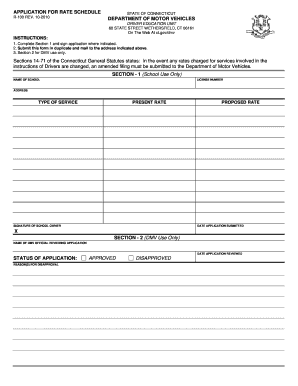
Ct rate schedule

Motor false ct online
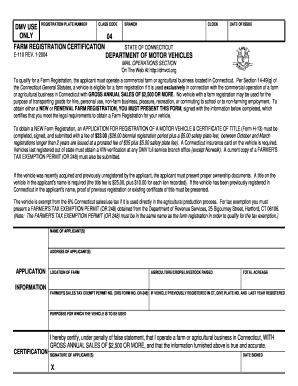
Connecticut farm registration

P 142d form

Ct no affidavit

Duplicate current driver license

Ct transporter registration

Law enforcement registration
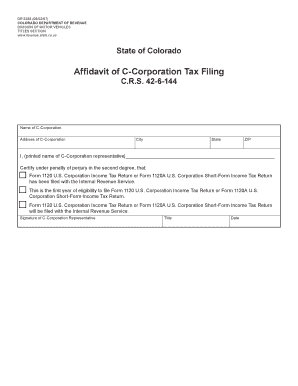
Colorado dr2388 affidavit tax fill
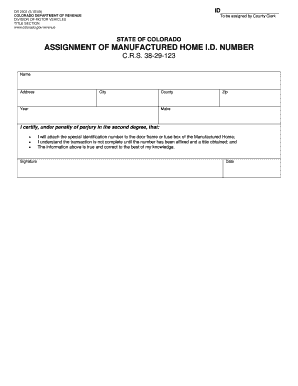
Co manuctured id number
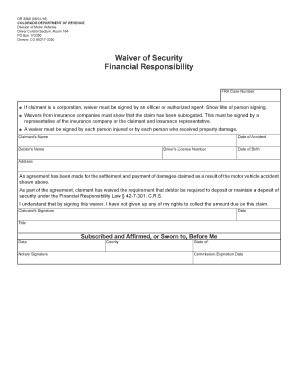
Waiver financial responsibility

Depot colorado revenue
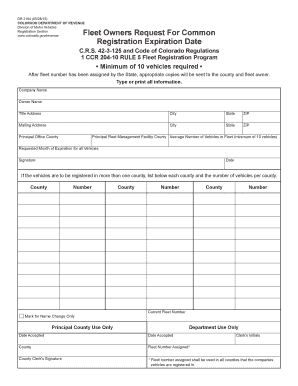
Colorado common registration online
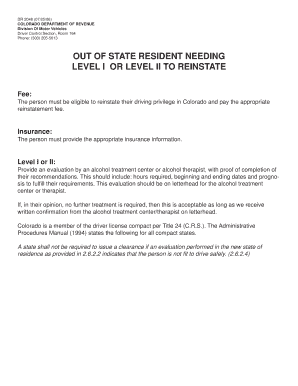
Colorado dr 2048
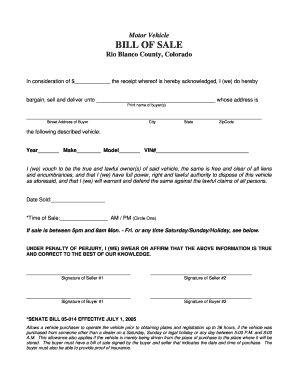
Colorado bill sale blanco
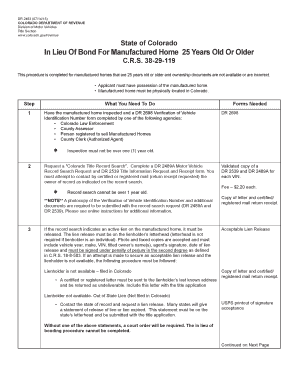
Colorado lieu bond

Ca in transit permit

Inf70

Method of testing cement treated base and - California Department - dot ca
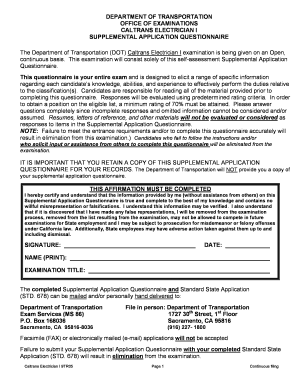
Supplemental Application for CT Electrician I - California - dot ca
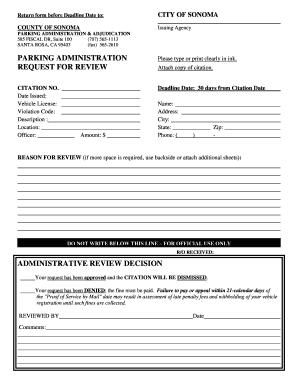
PARKING ADMINISTRATION REQUEST FOR REVIEW
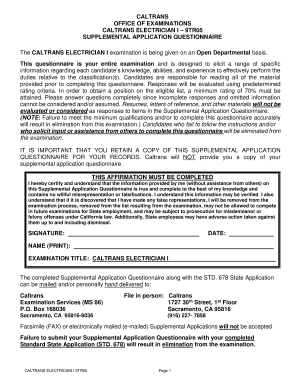
CALTRANS ELECTRICIAN I 9TR05

Arkansas license bass

Arkansas plate deer

Az statement
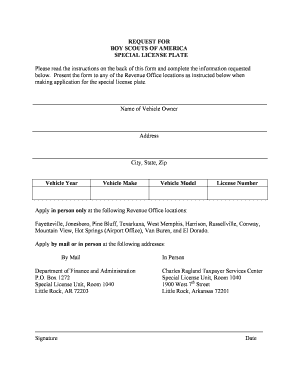
Request boy special
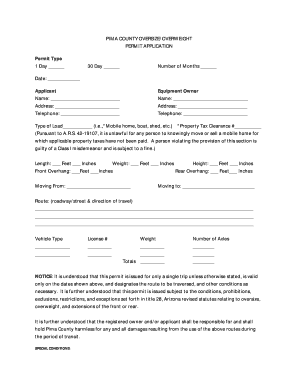
Pima overweight permit
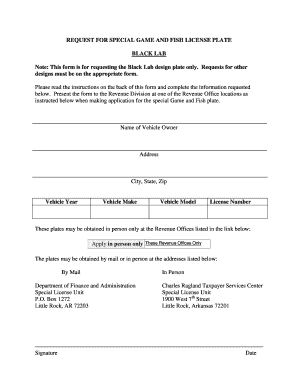
Arkansas license plate black lab

Arkansas fire fighter certification form fill
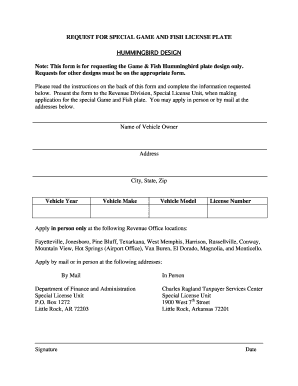
Arkansas license plate hummingbird
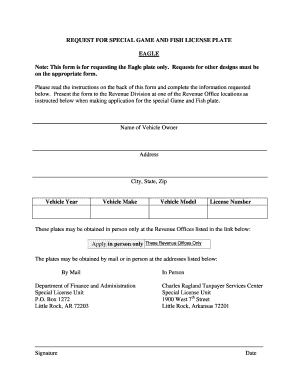
Arkansas plate eagle

Arkansas luther plate blank
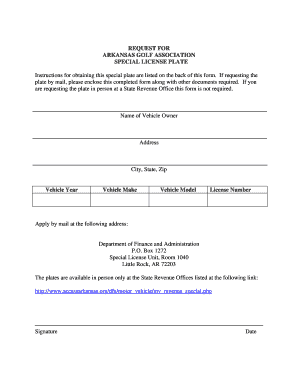
Arkansas golf association
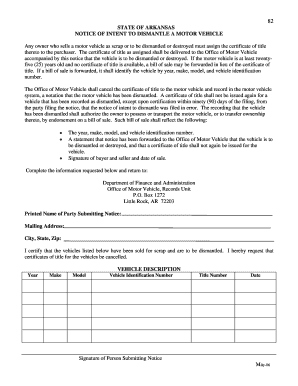
Arkansas dismantle online

Request hospice special form

Arkansas affidavit farm
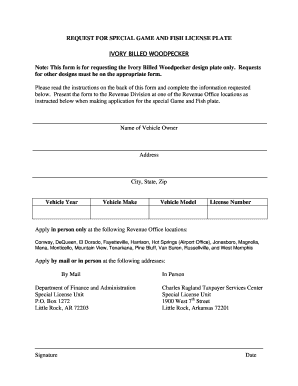
Request ivory billed woodpecker

Arkansas request special license form fillable
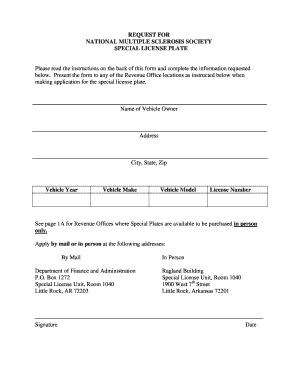
Ar sclerosis license
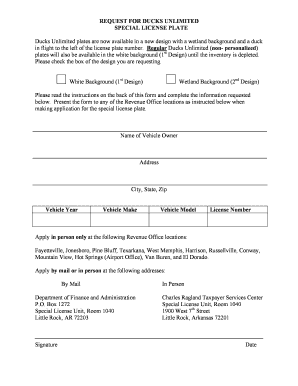
Ar ducks plate

Request game fish form
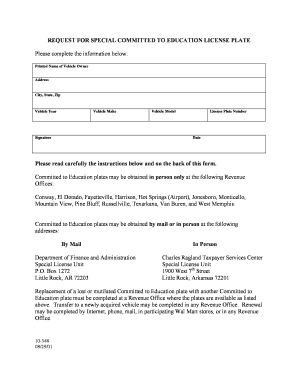
Ar committed form

Plate conservation person get
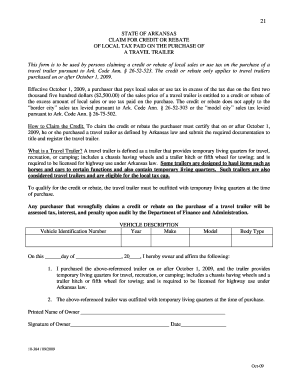
Arkansas trailer form
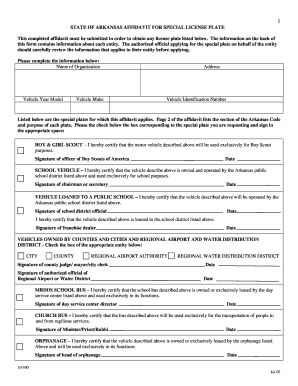
Ar affidavit plate

Confederate dfa arkansas

Arkansas license plate agricultural

Wild turkey federation license plate
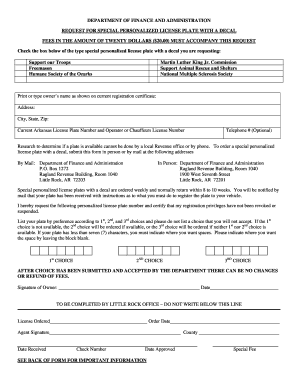
Arkansas request personalized plate

Arkansas special game license trout

Arkansas request personalized plate design online
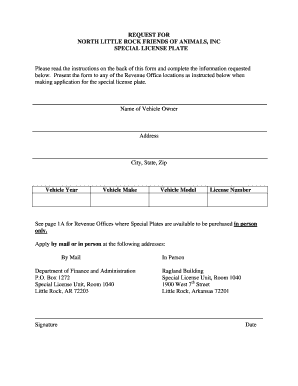
Request friends arkansas
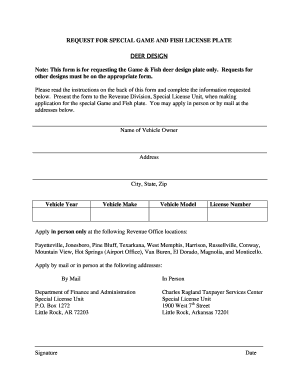
Ar game license plate deer

Ar special license service printable
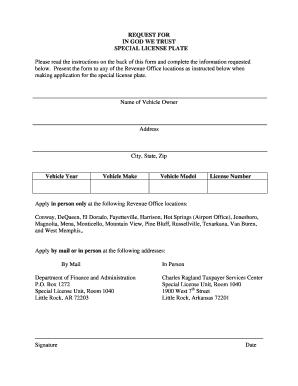
Arkansas in we license plate

Arkansas affidavit license
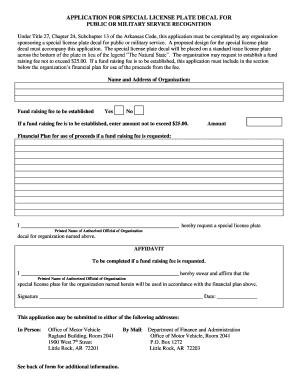
BMW USA: Luxury Sedans, SUVs, Convertibles, Coupes and Wagons

Ar assistance plate
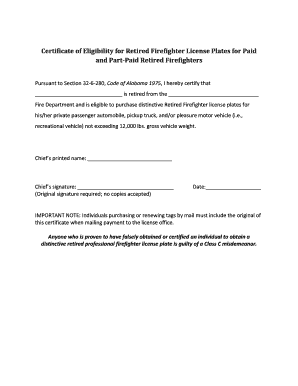
Al eligibility retired plates paid

Alabama driver abstract state bar form
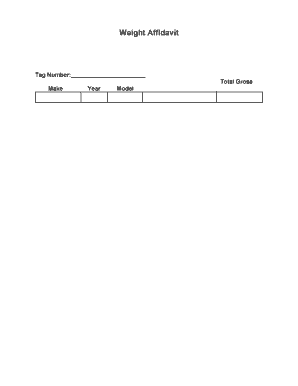
Vehicle Weight Affidavit - Mobile County License Commission

Refund alabama reinstatement
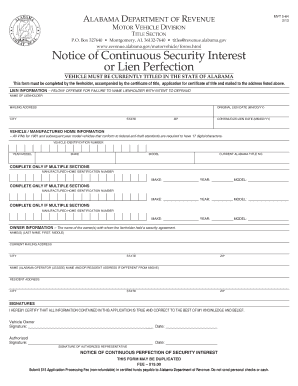
Mvt 5 64

Kbsk 6500 member list 2024 pdf download
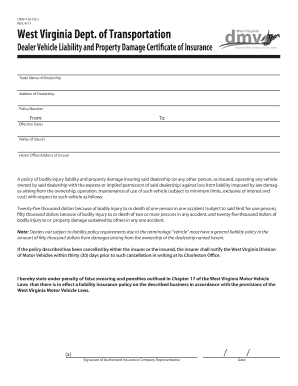
Wv ds

Wisconsin certificate registration

Motor Vehicle Collision Claim for Damages - dol wa
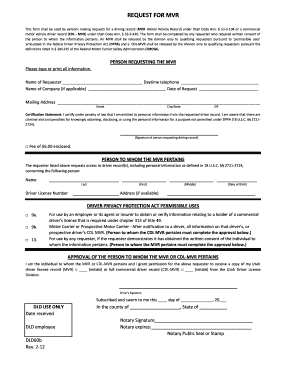
DLD60b - Utah Department of Public Safety - publicsafety utah
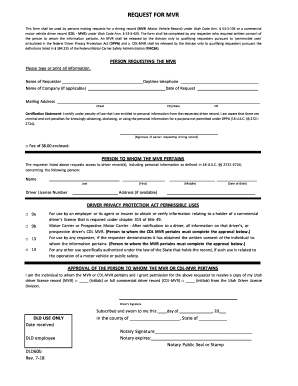
Utah dmv mvr
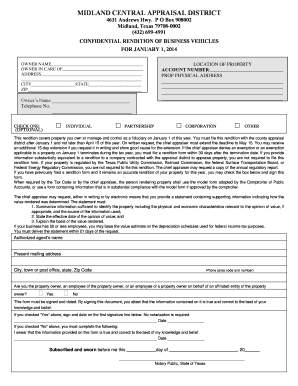
2013 confidential rendition business vehicles midland appraisal template
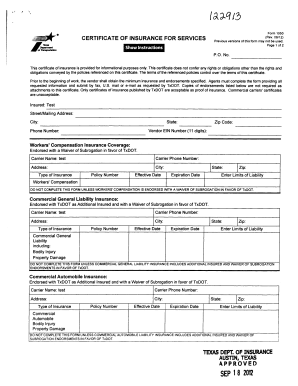
Txdot certificate of insurance form 1950
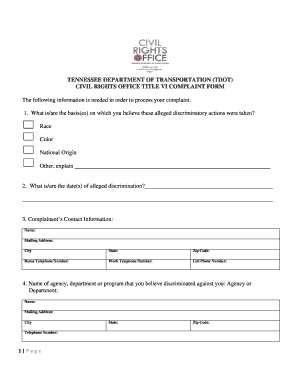
Title vi form tdot
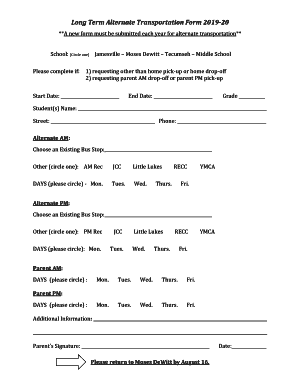
Alternate Transportation Form - Jamesville Dewitt School District
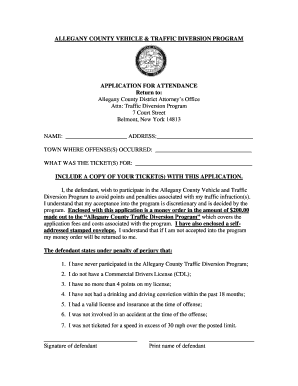
Allegany county diversion

Jamesville dewitt long alternative transportation school district
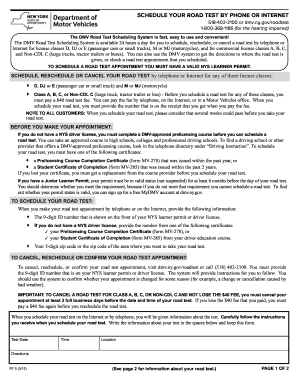
Ny form schedule road test
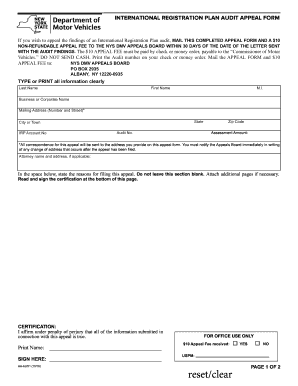
Ny plan audit

Nevada cart permit pdf

How to fill out bill of sale reno nv form

Nj next of kin registry motor vehicle commission
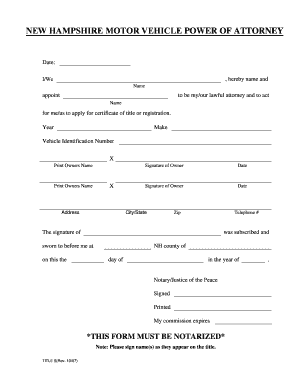
Free New Hampshire Motor Vehicle Power of Attorney Form
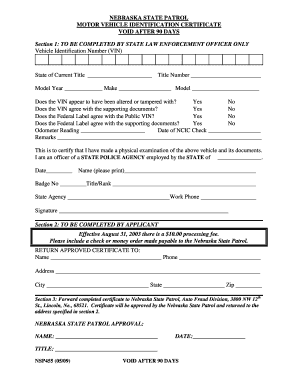
Nebraska identification certificate
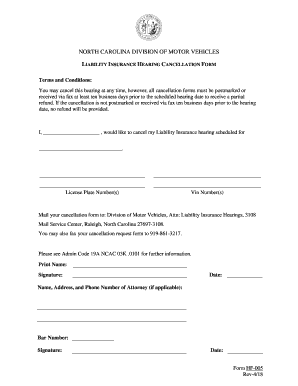
005 liability cancellation form fill
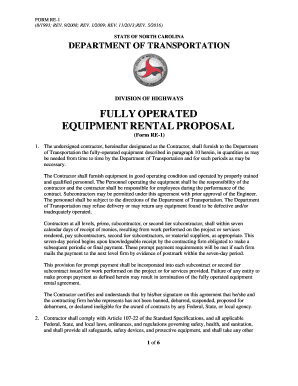
Re 1 form dot
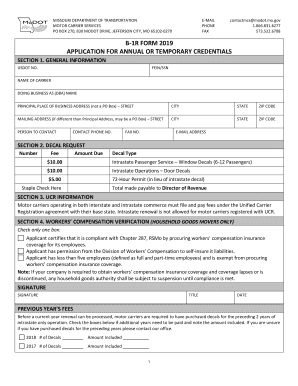
Mo dot form

Junk affidavit

2015 minnesota annual bus pre trip appendix b get

Maine Motor Vehicle Power of Attorney Form

Wyoming Motor Vehicle Bill of Sale - eForms

Vtr 467
Tennessee Child Custody Petition Form Tennessee Child Custody Petition Form
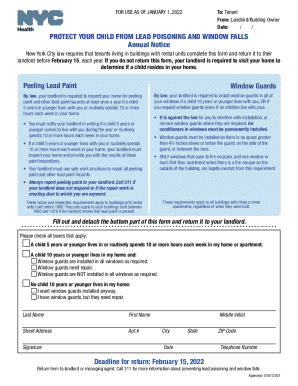
Protect Your Child From Lead Poisoning and Window Falls
BUSINESS PLANNING FACT FINDER - Financial Horizons

9 Teams - 3 Game Guarantee
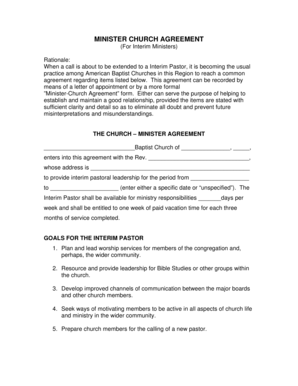
MINISTER CHURCH AGREEMENT - ABC GRR

Fellowship proposal sample pdf

Indiana 4-H Rabbit Ambassador BREED IDENTIFICATION SCORE SHEET

APPENDIX B AERIAL LIFT INSPECTION CHECKLIST
Benefit from the DocHub online library of fillable PDF forms
Searching the PDF forms doesn't have to be a tedious and time-consuming process. With the DocHub online library, it has become easier to find the fillable PDF forms and modify them in your browser. The service allows you to adjust the document to your needs using powerful editing tools.
You can use online document editing features to modify almost any type of document with ease. You just need to find the template of your choice, open it in the editor, and use the toolbar to make the necessary corrections.
Follow this guide to get your document done with DocHub:
- Find the PDF template you need.
- Click the Get Form button to open the file in the editor.
- Use the toolbar to fill out and edit the document.
- Easily add and highlight text, insert images, checkmarks, and symbols.
- Drop new fillable fields, and rearrange or delete pages from your file.
- Save changes and download your record.
DocHub empowers everyone to streamline document editing, signing, and distribution, and form completion. Create an account and benefit from our well-organized PDF Forms library and comprehensive editor.